 Ryan Echternacht
Billing gets more complex as software and AI companies adopt hybrid pricing and add more products. They no longer charge customers a simple monthly subscription fee.
Most teams now combine recurring charges with usage-based fees, prepaid credits, or custom pricing for enterprise accounts.
Automated billing software helps businesses meter customer usage, generate accurate invoices, and manage recurring payments with less manual work.
The right automated platform should make SaaS billing easier while supporting different pricing models. However, not all billing solutions offer the same features.
This guide lists the seven best automated billing software options that eliminate the need for manual billing processes.
TL;DR
These are the top seven automated billing systems for SaaS and AI companies.
- Orb
- Maxio
- Lago
- Zuora
- Chargebee
- Zoho Billing
7 Best Automated Billing Software Solutions in 2026
Here are the best automated billing platforms that can eliminate manual processes and reduce human errors.
1. Schematic
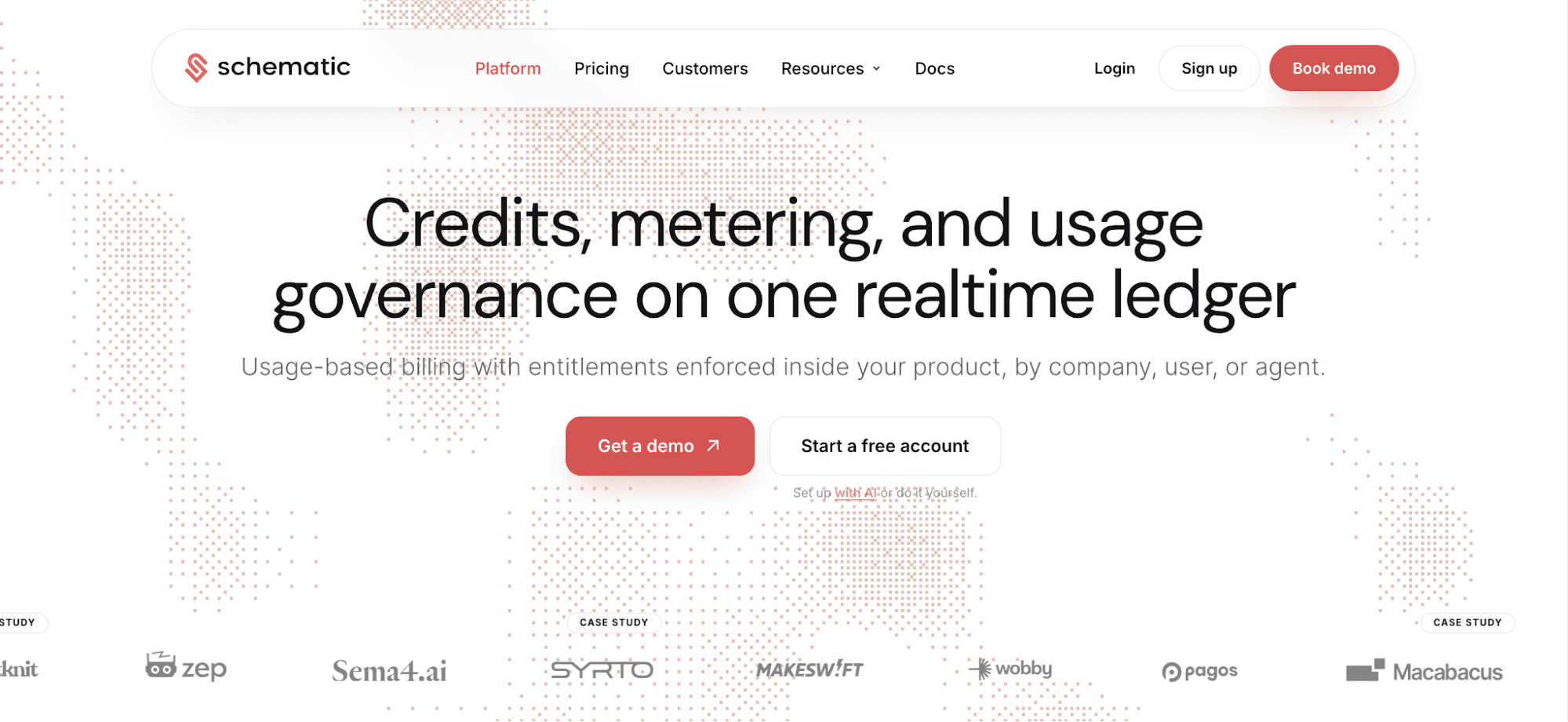
Schematic is the best automated billing platform for software and AI companies selling usage-based plans to enterprises.
It combines metering, credit wallets, software entitlements, and usage governance on a real-time ledger. Every event is counted once, and the same ledger powers billing operations and access controls.
Schematic supports billing automation through its hosted model context protocol (MCP) server. Connect Claude, Codex, or any AI assistant to read billing data on Schematic. Then, use one prompt to run automated workflows, such as checking feature usage, granting credits, or managing overrides.
Max Ade from Pickleheads shares, "The Schematic MCP is fantastic, and we now do most of our work in Claude, accessing plan and billing information directly without leaving our workflow."
What sets Schematic apart is how it addresses customer trust structurally. Enterprise credit wallets show remaining balances, spend forecasts, and self-service controls.
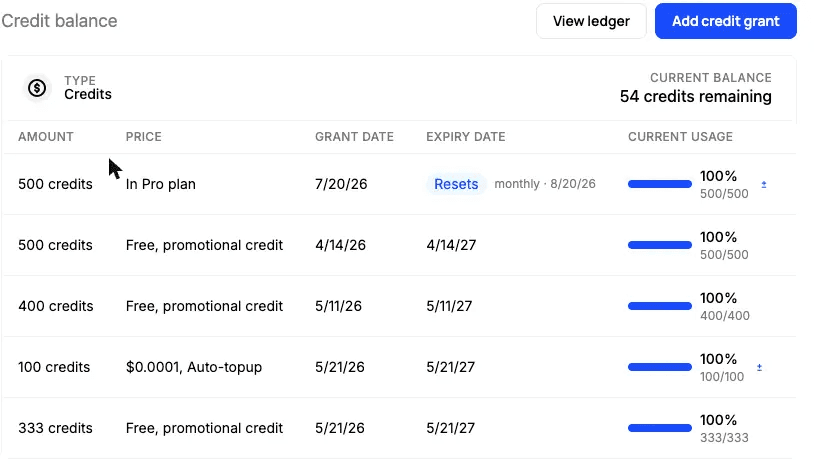
Customers can buy credit bundles, set spending caps per company, user, or agent, and adjust automatic top-up rules. Sales teams can grant an exception for an enterprise deal. Policies take effect immediately without deploying code.
One flag check gates features and answers access questions using the same call in React, Node, Python, and Go. This keeps balances, limits, and usage in sync everywhere the product reads them.
Key Features
- Enterprise credit wallets: Monitor credit grants, rollovers, top-ups, and burn-down as they happen. Customers can see exactly what they use and owe.
- Runtime software entitlements: Track customer usage against caps and enforce entitlements in real time.
- Usage metering and billing: Record usage events once to power recurring invoices, entitlements, and analytics.
- Schematic MCP: Let AI agents view plans, check usage, and run automated workflows.
- Credit pricing management: Set credit burn rates, rollover rules, expiration dates, and top-up policies. Then, reserve credits before committing or releasing them based on the final result to prevent double spending.
- Plan versioning: Update pricing plans and move customers to new versions while still offering legacy plans.
- Event log: View live credit grants, deductions, and entitlement checks for faster implementation and debugging.
- Append-only ledger: Keep an auditable record of credit activity to meet ASC 606 revenue recognition rules.
2. Orb
Source: withOrb.com
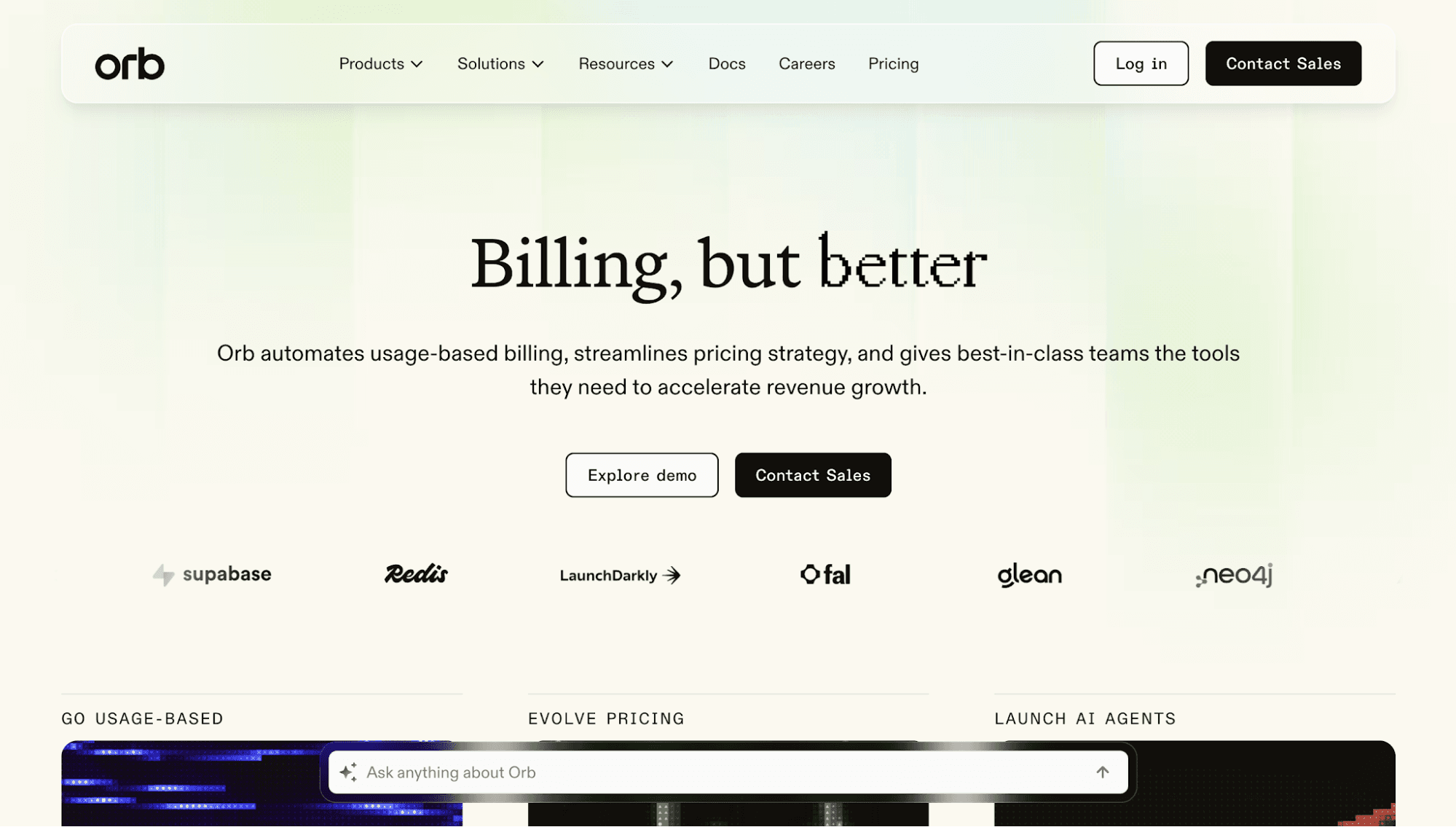
Orb offers billing automation software for SaaS and AI companies that charge customers for consumption. It automatically generates invoices based on product usage data, applies pricing rules, and calculates charges for metered billing.
Orb also helps finance and product teams build revenue recognition and accounts receivable (AR) reports. Advanced dunning workflows can retry payments and remind customers about overdue invoices.
Meanwhile, native integrations connect billing data to accounting systems, customer relationship management (CRM) software, and enterprise resource planning (ERP) tools.
Orb can even improve customer satisfaction and trust by providing transparent pricing calculators, checkout flows, and advanced dashboards.
Key Features
- Usage-based billing engine: Ingest consumption events, model contracts, calculate usage-based charges, and manage pricing plans.
- Automated invoicing process: Generate and send invoices directly to customers.
- Experience kit: Build pricing calculators, checkout flows, and customer-facing usage dashboards.
- Payment collections and revenue recognition: Accept customer payments, retry failed transactions, and generate revenue recognition reports that align with ASC 606 standards.
- Price simulations: Test pricing and analyze key subscription metrics to forecast revenue impact before shipping.
3. Maxio
Source: Maxio.com
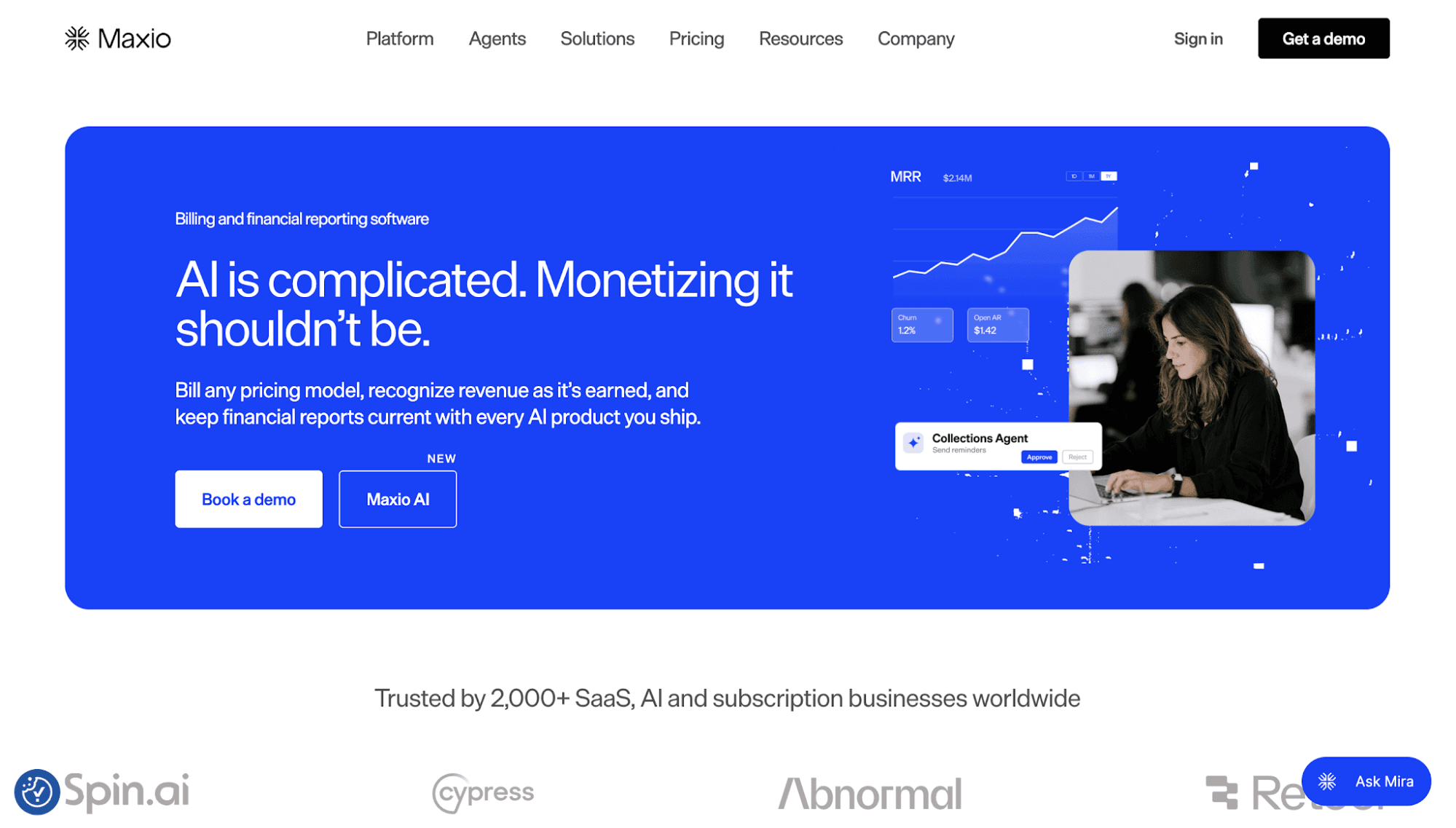
Maxio's automated software is designed for SaaS and AI companies running subscription and usage-based billing. It connects product usage directly to invoices, allowing companies to charge by license, overage, or meter without manual data entry.
Finance teams can automate recurring payments, set renewal dates, prorate mid-cycle changes, and schedule charges based on contract terms.
Maxio also notifies customers before subscriptions expire and automates plan renewals to prevent churn.
A customer self-service portal allows subscribers to upgrade, downgrade, cancel plans, and update payment methods without contacting support.
Maxio even sends payment reminders and retries failed charges through customizable dunning workflows. Teams can easily follow up on outstanding invoices and monitor payment status without manual payment tracking.
Key Features
- Automated invoice generation: Create invoices based on billing schedules, usage data, subscription renewals, and contract terms.
- Subscription management: Handle subscription renewals, plan changes, cancellations, and recurring billing.
- Payment processing: Support multiple payment methods, including credit cards, digital wallets, and direct debit, with dunning tools to recover failed or overdue payments. A built-in customer payment portal lets users update payment details and choose their preferred payment method.
- Real-time metering: Track product usage as it happens and convert usage events into billable charges.
- Standardized quotes: Create quotes using standardized SKUs, price lists, and automated approval workflows.
4. Lago
Source: getLago.com
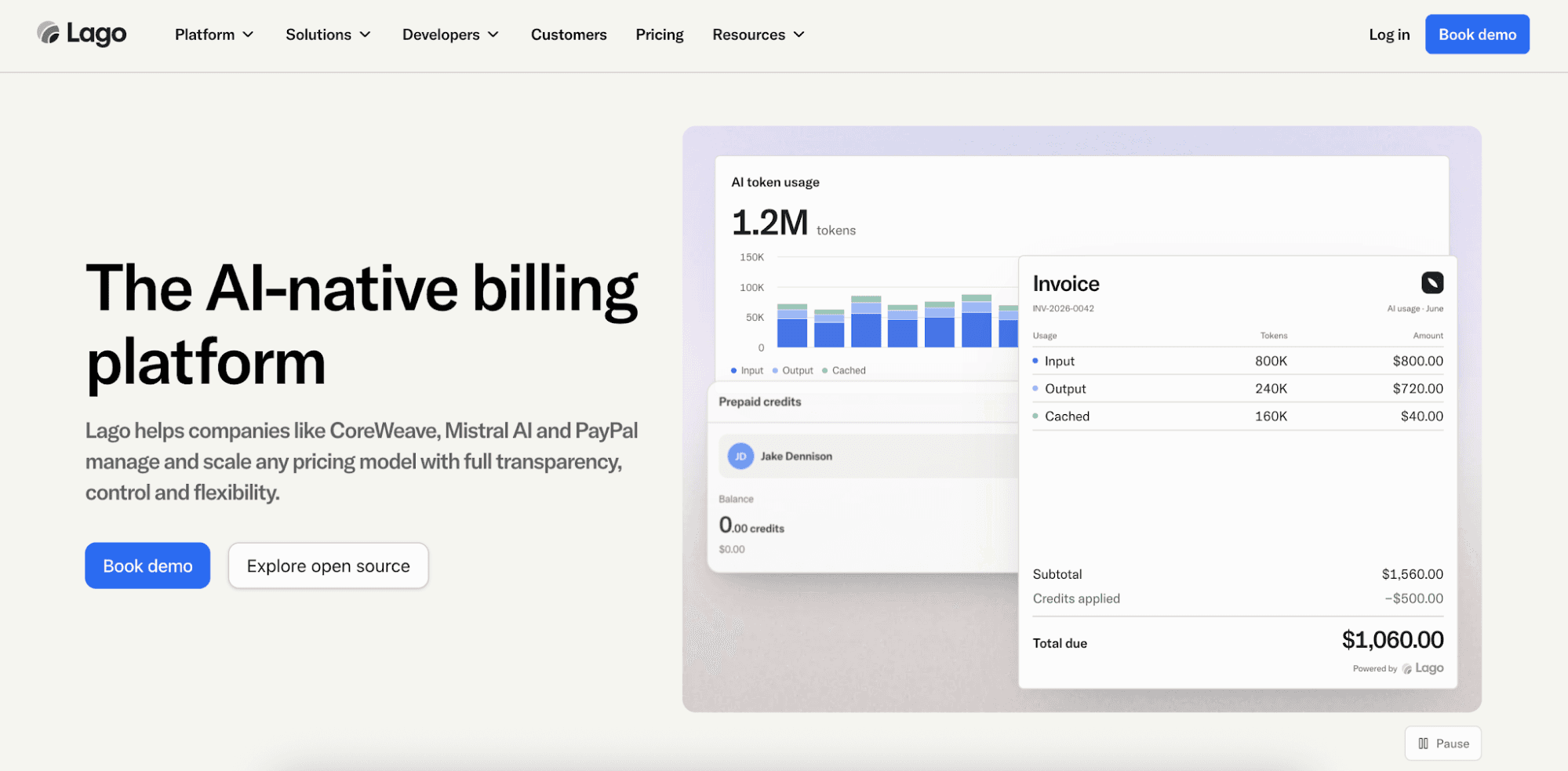
Lago provides automated billing software for SaaS and AI businesses managing subscriptions, usage charges, and prepaid credits.
Its automated system calculates charges, generates invoices, and connects with multiple payment gateways to process payments.
Built-in AI assistants can simplify the entire billing process. The billing agent handles routine tasks through plain-language requests. Meanwhile, the finance assistant finds invoices, generates reports, and builds custom dashboards.
There is also a pricing assistant that can test different pricing strategies and run billing scenarios to help teams understand revenue impact.
Plus, an AI-powered dunning agent can optimize cash flow by sending reminders for late payments and retrying failed transactions.
Key Features
- Automated invoice delivery: Lago's invoicing system creates and sends itemized invoices based on billing cycles and customer usage.
- AI assistants: Help teams manage manual tasks, generate reports, and test pricing models using plain-language requests.
- Cash collection: Offer flexible payment options to accept payments through connected payment processors. Automated dunning can retry failed payments and send reminders on overdue invoices.
- Usage metering: Capture and aggregate usage events into billable metrics.
- Revenue analytics: Sync subscription billing details to data warehouses and export financial reports.
5. Zuora
Source: Zuora.com
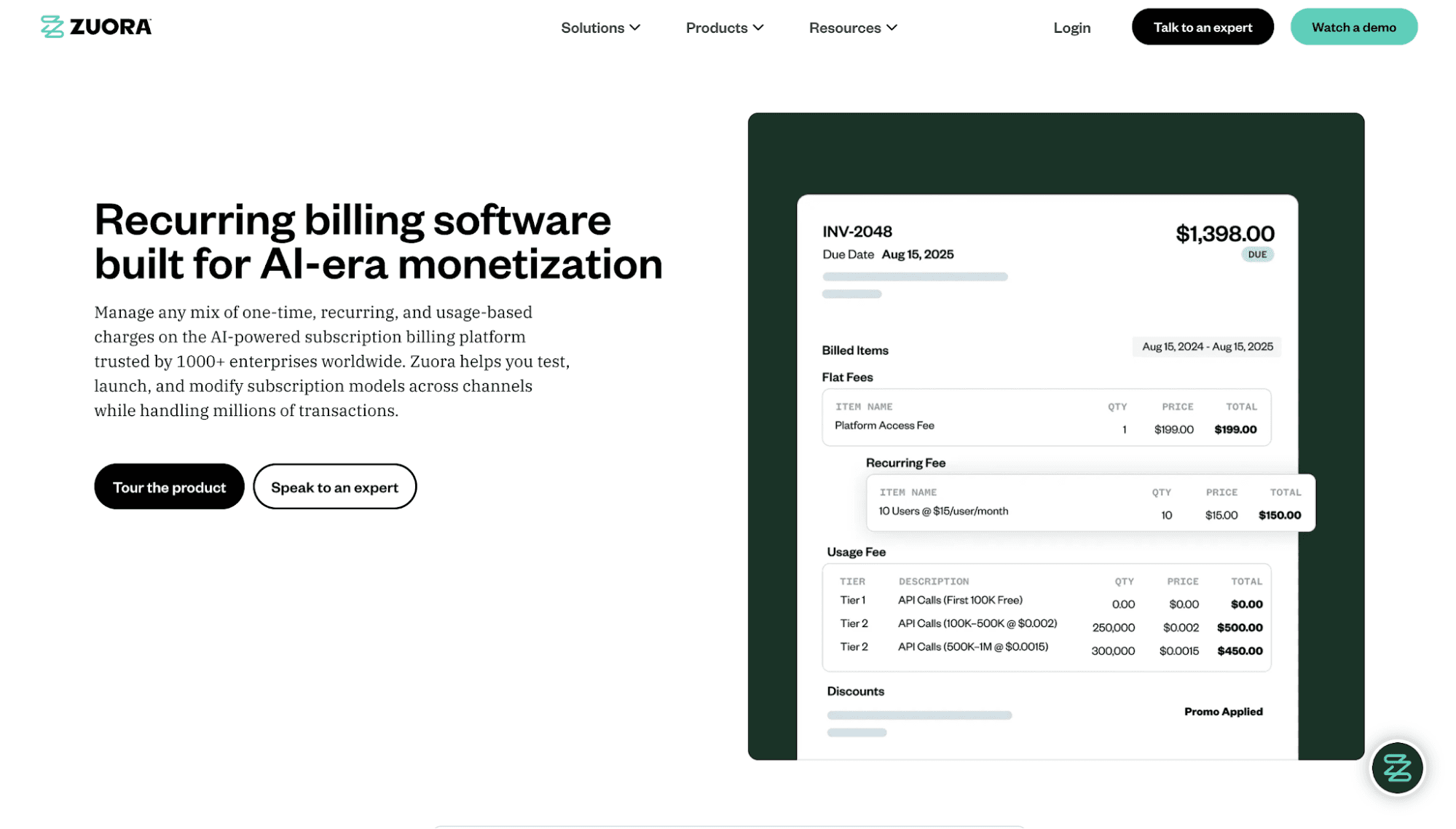
Zuora is SaaS billing software that can automate invoicing, payment processing, subscription management, and usage metering. It's designed for businesses with subscription billing models, usage-based plans, and hybrid pricing models.
The built-in mediation and rating engine can process large volumes of usage events and calculate charges based on customer consumption.
Zuora also automates complex billing workflows at scale, such as managing parent-child customer accounts.
Zuora even provides secure APIs and MCP servers that connect billing, revenue, and usage data to AI agents. These enable companies to build custom automated workflows while maintaining control over customer data and system access.
Key Features
- Support for flexible pricing models: Implement one-time, recurring, usage-based, and hybrid pricing with custom billing rules.
- Mediation and rating: Capture usage events and apply pricing rules to calculate customer charges automatically.
- Global payments orchestration: Choose from multiple payment gateways to process payments and recover failed charges.
- Integrated configure-price-quote system: Create quotes throughout the entire customer lifecycle, from new sign-ups to upsells and renewals.
- Built-in extensibility: Use secure APIs and MCP servers to connect billing or usage data to AI agents.
6. Chargebee
Source: Chargebee.com
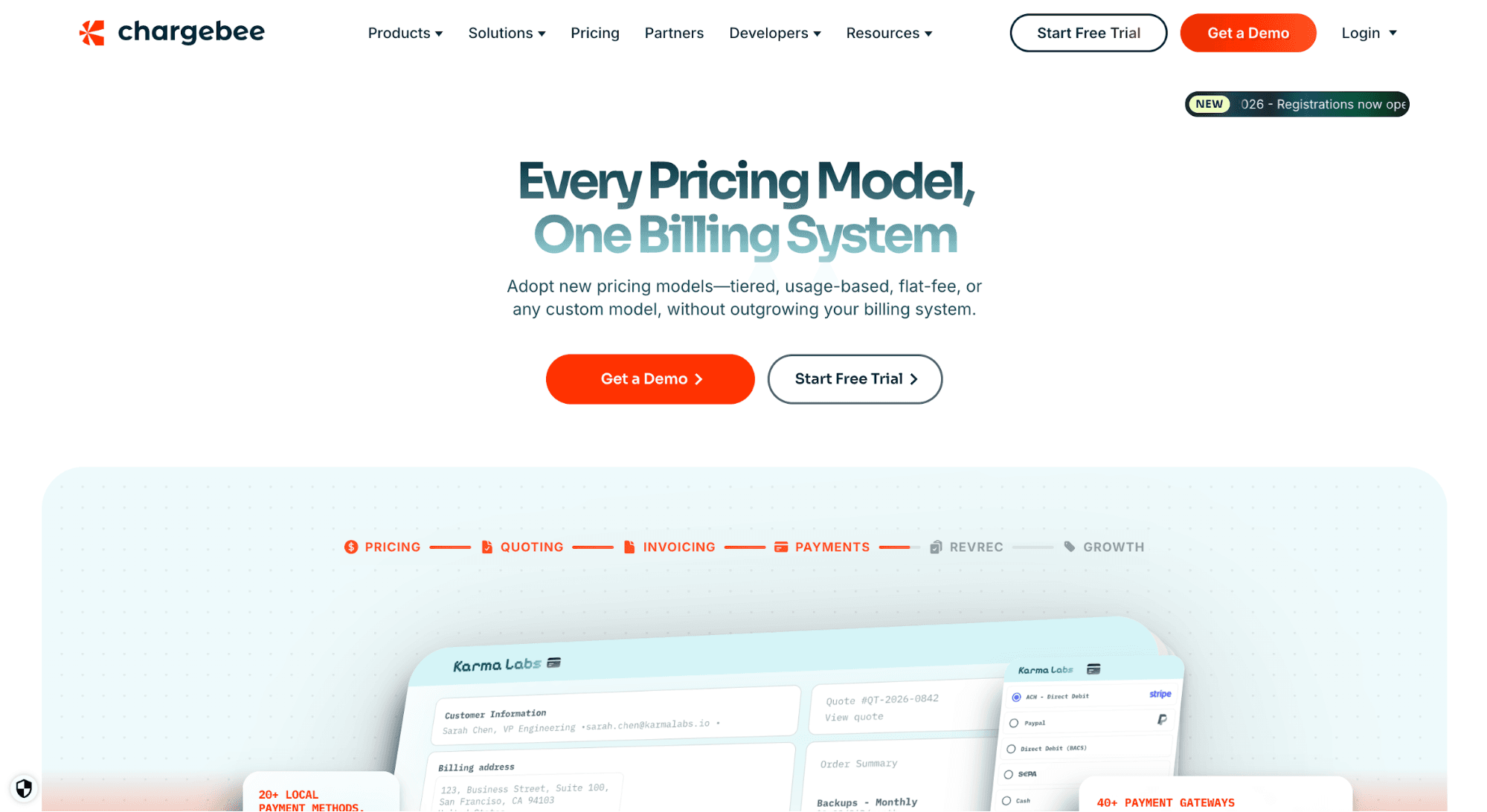
Chargebee helps software and AI companies automate billing and revenue workflows. Its invoicing software generates bills for recurring, usage-based, and hybrid plans, including charges from mid-cycle upgrades and add-ons.
Teams also use Chargebee to automate the entire process of customer onboarding, trial pricing management, and payment collection. It connects to multiple payment gateways and accepts international currencies.
Tax is automatically handled by Chargebee. It works by integrating with Anrok, Avalara, and Vertex to manage compliant invoicing, tax filing, and reporting.
Plus, Chargebee includes an AI-powered retention engine. It can increase customer lifetime value by helping teams understand why customers leave. Then, they can present targeted offers to prevent churn.
Key Features
- Automated invoicing and billing: Generate invoices for recurring, usage-based, and hybrid plans based on customer billing cycles.
- Smart trial automation: Automate customer onboarding, trial periods, and upgrades from free trials to paid subscriptions.
- Global payment processing: Support over 40 payment gateways, multiple payment methods, and more than 100 billing currencies.
- Tax management: Calculate sales tax, VAT, and GST automatically while supporting tax exemptions and regional tax rules.
- AI-powered retention engine: Analyze cancellation trends and present different offers to retain customers.
7. Zoho Billing
Source: Zoho.com
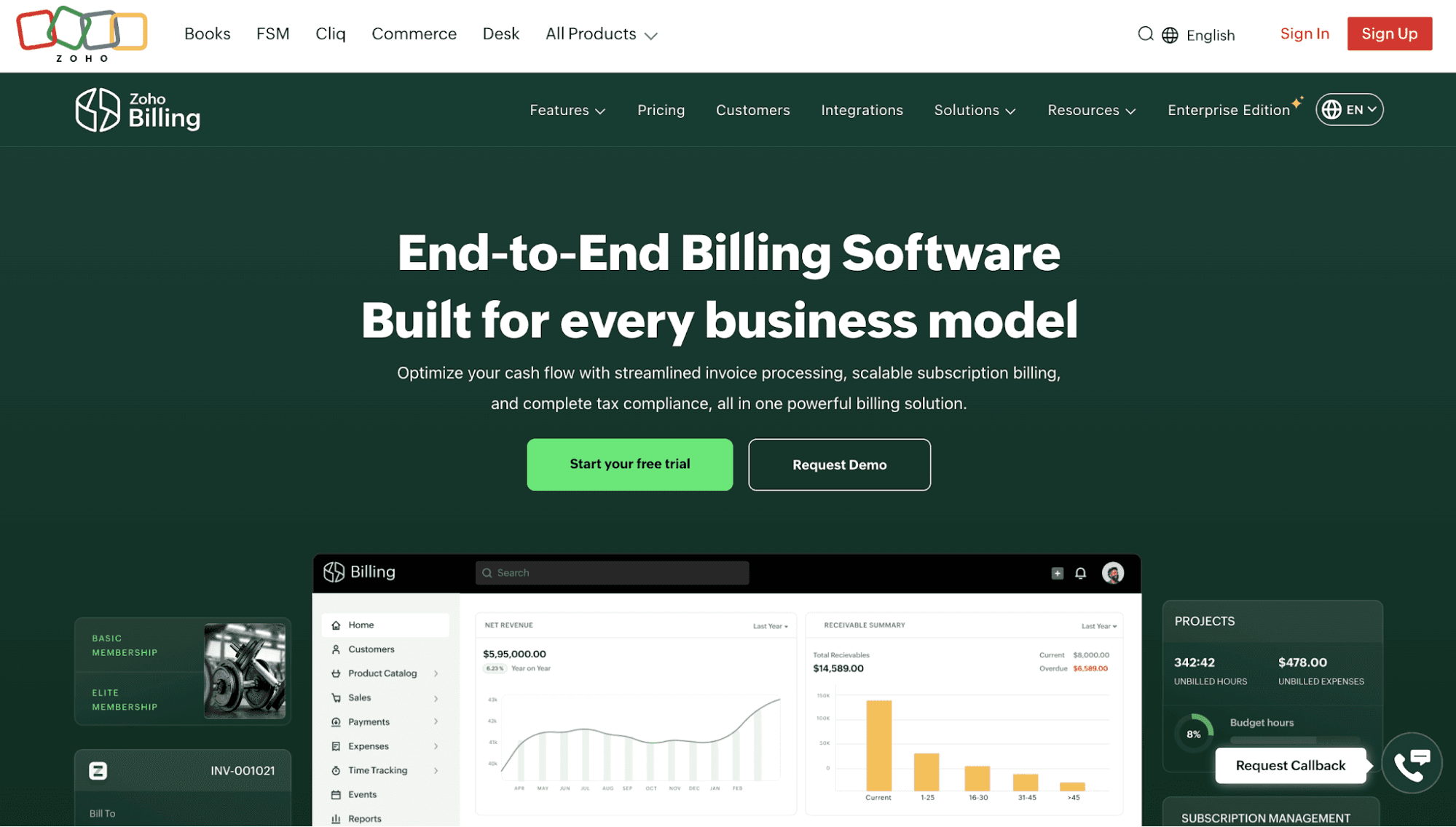
Zoho provides an effective automated billing system for every business model. It automatically handles invoice processing, subscription billing, payment processing, and tax compliance.
Secure payment links and hosted payment pages can accept both bulk and partial payments. SaaS teams can also enable auto-charge or auto-debit for recurring payments to ensure timely transactions.
Zoho Billing can also manage the customer lifecycle. Give subscribers the flexibility to upgrade, downgrade, or pause their plans. Then, send automated reminders to keep them informed about their subscription status.
The built-in proration mechanism instantly calculates charges for mid-cycle plan changes to ensure accurate billing. Plus, teams can enable proration at the subscription level when setting up new subscriptions.
Key Features
- Automated invoicing and tax compliance: Generate invoices, apply tax preferences, and support regional tax rules.
- Payment processing: Send payment links or build custom payment pages to process payments.
- Customer lifecycle management: Manage free trials, subscription upgrades, downgrades, pauses, and account renewals.
- Prorated billing: Calculate charges automatically when customers change plans during a billing cycle.
- Custom functions and schedulers: Automate manual tasks using custom Deluge scripts and custom workflows set to run at predefined intervals.
How to Choose the Right Automated Billing Software
Here are some tips to keep in mind when evaluating the best billing software for automating routine billing tasks.
Evaluate Billing Automation Features
Start by identifying the billing tasks your team still handles manually. Look for billing software that can automate invoice generation, payment collection, subscription renewals, and failed payment retries.
For usage-based products, prioritize automated usage tracking, credit balance updates, and prorated billing. These features help prevent billing errors and unexpected charges.
You should also check whether the platform supports refunds, tax calculations, and customer self-service portals.
The right billing software allows your finance and RevOps team to manage complex billing scenarios without relying on developers.
Check Supported Pricing Models
The automated billing system should support the pricing models your business currently uses or plans to introduce in the future.
For many SaaS and AI companies, these may include recurring subscriptions, seat-based pricing, usage-based billing, credit burndown, and hybrid plans. The 2025 State of AI report reveals that 38% of AI-native companies adopt a hybrid model.
Some businesses also need volume discounts, minimum spending commitments, or custom enterprise pricing.
Choose a platform that lets you combine pricing models and update plans without rebuilding your billing system. This gives you more flexibility to test new offers as customer needs or market trends change.
Assess Integration Capabilities
The best SaaS billing software should work with your existing tech stack. Make sure it can integrate with payment solutions, accounting software, ERP systems, data warehouses, and CRM software.
API and SDK support is also important. The billing platform should collect usage events from your product and send updated billing information to other systems.
Don't forget to review how the software handles data transfers. Delayed updates or missing records can lead to incorrect invoices and customer complaints.
Invest in platforms with clear API documentation, native integrations, and testing tools. These can reduce development work and make billing setup easier for your team.
Consider Scalability
Choose automated billing software that can support more customers, transactions, and billing events as your company grows.
A platform that handles basic monthly subscriptions may struggle with millions of API calls, AI token events, or custom enterprise overrides.
Ask vendors about their event-processing capacity, system reliability, and ability to update usage balances in real time. Then, check whether they support multiple currencies, customer account groups, and complex billing schedules.
Your team should also be able to introduce new products or change pricing without touching application code.
Compare the Total Cost of Ownership
Don't choose automated billing software based only on its monthly subscription fee. Calculate the total cost of buying, setting up, and maintaining the platform.
Consider the following expenses:
- Subscription fees
- Payment processing and transaction fees
- Setup, integration, and data migration costs
- Premium support and paid add-ons
- Ongoing engineering and maintenance costs
Some automated billing platforms charge based on invoice volume, usage events, or the number of customer accounts.
Ask vendors how their pricing changes as your business grows. You should also consider the time your finance and engineering teams spend managing the billing system.
A cheaper platform may cost more over time if it requires additional tools or manual work.
Automate Usage-Based Billing and Enforce Runtime Entitlements With Schematic
Schematic provides a complete usage-based billing platform for software and AI companies selling to enterprises.
It can meter product usage, grant credits, and enforce limits inside your product in real time. One event stream powers invoices, entitlements, and analytics without double counting.
Schematic's native credit wallets give customers full visibility and control over their usage. Buyers can set spending limits, manage top-up rules, receive warnings before usage stops, and define what happens at the cap.
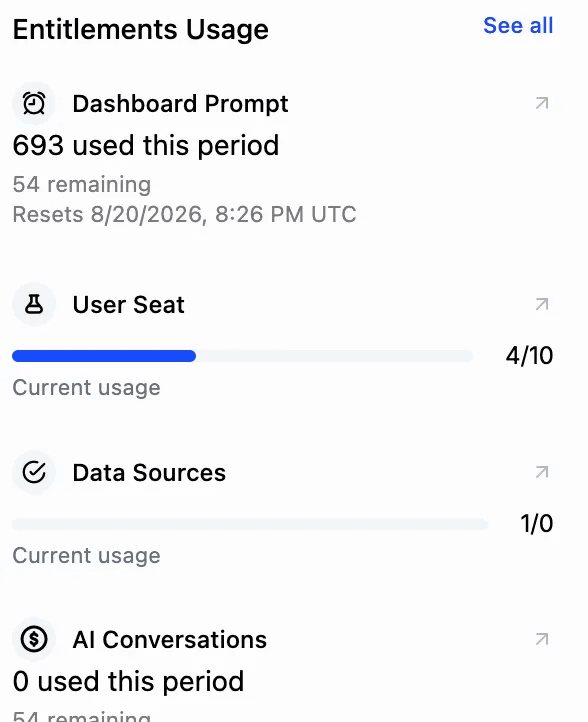
Policies automatically take effect once your customer or your team saves them without deploying code or filing a support ticket.
Both buyers and sellers gain confidence that usage will stay within budget and that customers will only be charged for what they expect.
Rahul Gill from Macabacus says, "Schematic's ability to offer usage caps, bundles, and top-ups gave our customers the cost predictability they need."
Schematic's hosted MCP server also connects AI agents to billing data and tools. Agents can identify customers at risk of churn, check usage, and send retention offers through a single automated workflow.
FAQs About Automated Billing Software
What are the top automated billing systems?
The best automated billing systems include Schematic, Orb, Maxio, Lago, Zuora, Chargebee, and Zoho Billing. Schematic stands out for enterprise usage-based billing and entitlement enforcement, while other platforms specialize in automated subscription management, invoicing, and revenue reporting.
What is the best automated invoice processing software?
Schematic is a strong choice for software and AI companies that need automated usage-based billing and invoicing. Other options to consider are Maxio, Lago, and Zoho Billing.
How to automate a billing process?
Start by choosing automated billing software that supports your business and pricing model. Connect the system to your preferred payment gateway, configure billing rules, and set invoice schedules. Then, automate payment collection, subscription renewals, and reminders while tracking billing activity through reports.
Is there free billing software?
Yes, Schematic offers its entire billing platform for free, but only up to $5K/mo in billing volume. The free tier (Starter) includes 10 subscriptions, two company overrides, and 500k monthly events.