 Ryan Echternacht
SaaS businesses need more than a basic checkout page. They require tools that can handle subscriptions, recurring billing, failed payments, taxes, and global payment methods.
The right SaaS payment solution helps software companies accept payments, manage subscriptions, and grow recurring revenue.
Below, we'll look at the five best SaaS payment solutions and their key features. We'll also discuss what to consider when monetizing Software-as-a-Service.
TL;DR
Here are the best SaaS payment solutions:
- Stripe
- PayPal Braintree
- Adyen
- Chargebee
- Paddle
5 Best SaaS Payment Solutions for Your Software Business
Here are the best payment solutions that SaaS companies can use to collect payments.
1. Stripe
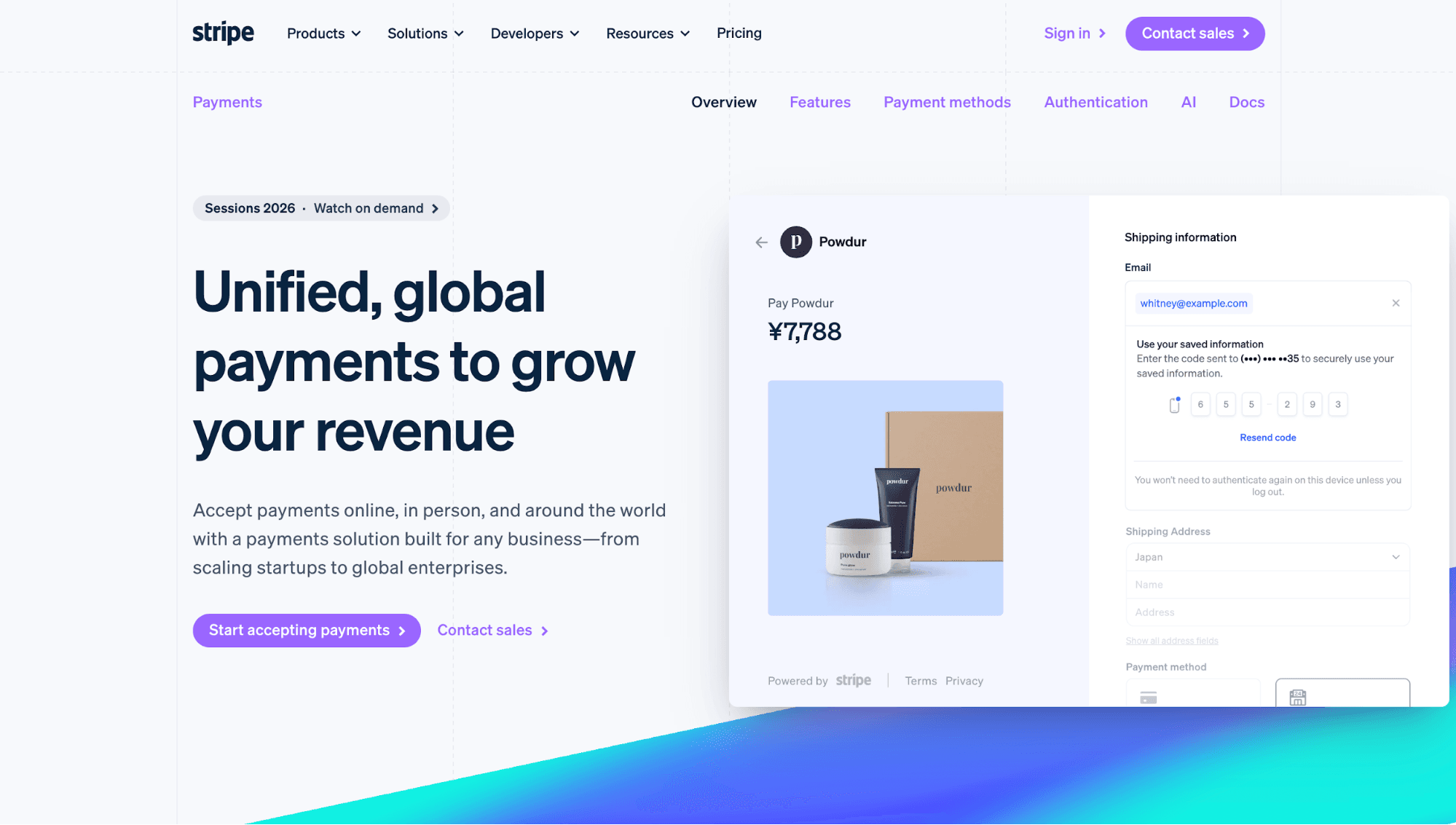
Source: Stripe.com
Stripe is a financial services platform that offers payment processing solutions for businesses of all sizes, including Software-as-a-Service.
SaaS platforms use Stripe to embed payments and financial services into their products. Instead of building everything from scratch, they take advantage of Stripe's pre-built payment UIs, shareable payment links, and one-click checkout.
Stripe also provides drop-in components and no-code tools that help SaaS businesses go to market faster.
Stripe Payments stands out for its ability to accept over 100 payment methods. Charge customers by credit card, Apple Pay, bank debits, and more.
The payment processor can also support multiple currencies, allowing SaaS companies to sell to international customers without problems.
Plus, Stripe Payments seamlessly integrates with other Stripe products to create a unified financial stack.
This makes Stripe a good fit for SaaS companies that want payment processing now, but may need a subscription billing system, revenue recognition capabilities, and reporting tools later.
Price: Stripe has a transaction fee of 2.9% + $0.30 for domestic cards. SaaS companies with large payment volumes or unique business models can choose custom pricing.
Key Features:
- Customer interfaces: Enhance the customer experience with built-in payment forms, payment links, billing components, and API-only checkout.
- Multiple payment options: Accept local and international payments via cards, digital wallets, bank debits, buy now, pay later (BNPL) options, and 135+ currencies.
- Mobile dashboard: SaaS teams can manage payments through the Stripe Dashboard mobile app or build payment flows with iOS and Android SDKs for mobile users.
- Revenue optimization: Use authentication and authorization tools to prevent declined transactions.
- Native Stripe integrations: Extend Stripe Payments by connecting to Stripe Billing, Stripe Tax, Stripe Connect, and other Stripe products.
2. PayPal Braintree
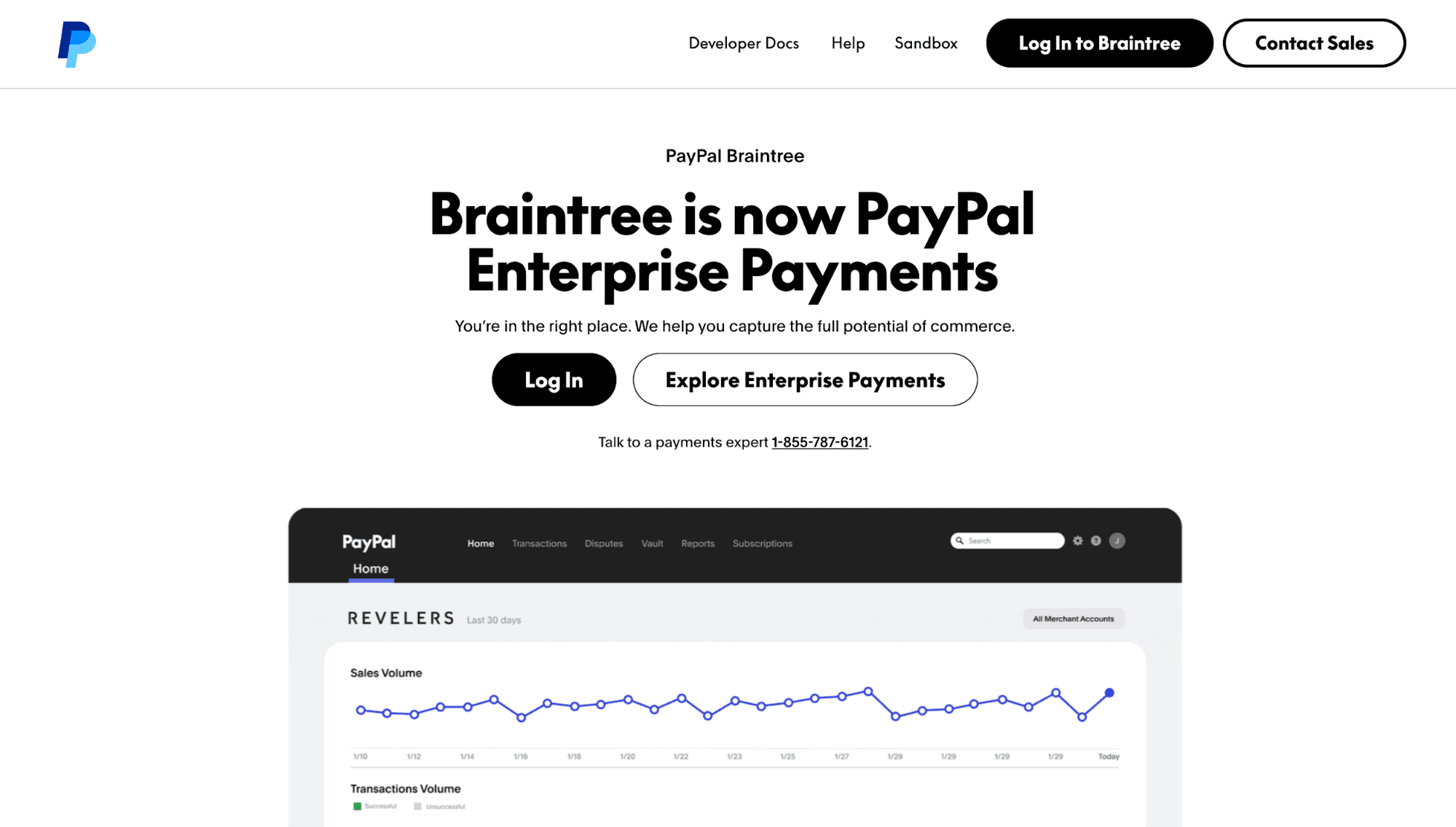
Source: PayPal.com
PayPal Braintree, also known as PayPal Enterprise Payments, is a global payment processing solution.
It enables SaaS companies to accept online payments from PayPal, Venmo (for U.S. customers), credit cards, debit cards, and popular digital wallets. It also supports local payment methods.
Braintree offers mobile SDKs and flexible APIs. These make it easier to integrate Braintree's capabilities into your application.
What's good about Braintree is that it offers a sandbox environment. Most SaaS businesses can test the checkout experience before applying for a merchant account.
The payment processor even includes adaptive fraud management to protect financial transactions against evolving threats.
Price: Braintree charges standard merchants 2.89% + $0.29 per transaction. Additional percentage markup fees apply for other payment methods. Volume-based discounts are available for established businesses.
Key Features:
- Global and local payment methods: Support credit or debit cards, PayPal, Venmo, Apple Pay, Google Pay, and more.
- Flexible integrations: Use mobile SDKs and APIs to create tailored checkout experiences.
- Adaptive fraud detection: PayPal Braintree assigns a risk score to every transaction and prevents fraudulent and unauthorized transactions.
- Sandbox environment: Test transactions, subscriptions, and API flows before signing up for a merchant account.
- Simplified PCI compliance: Meet PCI standards for secure handling of sensitive data.
3. Adyen
Source: Adyen.com
Adyen is a strong fit for larger SaaS companies that sell across markets and need more control over payment collection.
The platform offers different online payment services. You can charge customers via web, inside the software app, or with recurring payments.
You can also choose from various payment methods. Accept direct debit, credit cards, digital wallets, and more with one integration.
Integrating Adyen into your payment flow is easy. Build checkout pages through a pre-built user interface, drop-in components, or third-party partners.
With Adyen's API access, you can even optimize online payments with add-ons. Use delegated authentication to create a safe and seamless checkout experience. Or tap into machine learning technology to increase conversion rates and revenue growth.
Price: Adyen charges a fixed processing fee of $0.13 plus another fee determined by the payment method. Interchange-plus pricing is available for select payment methods.
Key Features:
- Diverse payment methods: Accept 150+ currencies and 200+ local payment methods for global SaaS sales.
- Built-in optimizations: Maximize conversions, boost authorization rates, and reduce costs.
- Risk management: Use machine learning and automation to detect fraud.
- Tokenization: Let customers pay without entering their payment details for faster, recurring, or subscription-based checkouts.
- Embedded payments: Integrate Adyen into your SaaS product, so customers can sign up and pay through one solution.
4. Chargebee
Source: Chargebee.com
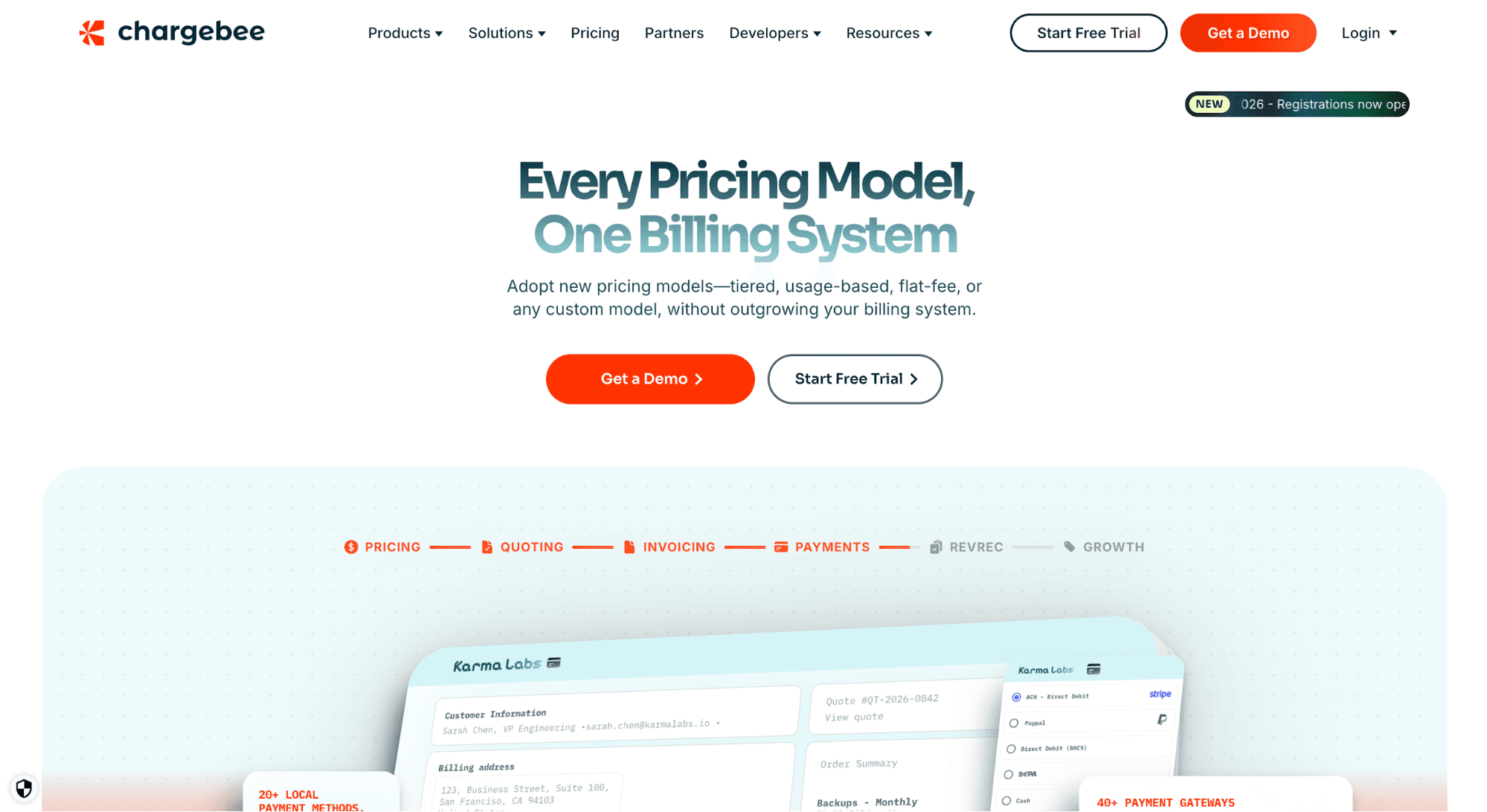
Chargebee suits software businesses that need more than a payment processing solution. It offers a SaaS subscription billing platform for managing revenue streams, tracking subscriber lifecycles, and reconciling transactions.
Chargebee enables different payment options for your customers to boost subscription revenue and cash flow. It can accept credit cards, digital wallets, and direct debit. It also supports more than 100 currencies to expand global reach.
Multiple payment gateways work with Chargebee, so you avoid being tied to one payment provider. Choose from Stripe, Braintree, GoCardless, Checkout.com, and Amazon Pay, among others. You can even enable smart routing to prevent revenue leakage.
Plus, Chargebee helps you recover failed payments and reduce involuntary churn. Set a custom retry logic or use smart dunning campaigns to deliver a higher success rate.
Price: Chargebee is free to use for the first $250K of cumulative billing. After that, it charges a monthly fee of 0.75% on all billing transactions.
Key Features:
- Multiple payment options: Accept payments via cards, direct debit, digital wallets, or bank transfers.
- Payment gateway integrations: Route specific payments and currencies to your preferred payment gateway. Chargebee connects with more than 30 payment providers.
- Automated invoicing: Automate recurring billing and invoicing processes to eliminate manual errors.
- Smart dunning: Recover more revenue and reduce churn by retrying failed payments automatically.
- Customizable checkout page: PCI-compliant checkout pages provide a smoother user experience and increase customer retention.
5. Paddle
Source: Paddle.com
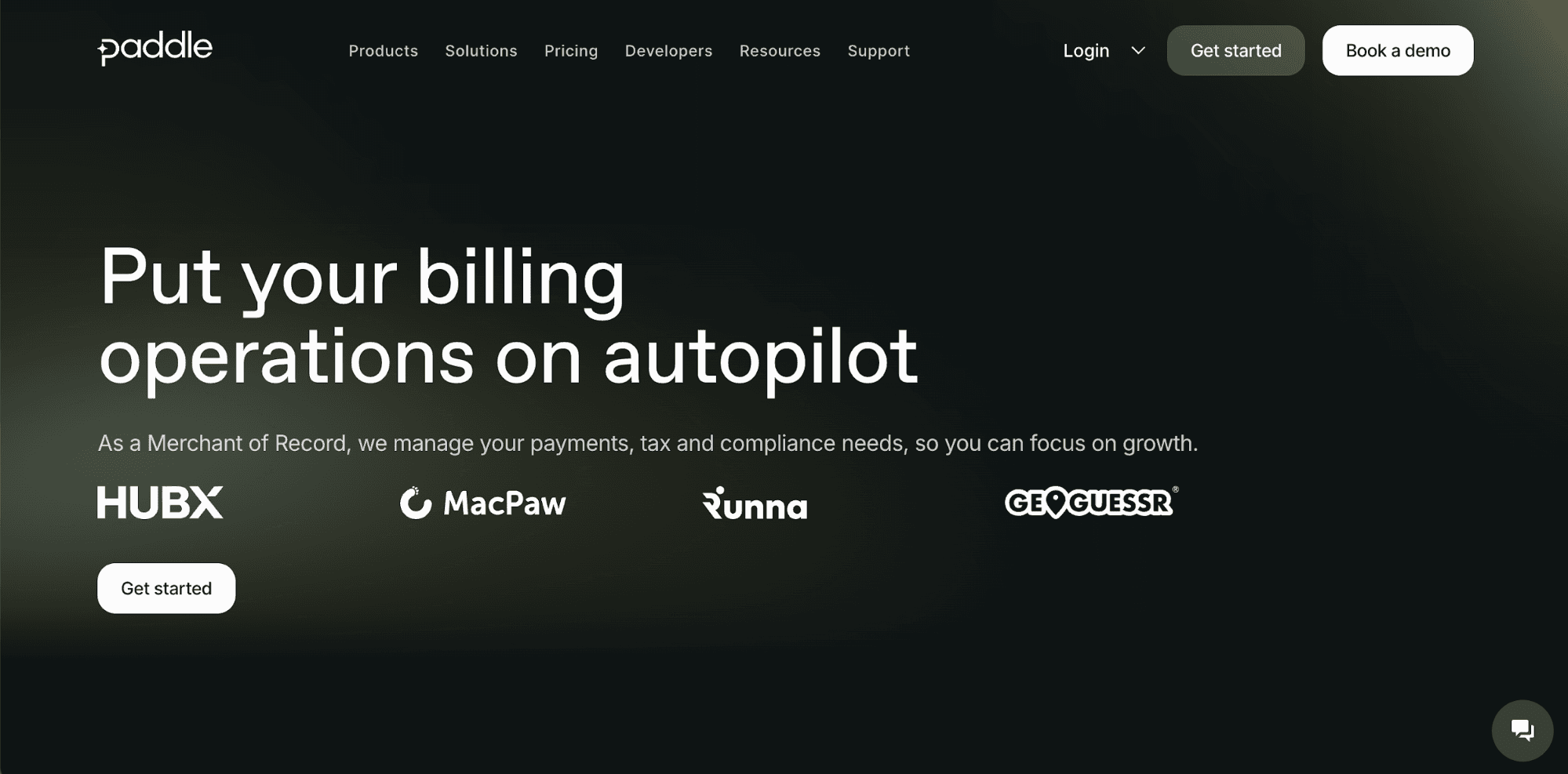
Paddle serves as a merchant of record for your SaaS business. It helps with payments, tax calculations, compliance requirements, and billing needs, so you can focus on scaling operations.
Paddle offers automatic localization. That means you can sell in multiple currencies and languages, with the option to accept local payment methods.
Sales taxes are instantly calculated inside the platform. Paddle even goes further by applying, filing, and remitting those taxes on your behalf.
Paddle also improves subscription billing flexibility with smart payment routing and optimized checkouts.
Meanwhile, automated dunning and churn prevention tools provide a quicker way to recover failed payments.
Price: Paddle charges a 5% fee + 50¢ per checkout transaction.
Key Features:
- Payments orchestration: Paddle selects the right payment gateways to ensure successful transactions and maximize revenue growth.
- Automatic localizations: Use localized pricing and sell in multiple currencies.
- Global tax compliance: Paddle calculates, applies, files, and remits sales tax on your behalf.
- Automated payment recovery: Recover failed card payments and improve customer retention without manual intervention.
- Subscription management: Manage software bundles, seat-based plans, add-ons, and proration.
Factors to Consider When Choosing a SaaS Payment Processing Solution
Below are some factors to consider when choosing between different SaaS payment solutions.
Support for Payment Gateways
Check which payment gateways the platform supports. Some SaaS payment solutions come with built-in payment processing. Others connect to payment gateways like Stripe, PayPal, Adyen, or GoCardless.
If you sell in several regions, look for global coverage across cards, digital wallets, and bank payments. Make sure it supports major card networks and handles international transactions without adding extra work for your team.
You should also think about gateway flexibility. You may want to add or switch providers later. A platform with more gateway options gives your SaaS business more billing flexibility.
User Experience and Checkout Flows
Checkouts should feel fast and simple. If the checkout flow is slow, confusing, or too complex, users may leave before they pay.
Look for SaaS payment solutions with customizable checkout pages, embedded forms, saved payment methods, and mobile-friendly flows. The interface should also match your brand and work well on different devices.
Besides checkout pages, consider providing customer portals and usage dashboards. These enable customers to manage plans, update payment details, view invoices, track usage, and make account changes without contacting support. That significantly improves their user experience.
Compliance and Security
Payments come with security and compliance needs. Your SaaS payment provider should help protect card data, manage revenue data, reduce fraud risk, and meet compliance requirements like PCI DSS.
Tax compliance also matters if you sell internationally. Some platforms calculate taxes based on local tax laws. Others act as a merchant of record that handles tax filing and remittance for you.
Choose based on how much compliance work your team wants to own. Smaller SaaS businesses may prefer basic support. Larger teams may want more control over payment rules, fraud settings, and risk scoring.
Integration Capabilities
Select a payment solution that integrates with your existing tech stack. This may include your subscription management software, CRM, analytics tools, accounting software, and data warehouse.
Seamless integrations reduce manual data entry. They also help sales, finance, support, and product teams work from the same payment and customer data.
Setup Costs and Transaction Fees
Pricing can vary a lot between SaaS payment solutions. Some charge transaction fees on top of setup costs, while others offer monthly platform fees.
Look at the total cost for your billing volume, payment methods, regions, refunds, chargebacks, and add-on features.
Then, choose an option that meets your business budget.
Vendor Support
Payment issues can affect recurring revenue, so vendor support should be a priority.
Before choosing a payment provider, check the support channels, response times, onboarding help, migration support, and developer resources.
Make sure you can contact the vendor in case you need help during setup or failed transactions.
Beyond Payments: What Should SaaS Companies Consider in Software Monetization
Payment solutions help you collect revenue from customers. But SaaS monetization also depends on how you package, control, track, and report product value.
Subscription Management
A subscription management platform helps SaaS companies manage the entire customer lifecycle after a payment is made. This includes trials, renewals, pauses, cancellations, upgrades, downgrades, and reactivations.
Subscription management capabilities make subscriptions easier to run as the business grows. It can help sales, finance, and product teams manage contracts, billing terms, and account changes.
Pricing Model Flexibility
Flexible pricing engines enable SaaS teams to create, test, and manage different ways to sell their product.
Many SaaS companies are moving away from traditional subscriptions and seat-based pricing. According to the State of B2B Monetization report, flat-fee subscriptions are down from 29% to 22% in 2025. Per-seat pricing has also seen decreased adoption rates from 21% to 15%.
Flexibility is important when managing more complex SaaS pricing models, such as usage-based, credit-based, and outcome-based pricing. It helps you change pricing, packaging, and limits without waiting on developers.
Revenue Recognition and Financial Reporting
SaaS revenue is not always simple. A customer may pay upfront for a year, but your finance team may need to recognize that revenue over time.
That is why revenue recognition and reporting matter. SaaS companies should consider tools that can track recurring revenue, deferred revenue, refunds, credits, upgrades, downgrades, and contract changes.
Payment platforms show that money came in. Finance and reporting systems help explain when that money becomes revenue to ensure compliance.
Entitlement Management
Entitlement management systems connect pricing to product access. They help SaaS companies control which features, limits, seats, usage levels, or add-ons each customer gets based on their plan.
Monetization breaks down when customers can use features they did not buy, or when paid users cannot access what they purchased. An entitlements layer is important to prevent revenue leakage.
Process Payments Using Stripe, Enforce Pricing at Runtime With Schematic
Stripe can process payments and generate invoices for your SaaS business. Schematic helps with what happens next: who gets access, how much they can use, when limits apply, and how plans change inside your product.
Schematic, built on Stripe, acts as the system of record for pricing plans, software entitlements, trials, credits, add-ons, limits, and exceptions.
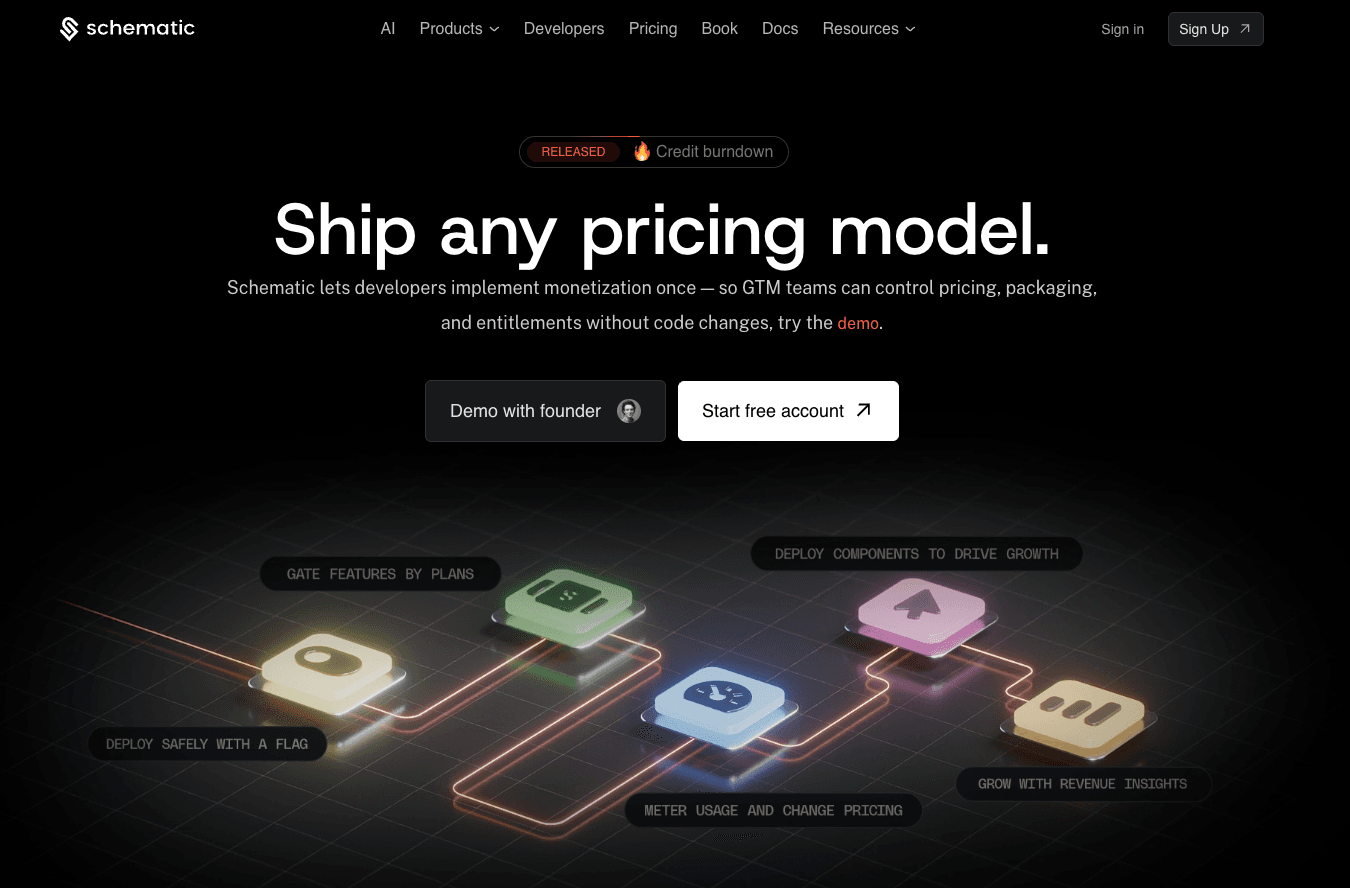
Stripe owns the billing process, from payment processing and tax management to revenue recognition. Schematic turns Stripe billing state into application behavior.
Engineering only needs to implement monetization once. Product teams can change packaging, limits, and pricing models without deploying code.
Developers can focus on improving the SaaS product instead of writing billing code and maintaining complex entitlement systems.
FAQs About SaaS Payment Solutions
What is a SaaS payment?
A SaaS payment gives customers access to software sold through a subscription, usage-based plan, or one-time charge.
What are the payment methods for SaaS?
Common SaaS payment methods include credit cards, debit cards, digital wallets, and direct bank transfers. The best choice depends on your customers, regions, and whether you sell to businesses or consumers.
Which SaaS payment platform is best for startups?
Stripe is often a strong choice for SaaS startups because it is flexible, developer-friendly, and supports many payment methods. Stripe also integrates with other monetization tools, such as Schematic.