 Ryan Echternacht
Artificial intelligence (AI) is no longer just an add-on feature. It is now deeply integrated into many products. High Alpha’s SaaS Benchmarks Report found that AI is core to 100% of products for SaaS companies established in 2025.
That shift makes pricing harder to manage. Teams need to decide how to monetize AI while accounting for customer value, operating costs, competitor pricing, and revenue targets.
AI pricing tools help set, test, manage, and update prices for AI products. Some platforms specialize in billing and invoicing. Others can meter usage, enforce limits, and control access inside the product.
In this comparison article, we will look at eight pricing tools that SaaS and AI businesses can consider.
TL;DR
Below are the best pricing tools for AI products:
- Stripe Billing
- Metronome
- Lago
- Maxio
- Stigg
- Zuora
- Chargebee
8 Best AI Pricing Tools Compared in 2026
Here is a detailed breakdown of each pricing tool's features, pros, cons, and pricing plans to help you choose the right one.
1. Schematic + Stripe
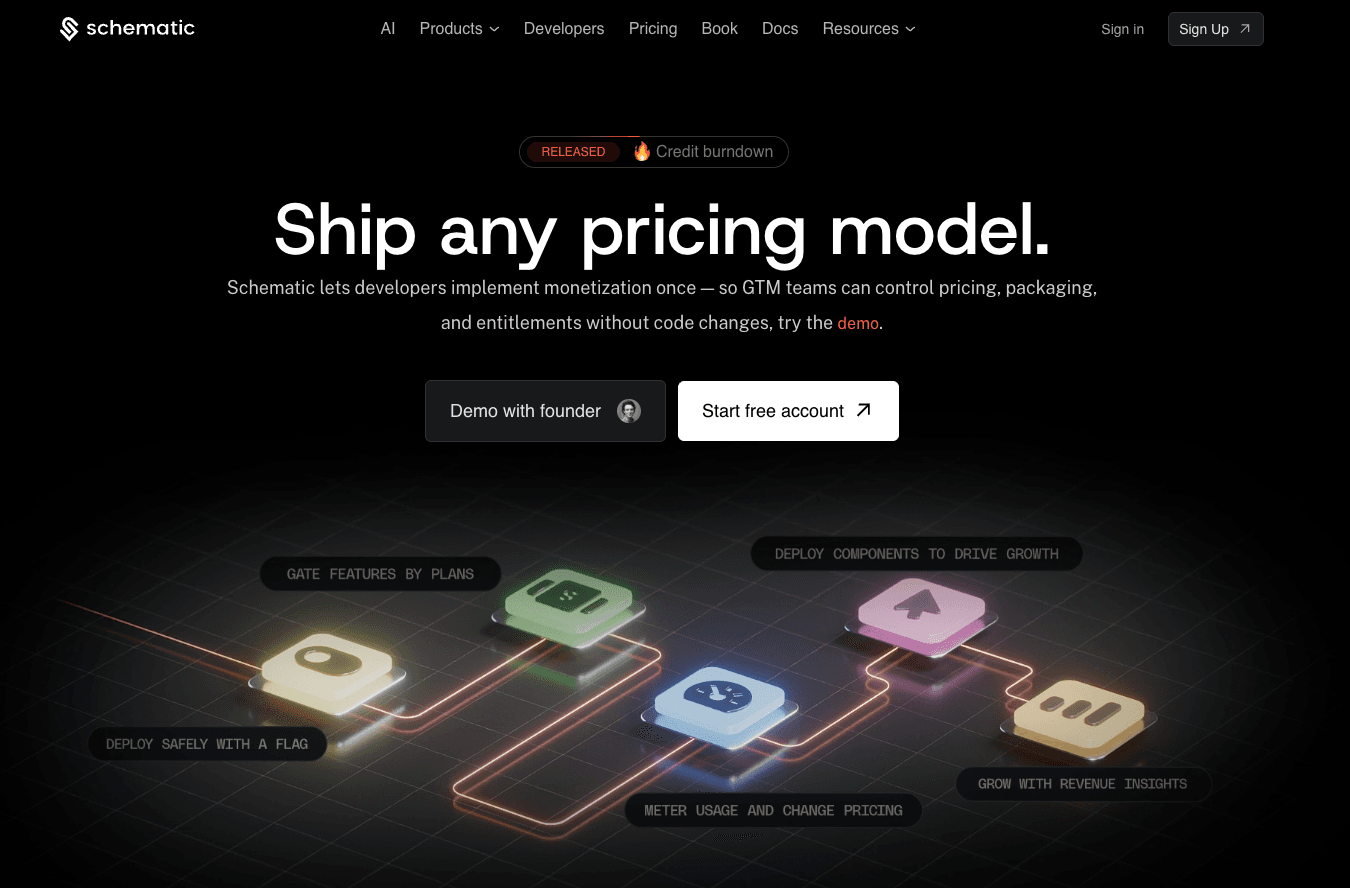
Schematic is an AI pricing tool that enables modern SaaS companies to monetize AI products. It helps go-to-market teams ship any pricing model, with strong support for usage-based billing. It's a great fit for AI products that charge based on credits, tokens, seats, or API calls.
Schematic provides the flexible infrastructure needed to implement credit burndown, pay-as-you-go, overages, seat-based, and hybrid pricing.
It works by decoupling billing logic from the application. This makes it easy to launch, combine, and adjust pricing without waiting for developers.
Schematic also acts as the system of record for your product catalog. Create custom plans, include AI credits in prepaid bundles, offer add-ons, set usage limits, and enable overrides in one place.
Schematic is built on Stripe, so you can continue using it for payment processing, invoice generation, tax management, and revenue recognition.
The platform makes Stripe better by adding usage metering, smart feature flags, internal admin dashboards, drop-in billing components, and revenue insights.
Key Features
- Unified product catalog: Manage plans, bundle or unbundle features, launch trials, offer add-ons, enable credit rollovers, and grant exceptions.
- Usage-based billing: Ship credit burndown, pay-as-you-go, overages, and per-seat pricing.
- Entitlement management: Control what customers can access inside the product based on plan, current usage, or custom rules.
- Native Stripe app: Import your products, prices, subscriptions, and customers once. Schematic keeps everything in sync automatically.
- Company profiles: View a customer's plan, usage, and limits from a single scrolling page.
- Drag-and-drop component library: Create a customer portal, pricing table, usage dashboard, and trial popups with just a few clicks.
- Revenue insights: Know which customers are overusing, underpaying, or ready to expand.
- Out-of-the-box integrations: Integrate Schematic with WorkOS, Clerk, Segment, and customer relationship management (CRM) solutions.
- SOC 2 and GDPR compliance: The platform meets data security compliance requirements to protect sensitive information.
Pros
- Evaluate and enforce in-product access at runtime.
- Support hybrid pricing and hybrid selling without creating one-off messes.
- Change and manage AI pricing strategies independently from engineers.
Pricing Plans
- Starter (Free): Track up to 500k monthly events, manage 10 subscriptions, use two company overrides, and gain access to basic integrations.
- Growth ($200/month): Covers everything in Starter plus 10m monthly events, 100 subscriptions, 20 company overrides, a single webhook, and live add-ons.
- Enterprise (Custom pricing): Adds unlimited events, subscriptions, company overrides, webhooks, role-based access control, data exports, and premium support.
- Add-on for teams ($500/month): Get unlimited company overrides and webhooks for your team.
2. Stripe Billing
Source: Stripe.com
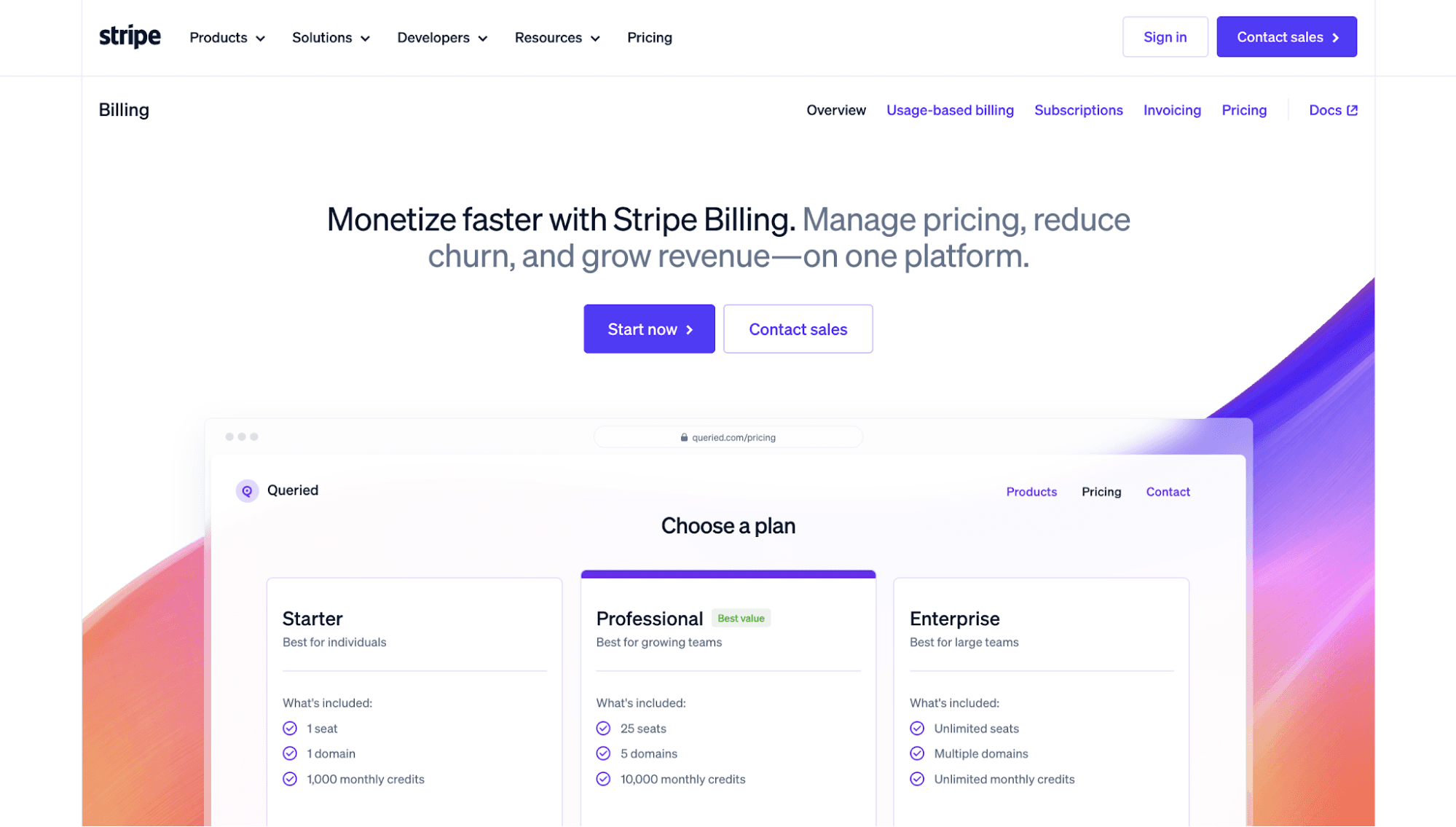
Stripe Billing is a pricing platform that combines billing, metering, and invoicing. It can launch various pricing models, including usage-based, tiered, and flat-fee subscription models.
SaaS companies can quickly set up usage meters, credit systems, and flexible plans to monetize AI. They also get paid faster using Stripe's online checkout pages and payment links.
The pricing tool supports a wide range of payment methods and currencies, which works well for teams selling in different regions.
Stripe even provides deep insights into billing metrics, such as monthly recurring revenue, churn, and payment failure rates by customer segment. These reports give businesses a clearer view of pricing performance to make data-driven pricing decisions.
Key Features
- Usage-based billing: Charge per token, outcome, credits used, or for access to subscriptions with overages.
- Subscription management: Set up and customize subscription models without complex code.
- Automated payment collection and reconciliation: Collect payments, send invoices, and match billing records.
- Flexible payment methods: Accept cards, wallets, bank payments, buy now pay later options, and local payment methods.
- AI-powered revenue recovery tools: Use smart payment retries, card account updater, and cancellation surveys to recover failed payments.
Pros
- Create recurring plans and subscriptions without code.
- Automate invoicing, trials, renewals, and dunning management.
- Support global scale by offering 100+ payment methods and currencies.
Cons
- Stripe Billing does not manage feature access or entitlements inside your app.
- AI companies with custom plans, credits, overrides, usage limits, and exceptions cannot easily change pricing. They may need help with engineering to routinely optimize prices.
Pricing Plans
- Pay-as-you-go (0.7% of billing volume): SaaS companies with low or unpredictable billing volume can pay for what they use.
- Pay monthly ($620/month): Organizations with more than $100,000 monthly billing volume can subscribe to an annual plan and choose a volume tier for their business needs.
3. Metronome
Source: Metronome.com
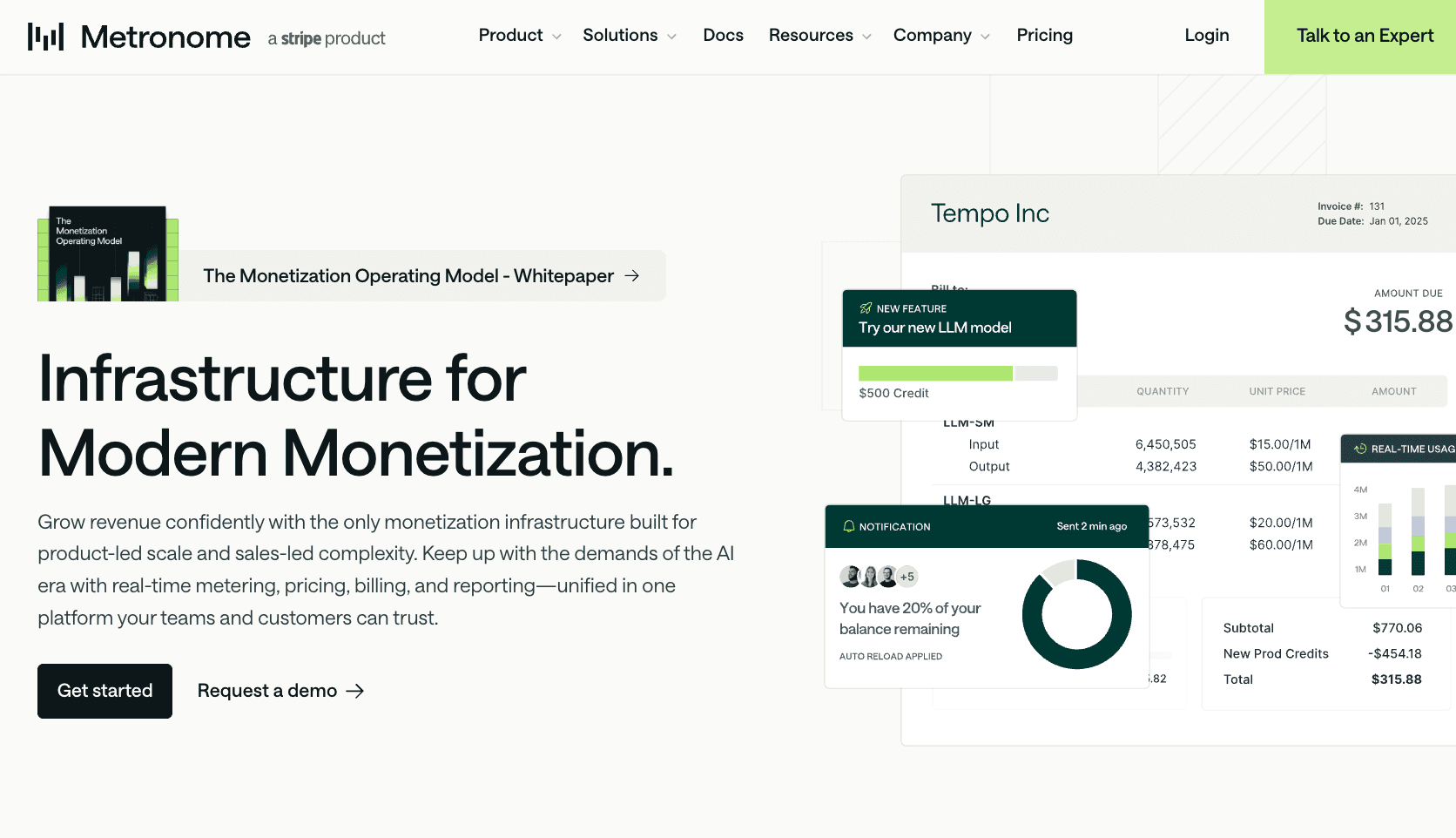
Metronome is a usage-based billing and monetization infrastructure for SaaS and AI companies with complex pricing. It connects product usage to pricing, billing, and in-app dashboards, so teams can charge for actual product consumption.
The platform can meter and store tokens, credits, API calls, seats, and other raw usage events. It also supports AI pricing models, such as pay-as-you-go, prepaid credits, tiered rates, overage pricing, and hybrid plans.
Product, finance, and go-to-market teams have a shared source of truth for pricing models. This makes it easier to create rate cards, manage contract terms, test new packaging, and roll out pricing changes without messy customer migrations.
Internal teams can also track AI usage, conduct margin analysis, and monitor daily revenue. Meanwhile, customers receive configurable alerts and limits that help them control spending.
Key Features
- Usage metering and event ingestion: Track raw usage events and turn them into billable metrics.
- Low-latency alerts: Send notifications to customers when usage, spend, or risk signals reach set limits.
- Pricing levers: Manage rate cards, credits, commits, discounts, tiers, overages, and enterprise agreements.
- Granular customer configuration: Create custom contracts with overrides, amendments, and discounts for each customer.
- In-product billing dashboard: Show customers real-time usage, spend, and billing data inside your product.
Pros
- Handle high-volume usage event streaming with low-latency alerting to prevent fraud and abuse.
- Get pricing lever support for product-led scale, sales-led complexity, marketplace, reseller, and other go-to-market motions.
- Manage and update pricing centrally without manual provisioning or migrations.
Cons
- Metronome primarily focuses on usage metering and rating. It lacks native support for payment processing.
- The platform enables flexible AI monetization, but every change requires engineering to update product behavior, user interface, and pricing pages.
Pricing Plans
- Starter (Free): Includes real-time event ingestion, alerting, built-in billing dashboards, native Stripe integration, and support for usage-based and hybrid pricing models.
- Custom (Custom pricing): Offers invoicing integrations, data exports, priority support, and tailored pricing for power users.
4. Lago
Source: getLago.com
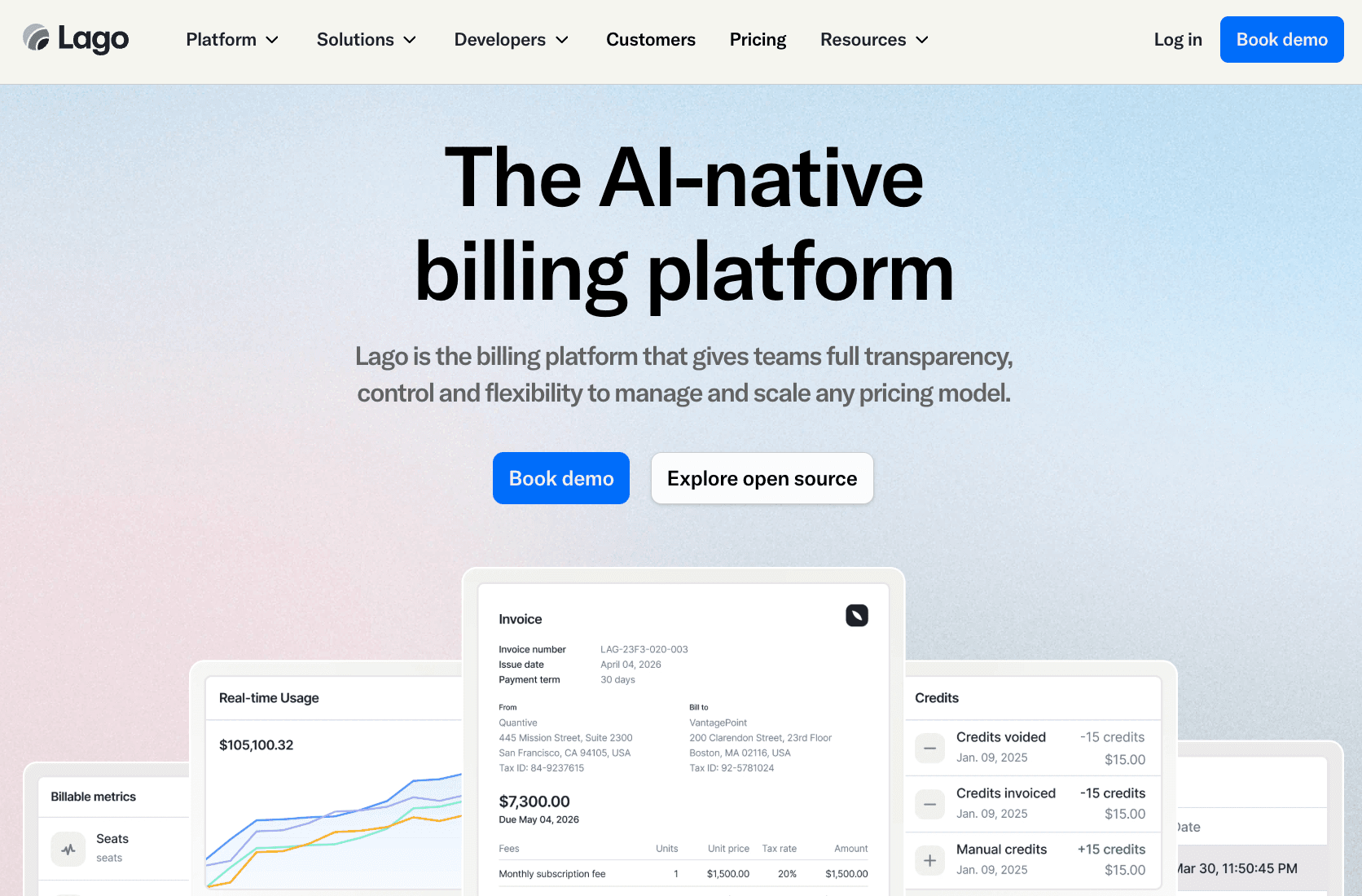
Lago is an AI-native pricing tool that enables SaaS companies to manage and scale any pricing model. These include paid subscriptions, prepaid credits, and other usage-based pricing.
Lago is useful for AI tools that combine multiple metrics into a single plan. It can bill for seats, tokens, API calls, and storage while charging customers for usage all at once.
The platform also brings AI agents into billing and finance workflows. They act as AI-powered pricing assistants that use actual usage data for scenario planning. These help teams test pricing strategies and understand revenue impact before launch.
It can even support entitlement management, automated invoicing, flexible payment collection, and revenue analytics. Engineering and business teams can collaborate on complex billing in one place.
Key Features
- Usage metering: Turn raw usage events into accurate invoices.
- Automated billing and invoicing: Create invoices, apply taxes, and send payment reminders directly in Lago.
- Built-in AI agents: Use Lago AI to automate repetitive billing tasks, find invoices, build custom reports, and model different scenarios.
- Revenue and pricing analytics: Forecast revenue based on historical data, identify overdue invoices, and visualize complex data.
- Feature access control: Use software entitlements to grant or restrict feature access.
Pros
- Lago's open-source code gives technical teams more control over billing logic, deployment, and data.
- Collect payments faster with native payment integrations and automated payment retries.
- Another key benefit is the agentic AI support for billing, finance, and pricing workflows.
Cons
- Open-source flexibility is a double-edged sword. Engineering and finance teams need to maintain most of the billing infrastructure themselves.
- Entitlements control is available inside Lago, but you should build enforcement logic via alerts or webhooks.
Pricing Plans
- Business (Custom pricing): Gain access to the core Lago platform, data pipeline integration, invoice preview endpoint, Slack channel, and support during business hours.
- Enterprise (Custom pricing): Includes everything in Business plus 24/7 premium support, an assigned solutions engineer, and a self-hosted deployment option.
5. Maxio
Source: Maxio.com
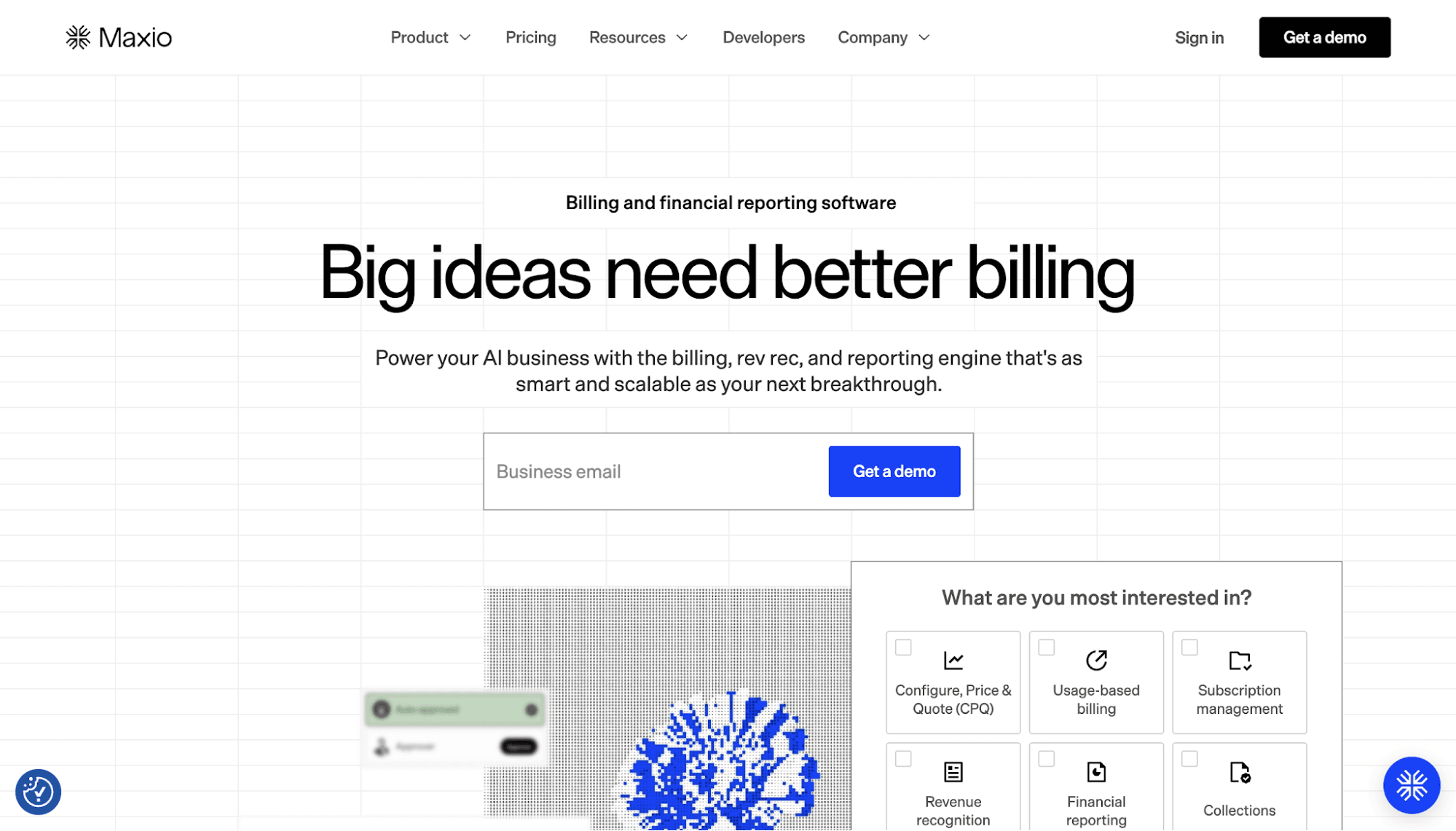
Maxio's pricing tool is designed for enterprise AI businesses that want to manage billing, revenue recognition, and reporting in one place.
The subscription billing software simplifies AI monetization by configuring pricing and automating payment processing. It can implement flat-rate, usage-based, hybrid, and other AI models. It also connects to over 20 payment gateways and accepts multiple currencies.
For revenue recognition, Maxio applies tailored recognition rules that meet ASC 606 and IFRS 15 compliance. Easy integration with the company's general ledger can automatically sync invoices and payments.
Maxio also connects to several data sources for extensive reporting and actionable insights. It can track key SaaS metrics, diagnose market trends, defend competitive positioning, and support data-driven pricing decisions.
Key Features
- Automated billing and invoicing: Simplify invoicing, collections, and dunning with automated workflows.
- Payment gateway connectors: Offer various payment options to clients and accept over 100 currencies.
- Dynamic usage-based pricing: Charge customers based on any value metric, such as tokens, API calls, tickets, or custom attributes.
- Revenue recognition: Adjust recognition schedules by customer or contract to meet ASC 606 and IFRS 15 compliance.
- Financial reporting tools: Track SaaS metrics, billing activity, pricing trends, cash flow, and customer growth.
Pros
- Monetize AI faster with dynamic pricing, automated billing, and deep insights.
- Build pricing models and adjust offers without requiring code.
- Extensive revenue recognition capabilities help AI businesses meet compliance and face audits with more confidence.
Cons
- Teams need to connect billing infrastructure, accounting software, tax tools, payment gateways, and other existing tech stack, which can be time-consuming.
- Early-stage startups and small businesses may find Maxio too expensive and complex for their needs.
Pricing Plans
- Grow ($599/month): Suits businesses with up to $100k in monthly billing volume.
- Scale (Custom pricing): Designed for enterprises that earn more than $100k every month.
6. Stigg
Source: Stigg.io
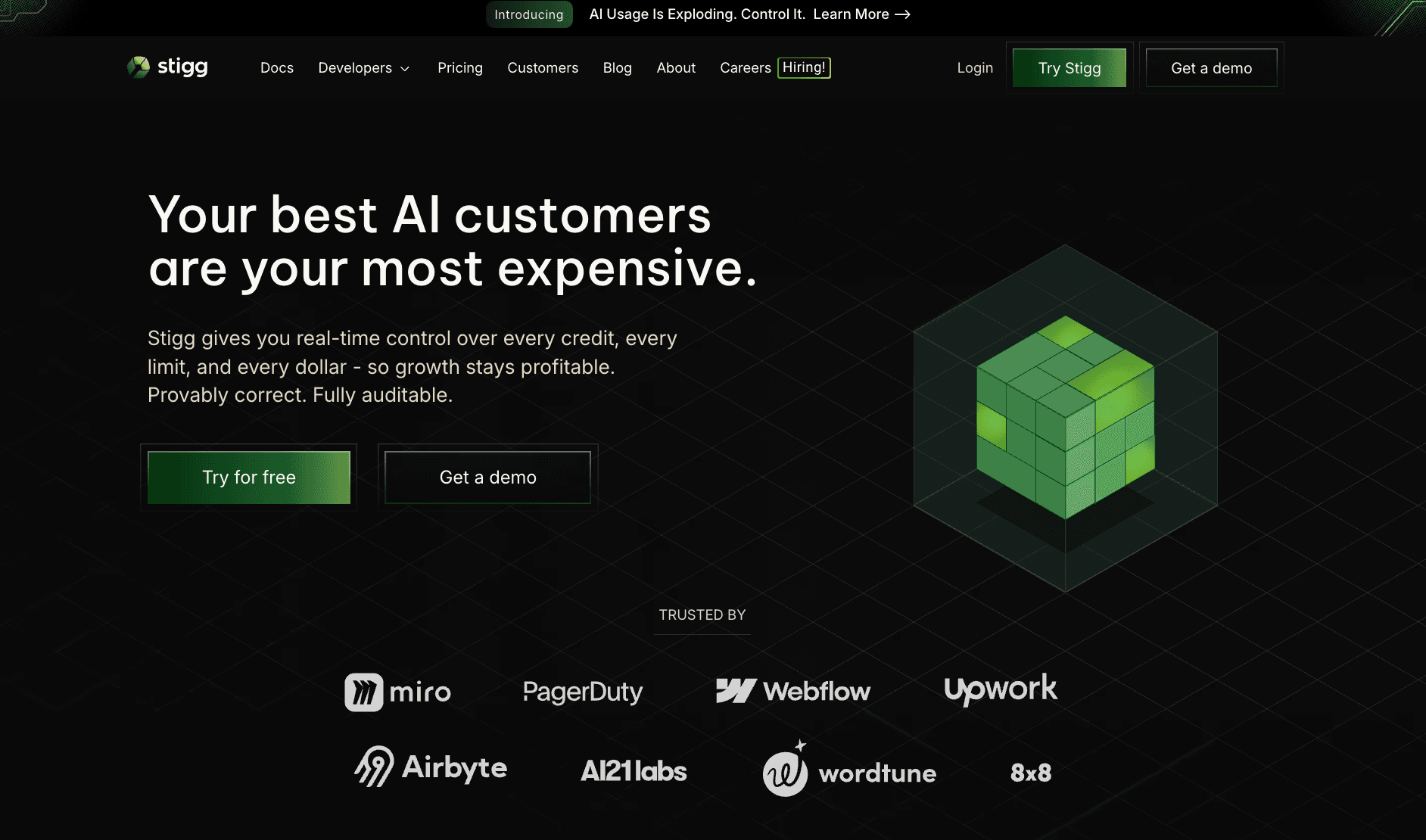
Stigg is a monetization control layer for AI platforms and products. It unifies pricing and packaging models, usage metering, subscriptions, and customer migrations without hard-coded logic.
It supports usage-based pricing, hybrid pricing, plan versioning, grandfathering, and price change mergers between environments.
Stigg also turns entitlements into a flexible, programmable system of record. Teams can instantly control feature access, usage limits, and packaging for each customer. For example, users in the free version receive access to basic features. Meanwhile, accounts subscribed to premium tiers can use advanced features.
The platform automatically syncs data between product, billing, customer relationship management (CRM), and data warehouses. It is useful for AI businesses that want to deploy pricing and packaging changes faster.
Key Features
- Catalog modeling: Manage pricing models, plans, features, and add-ons in one place.
- Entitlements and provisioning: Control customer access to features, limits, and credits based on each plan or contract.
- Usage metering: Track usage in real time, ingest events at scale, and connect product activity to billing.
- Subscription management: Manage trials, upgrades, downgrades, renewals, add-ons, and customer plan changes.
- SDK frameworks: Use SDKs and APIs to integrate Stigg into your backend and frontend systems.
Pros
- Stigg speeds up time-to-market by automating price migrations, plan versioning, and legacy customer grandfathering.
- Product and growth teams can update pricing and packaging without engineering involvement.
- It's easy to integrate Stigg with other platforms using SDKs in multiple languages.
Cons
- Stigg manages the entitlement logic, but it still relies on an external billing system to handle payments and invoices.
- It does not provide revenue and pricing insights.
Pricing Plans
- Sandbox (Free): Includes a single seat, a single product, unlimited free tier subscriptions, basic integrations, and branded widgets.
- Growth (Starts at $5,376/year): Offers a minimum of 10 seats, unlimited products, advanced integrations, custom widgets, and pricing experiments.
- Scale (Custom): Adds custom seats, event metering volume discounts, single sign-on, role-based permissions, and premium support.
7. Zuora
Source: Zuora.com
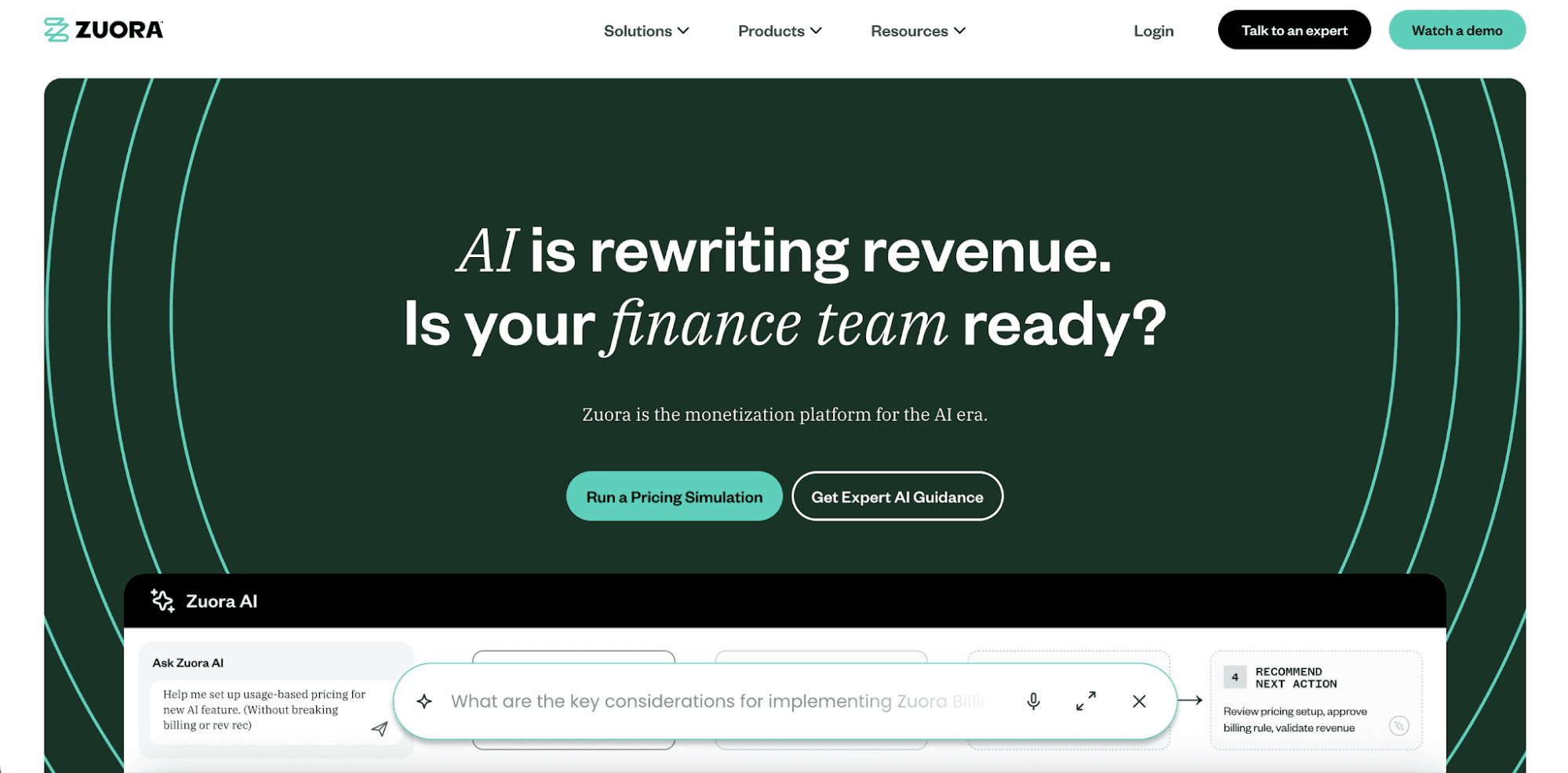
Zuora offers an AI-ready monetization platform for companies managing one-time, recurring, and usage-based charges.
It can capture events, tokens, activity, and consumption data. Then, it automatically applies pricing rules and translates raw data to invoices.
Zuora also connects to multiple payment gateways to enable frictionless transactions, despite currency and geographical differences.
Meanwhile, built-in AI agents can automate quote-to-cash processes, answer invoice questions, and execute actions with an audit trail. Teams can go to market faster and adjust pricing continuously to stay competitive.
Key Features
- AI-ready monetization catalog: Define and deploy products, pricing rules, discounts, entitlements, and accounting rules.
- Usage-based metering and rating: Capture usage events at scale and turn them into billable invoices.
- Flexible pricing and packaging: Launch subscription tiers, pay-as-you-go, prepaid credits, bundles, overages, and hybrid pricing models.
- Global payments orchestration: Use pre-built payment gateway connectors and smart payment retries to prevent involuntary churn.
- AI agents: Use Zuora AI to review invoices, investigate issues, automate repetitive workflows, and simulate accounting outcomes.
Pros
- Launch any AI pricing model while keeping pricing, billing, collections, and revenue in sync.
- Zuora AI is embedded across the entire Zuora platform to streamline the quote-to-cash process.
- Automate the entire accounts receivable journey to eliminate manual reconciliation.
Cons
- Zuora requires complex configuration and custom fields, which can pull engineers away from core product development.
- The platform lacks support for runtime access decisions and in‑product enforcement.
Pricing Plans
Zuora doesn't offer pricing transparency. Actual costs may depend on the products or modules selected.
8. Chargebee
Source: Chargebee.com
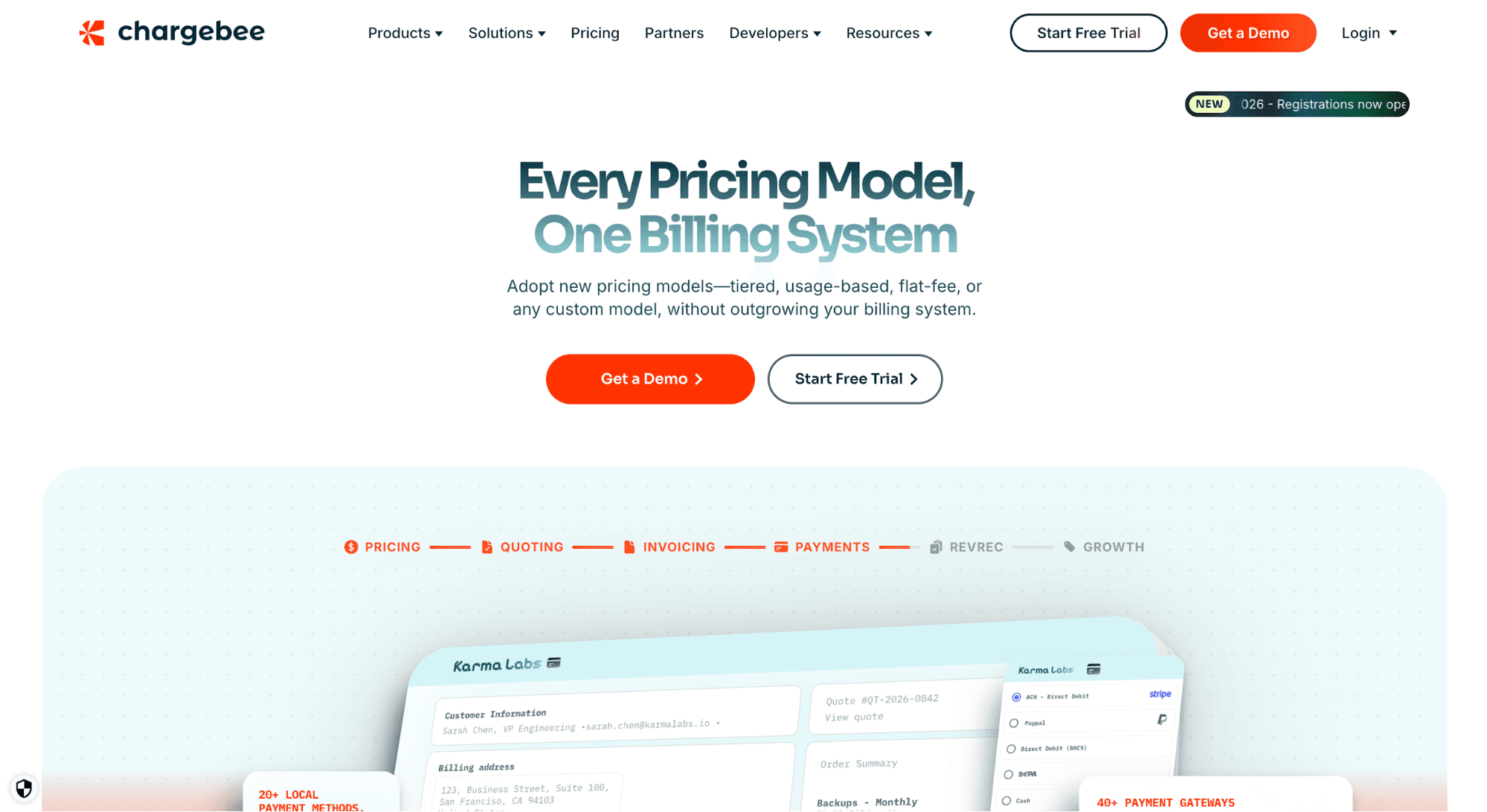
Chargebee offers a billing and subscription management platform. It can monetize images, actions, outcomes, and other usage events. This makes it useful for products that charge for image generation, API calls, compute, or AI agent tasks.
By centralizing plans and products, Chargebee enables faster pricing iteration. Teams can easily change add-ons, charges, currency, and billing frequency for each plan.
It also offers a flexible billing infrastructure that can help AI companies launch any pricing model. Implement flat-fee, per-unit, usage-based, custom pricing, and overages.
Chargebee even provides reporting and analytics to track revenue, usage, churn, and plan performance. Its predictive capabilities can guide revenue recovery, retention, and pricing decisions as AI products scale.
Key Features
- Product catalog: Create and manage plans, add-ons, charges, coupons, price points, and billing frequencies.
- Subscription management: Automate the entire subscription lifecycle, from trial to retention.
- No-code provisioning: Grant, revoke, and manage feature access at the plan or subscription level.
- Custom checkout experiences: Create a branded checkout page and allow customers to pay using their preferred payment method.
- Subscription analytics: Track revenue trends, plan performance, churn, and customer behavior.
Pros
- Ship different pricing models and meter usage at scale without outgrowing the billing system.
- Support global expansion with local payment methods, multi-currency transactions, and automated tax compliance.
- Automated metrics, insights, and dashboards can simplify accounting and reporting workflows.
Cons
- Chargebee can become costly for larger businesses because the platform fees scale with billing volume.
- While the software offers entitlement management capabilities, it does not enforce paywalls or access at runtime.
Pricing Plans
- Starter (Free for the first $250k of cumulative billing, then 0.75% on excess billing volume): Offers flexible billing, usage metering and aggregation, checkout, hosted payments, and multi-region sales tax support.
- Performance ($7,188/year): Includes consolidated invoices, smart dunning tools, migration support, and engineering consultation.
- Enterprise (Custom pricing): Adds multi-entity support, on-demand discounting, account hierarchy, and contract terms.
Top AI Pricing Software Comparison Table
Below is a comparison table to help you evaluate different AI pricing tools.
Tool | Usage-Based Billing | Hybrid Pricing | Checkout and Payment Gateways | Product Catalog | Entitlement Management | Runtime Access Enforcement | Customer Portals | Insights and Analytics |
Schematic + Stripe | ✔ | ✔ | ✔ | ✔ | ✔ | ✔ | ✔ | ✔ |
Stripe Billing | ✔ | ✔ | ✔ | ✔ | ✘ | ✘ | ✘ | ✔ |
Metronome | ✔ | ✔ | ✘ | ✘ | ✘ | ✘ | ✘ | ✔ |
Lago | ✔ | ✔ | ✔ | ✘ | ✔ | ✘ | ✔ | ✔ |
Maxio | ✔ | ✔ | ✔ | ✔ | ✘ | ✘ | ✔ | ✔ |
Stigg | ✔ | ✔ | ✘ | ✔ | ✔ | ✘ | ✔ | ✘ |
Zuora | ✔ | ✔ | ✔ | ✔ | ✔ | ✘ | ✔ | ✔ |
Chargebee | ✔ | ✔ | ✔ | ✔ | ✔ | ✘ | ✔ | ✔ |
How to Select the Right AI Pricing Tool
If you're still unsure which pricing tool to choose, you can follow these useful tips.
Check Support for Different Pricing Models and Strategies
Start by understanding how you're currently monetizing your AI product. Many SaaS and AI companies bill for seats, credits, API calls, tokens, and data storage because they fit how customers use their application.
Make sure the tool supports different pricing options without rebuilding your billing system. Check if it can implement flat-fee subscriptions, usage-based pricing, prepaid credits, overage fees, promotional pricing, and hybrid models.
You should also be able to test optimal pricing strategies, launch trials, offer add-ons, and provide discounts to attract your target market.
Verify Scalability
Monetization becomes more complex as you add more products, plans, payment methods, currencies, and customer segments.
Choose a pricing tool that can scale with your business. This is important in dynamic markets, where customer needs and operational costs can shift quickly.
You want to invest in a platform that supports a growing product assortment without creating one-off messes or manual work.
Calculate Total Costs
Look beyond the minimum advertised price and compute the total costs of owning the AI pricing tool.
In addition to the subscription fee, consider the cost of implementation, data migration, support, and other add-ons.
Pricing structures often differ significantly between vendors. Some charge a fixed percentage fee based on a company's billing volume. Others offer freemium pricing.
Before making a decision, estimate costs at your current scale and at future growth milestones to avoid unexpected expenses.
Assess Compliance
AI and SaaS companies often manage customer data, payments, contracts, and tax rules across different regions.
Review if each tool meets compliance with security and privacy standards before you commit. Ask about SOC 2, GDPR, fraud management, and revenue recognition support.
The right platform should match your finance, legal, and security needs.
Test the Platform
Make a shortlist of your top options before making a final decision. Then, ask for a demo or sign up for a free trial to test the pricing tool.
Check how easy it is to implement different pricing models, manage subscriptions, adjust packaging, create invoices, and generate reports.
Involve engineering, product, go-to-market, and sales teams during the evaluation process. Each department will judge different key criteria, such as setup time, admin control, billing accuracy, and customer experience.
Monetize AI Using Any Pricing Model With Schematic
AI products have outgrown static pricing models. Usage can change fast, costs can rise with each API request or token, and potential customers often want more flexible ways to pay.
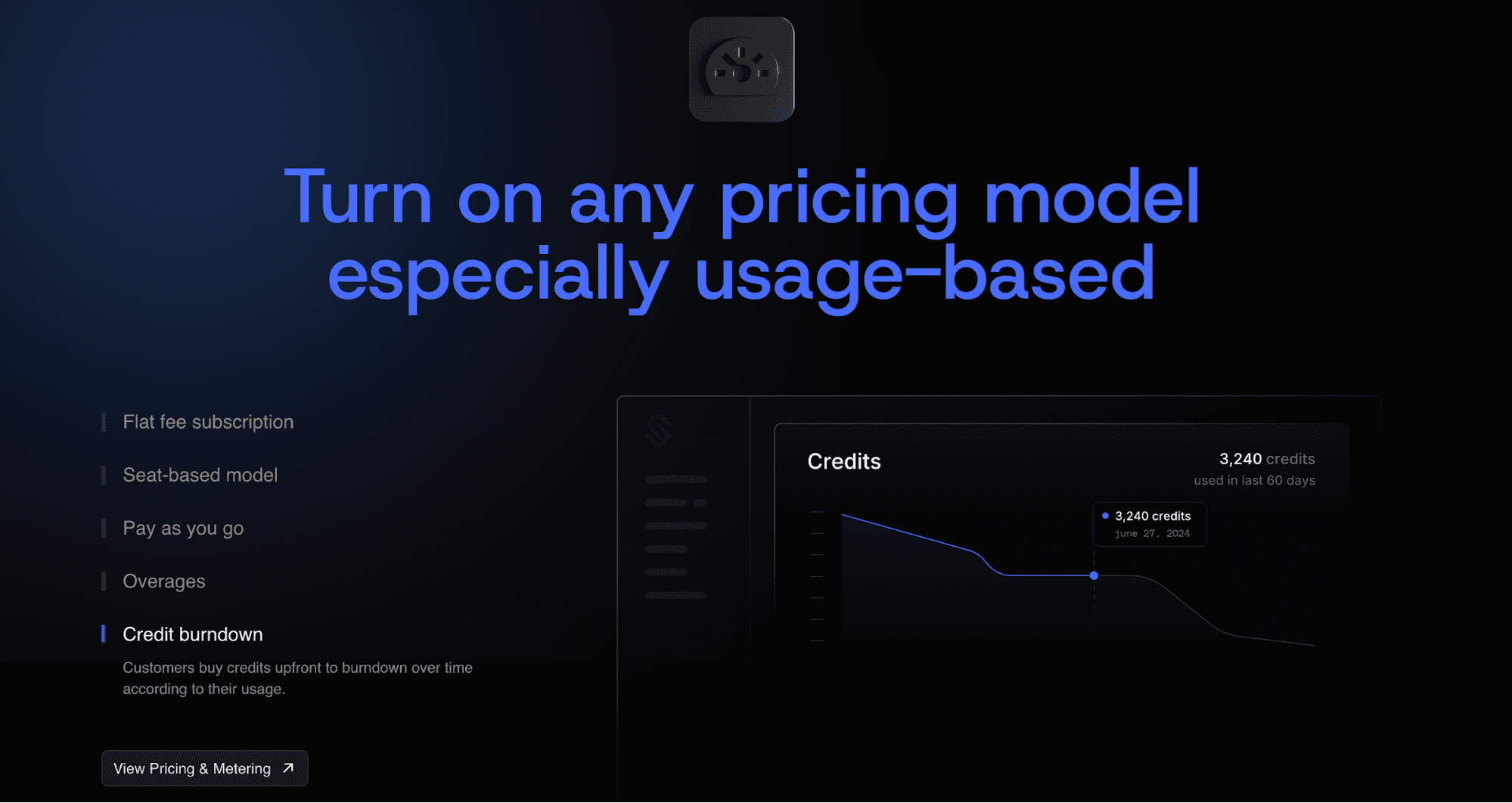
Schematic is the AI monetization platform that lets you ship any pricing model. Implement pay-as-you-go, credit-based pricing, seat-based plans, overages, add-ons, and hybrid plans without rebuilding your billing stack.
Schematic, built on Stripe, serves as the system of record for your product catalog. That means you can create and manage plans, entitlements, limits, credits, add-ons, and exceptions in one place.
Stripe continues to handle payments, invoices, taxes, and dunning workflows. Schematic turns Stripe into real-time access control, usage enforcement, and customer lifecycle management.
Engineering stops writing billing code and maintaining complex entitlements systems. Product, go-to-market, and sales teams can iterate on monetization without waiting for developers.
FAQs About AI Pricing Tools Comparison
What are AI pricing tools?
AI pricing tools are platforms that help SaaS companies price products, monetize AI usage, and update packaging as customer needs change. They can also refer to another type of software that uses machine learning and advanced algorithms to optimize prices.
How do AI pricing tools differ from competitive pricing tools?
AI pricing tools help SaaS businesses monetize AI through unified billing, invoicing, usage metering, and entitlement management. The best competitive pricing tools focus on price monitoring, competitor analysis, and price recommendations based on market data. They are used by enterprise retailers, eCommerce brands, and distribution companies.
What features should I look for in an AI pricing platform?
Look for usage metering, subscription management, entitlement management, automated invoicing, predictive analytics, and seamless integrations with existing tech stack. These features help you bill for actual consumption and grow recurring revenue.
How do AI pricing tools help with usage-based pricing?
AI pricing tools support usage-based billing by capturing raw usage events, turning them into predefined pricing structures, and generating invoices that reflect total consumption.