All posts
7 Best SaaS Billing Solutions in 2026 (Different Use Cases)
Blog· Ryan Echternacht·Jul 2, 2026
Ryan Echternacht·Jul 2, 2026
SaaS billing is no longer about charging every customer the same flat subscription fee. Many SaaS companies now offer usage-based billing, hybrid pricing, automatic top-ups, and custom enterprise deals. That can make billing harder to manage as the business grows.
The right SaaS billing solution helps you solve this problem. It can handle subscriptions, automate invoicing, track recurring revenue, reduce failed payments, and support global payments in one place.
However, SaaS billing systems aren't one-size-fits-all. What works for a startup offering a freemium plan may not be the right fit for a SaaS business with custom contracts or global tax needs.
In this article, we'll review the best SaaS billing solutions by use case to help you find the right fit for your needs.
TL;DR
Here are the best SaaS billing solutions based on their use cases:
- Schematic + Stripe — best for runtime monetization
- Metronome — best for complex usage billing scenarios
- Chargebee — best for subscription management
- Recurly — best for recurring billing
- Lago — best for flexible pricing
- Maxio — best for revenue recognition and financial reporting
- Zuora — best for quote-to-cash processes
7 Best SaaS Billing Solutions for Different Use Cases
With so many SaaS billing solutions on the market, it can be challenging to know which is the right platform for your SaaS business. Here are the seven best SaaS billing software you can use to monetize your product.
1. Schematic + Stripe — Best for Runtime Monetization
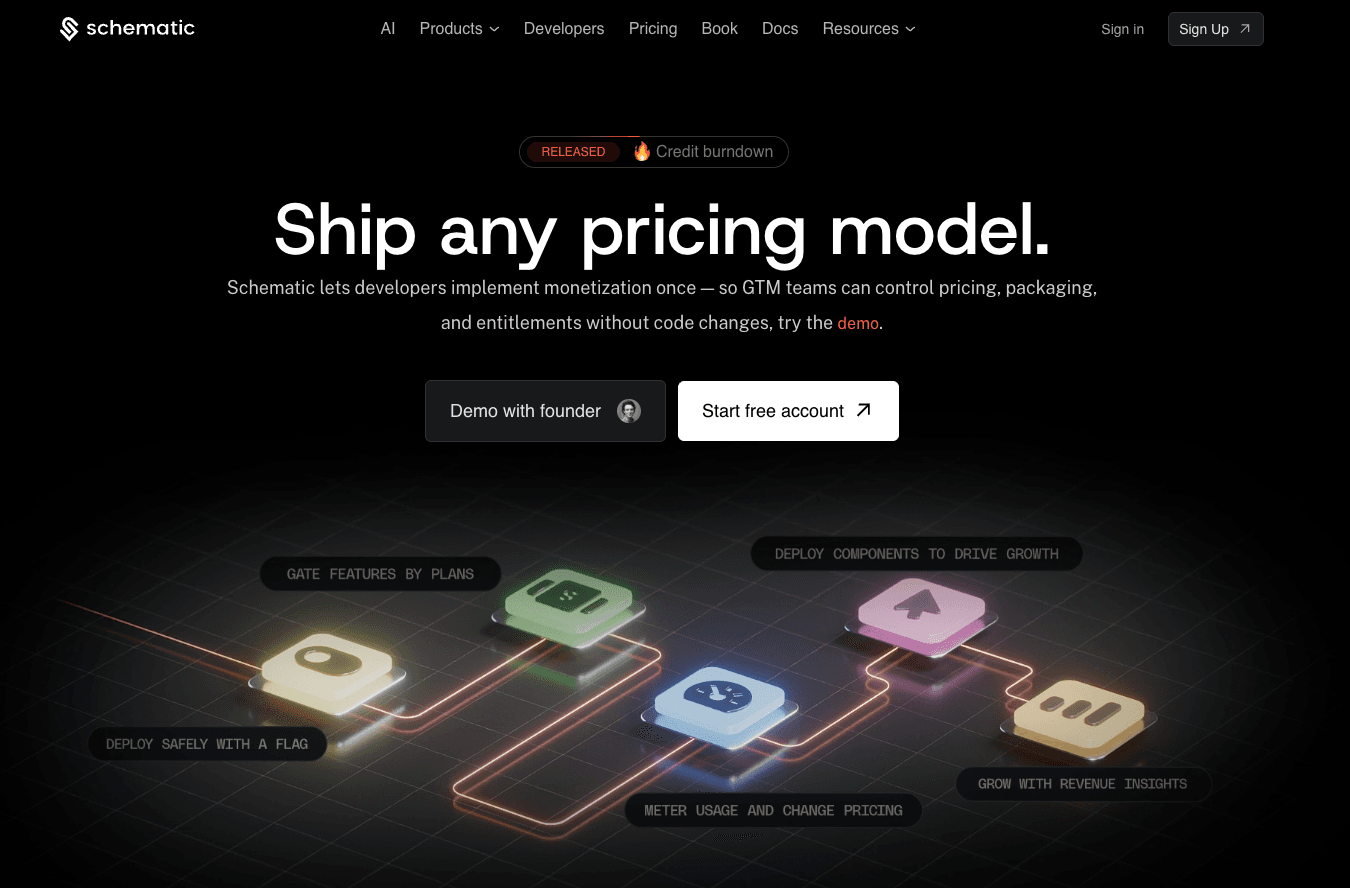
Schematic is the monetization operating system for modern SaaS and AI companies. It serves as the system of record for your product catalog, including plans, software entitlements, limits, trials, credits, add-ons, and exceptions.
Most SaaS billing platforms manage subscriptions, run retry logic, and send recurring invoices. But they do not answer: Does this customer have permission to use this feature based on their plan, their current usage, and account exceptions?
That's where Schematic fits in. It enables runtime monetization without hardcoding billing logic inside the product.
The platform, built on Stripe, evaluates and enforces access and application behavior at runtime. Stripe continues to handle the SaaS billing process, from invoice generation and payment processing to revenue recognition.
Schematic owns what customers can do. It opens a WebSocket to stream entitlement state to your application.
Engineers use a single entitlement check per feature. Everything behind that check (plans, packaging, and exceptions) lives in Schematic. A change in Schematic instantly reflects in the product, the billing system, and the customer portal without code changes.
Businesses get a control plane that allows them to continuously iterate on monetization. RevOps can launch trials, product managers can adjust plan limits, and GTM can sell flexibly.
Key Features
- Native Stripe app: Turn Stripe billing into real-time access control, usage enforcement, and customer lifecycle management.
- Plans and entitlements: Manage pricing, SaaS entitlements, limits, add-ons, and usage allowances in one place.
- Usage metering: Launch any usage-based pricing model and bill for usage metrics, such as AI credits, tokens, or API calls.
- In-product enforcement: Enforce access, usage limits, and paywalls inside the product at runtime.
- Smart flags: Gate features by plan, usage, billing state, company traits, or custom rules.
- Drop-in billing components: Add pricing tables, checkout pages, customer portals, and usage dashboards.
- Revenue insights: Identify which plans and pricing models are growing your business.
2. Metronome — Best for Complex Usage Billing Scenarios
Source: Metronome.com
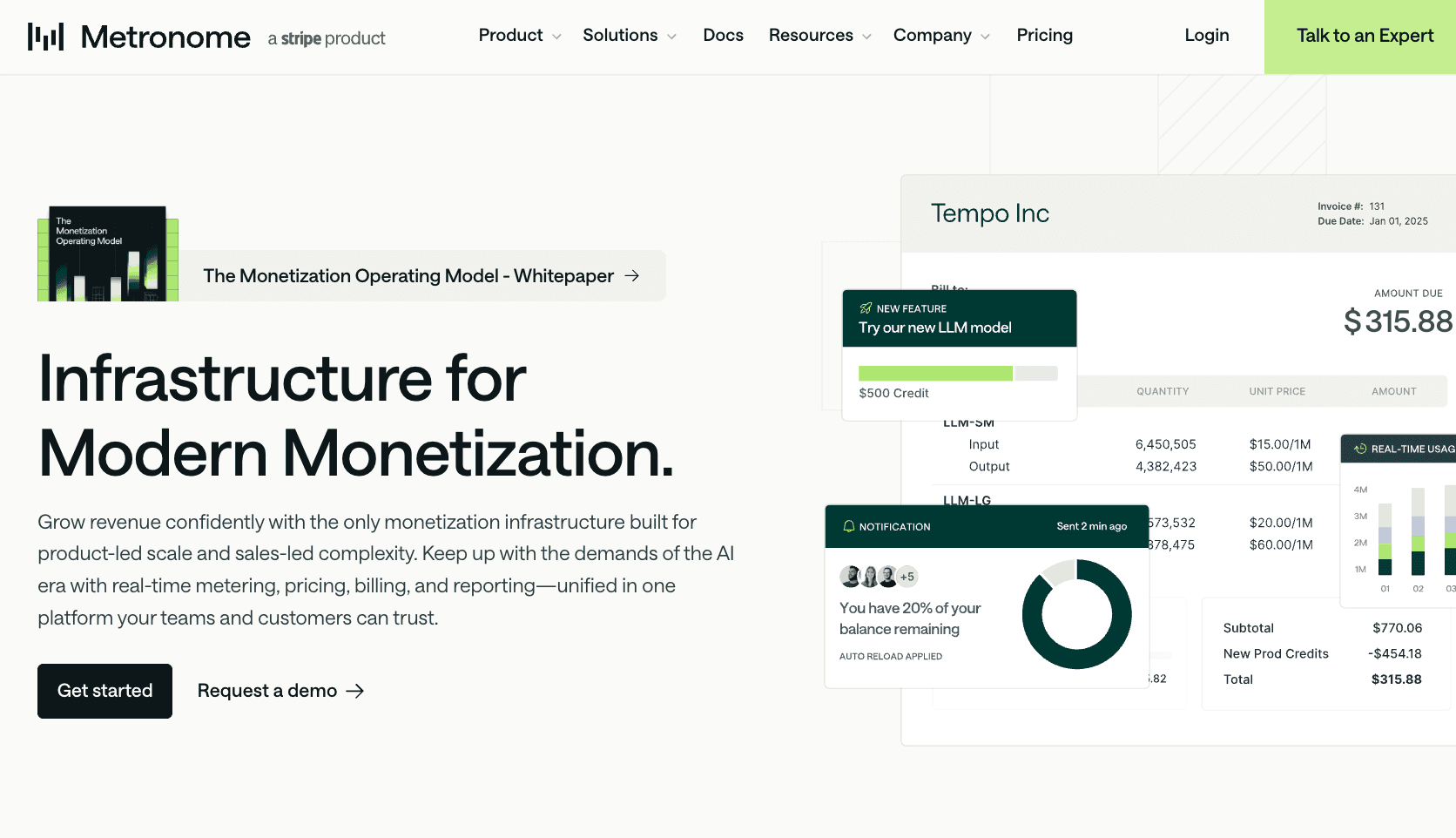
Metronome is a billing platform built for product-led scale and sales-led complexity. It brings real-time metering, pricing, billing, and reporting into one system.
The platform can meter raw usage events and use that data for current and future pricing. Teams can build SQL-based metrics, backdate changes, and iterate on monetization without changing the data pipeline.
Metronome also includes a modular pricing engine. Configure pricing elements for any go-to-market motion, including self-serve, enterprise, and reseller.
However, engineering first needs to build feature gates, dashboards, portals, and customer-facing upgrade flows. Every pricing change goes through metric definitions, custom logic, and invoice presentation.
This level of control is useful for SaaS companies dealing with complex usage billing models at scale.
Key Features
- Real-time usage metering: Track product usage events and turn them into billable data.
- Modular pricing engine: Deploy any monetization model and manage pricing templates for any GTM motion.
- Customer experience tools: Enhance the customer journey by providing clarity into real-time usage and spending.
- In-app reporting: Monitor customer consumption, daily revenue, profit margins, and other SaaS metrics inside the Metronome app.
- Simplified quote-to-cash process: Connect to Stripe and other payment processors using native integrations, plus sync data into your CRM and ERP systems.
3. Chargebee — Best for Subscription Management
Source: Chargebee.com
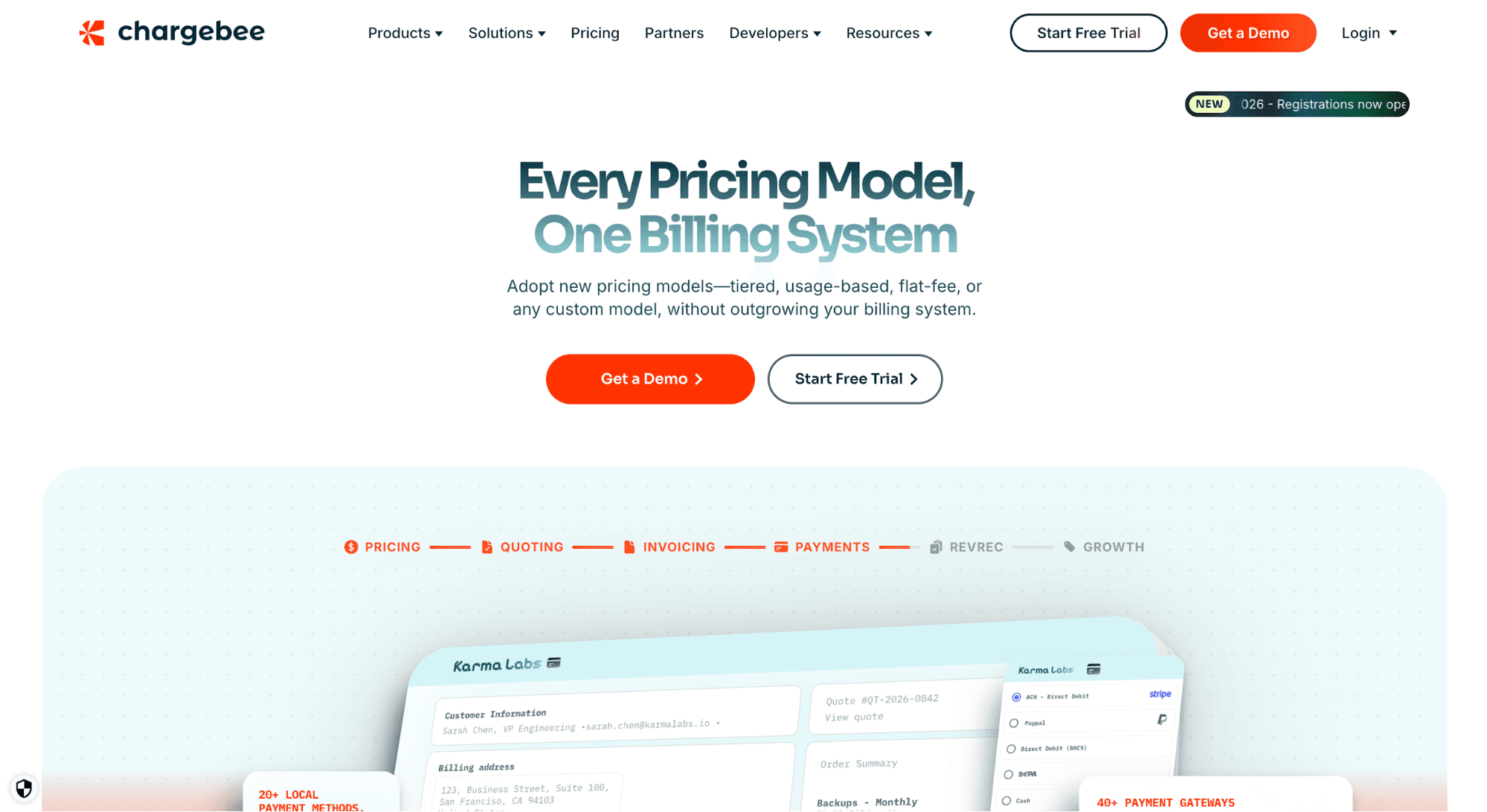
Chargebee is a SaaS billing solution that specializes in subscription management and billing automation. It helps teams manage plans, subscriptions, invoices, payments, and customer changes across the entire subscription cycle.
Chargebee supports different subscription billing models, including flat-fee, tiered, seat-based, usage-based, and hybrid pricing. It lets you bundle, unbundle, and grandfather plans without outgrowing your subscription billing software.
It can also automate billing and invoicing processes, helping you collect payments on time and generate consistent cash flow.
Chargebee also offers multi-currency support using your preferred payment gateway. It even provides configuration capabilities that allow you to design a checkout page based on your business model.
If you want to launch and scale subscription models quickly, Chargebee might be the right SaaS subscription management system for you.
Key Features
- Subscription management: Manage plans, add-ons, renewals, upgrades, downgrades, and subscription lifecycle changes from one place.
- Flexible pricing models: Support flat-fee, usage-based, hybrid, tiered, or any custom billing model.
- Automated SaaS subscription billing: Automate recurring payment collections, invoice processing, and tax management.
- Customizable invoices and checkout: Create branded checkout flows and adjust invoices for different recurring billing scenarios.
- Payment failure recovery: Use Chargebee Receivables to retry failed payments and reduce involuntary churn.
4. Recurly — Best for Recurring Billing
Source: Recurly.com
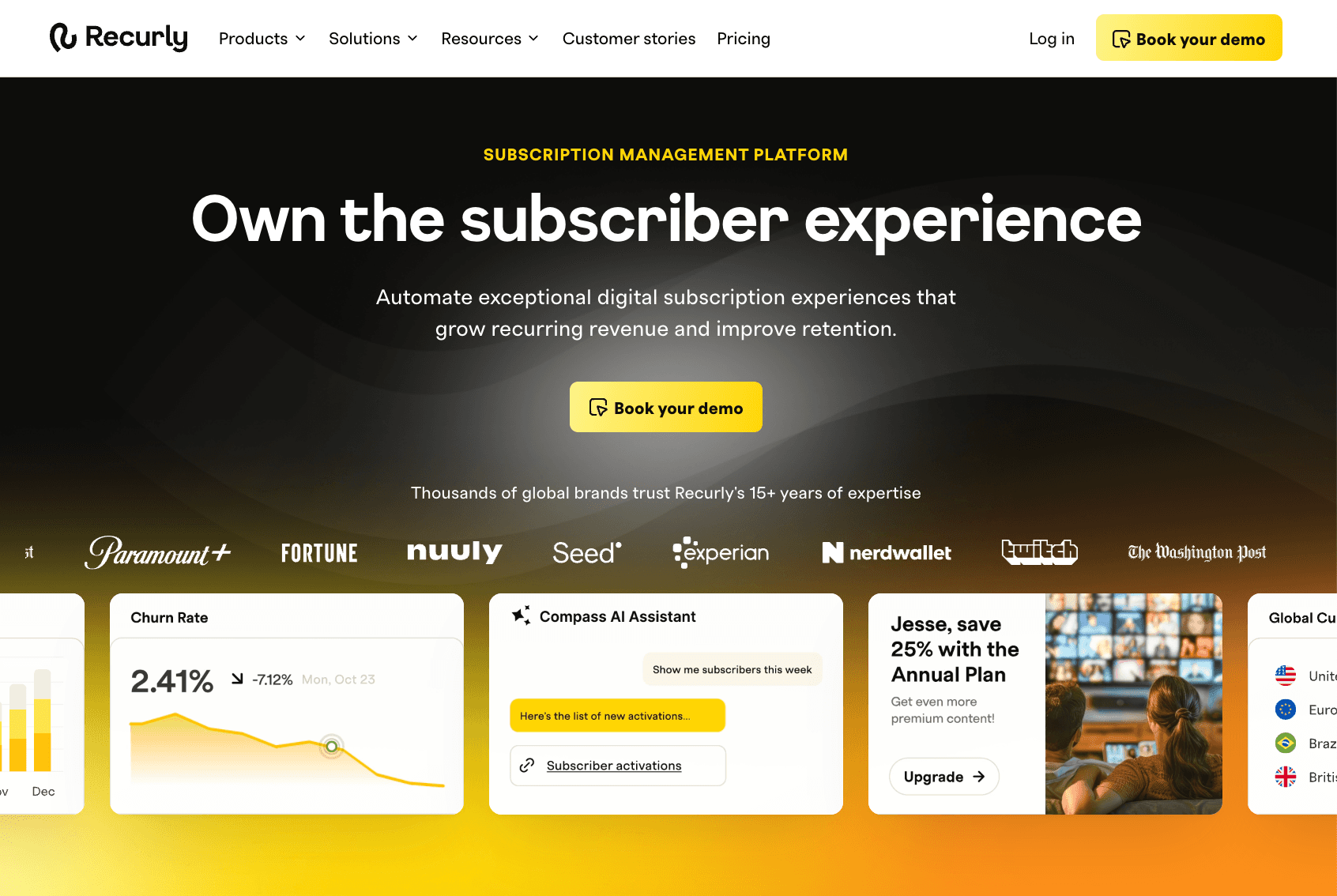
Recurly is a subscription management platform for companies that rely on recurring revenue. It combines subscription management, recurring billing, payments orchestration, churn management, and compliance expertise in one system.
SaaS teams can set up and test different pricing and packaging plans in Recurly. Use free trials, coupons, and gift plans to maximize annual or monthly recurring revenue.
Recurly also streamlines the recurring billing cycle with automated workflows, customizable templates, and global or local tax management.
For payments orchestration, Recurly supports multiple payment methods and payment gateways. Fraud monitoring is always on to detect and prevent unauthorized transactions.
Recurly even provides intelligent retries, an automatic account updater, and dunning campaigns. These advanced features help subscription businesses recover failed payments and reduce involuntary churn.
Key Features
- Pricing and plan configuration: Set up plans, packaging, free trials, coupons, gift plans, and promotions.
- Recurring billing tool: Automate complex subscription billing scenarios, from invoicing to tax calculations.
- Subscription management: Manage subscriber data, plan changes, lifecycle updates, and dunning communication.
- Payments orchestration and churn management: Process payments with ease by connecting to multiple payment gateways and using intelligent retry logic.
- Automated revenue recognition: Streamline ASC-606 and IFRS-15 compliance with multiple revenue reporting standards.
5. Lago — Best for Flexible Pricing
Source: getLago.com
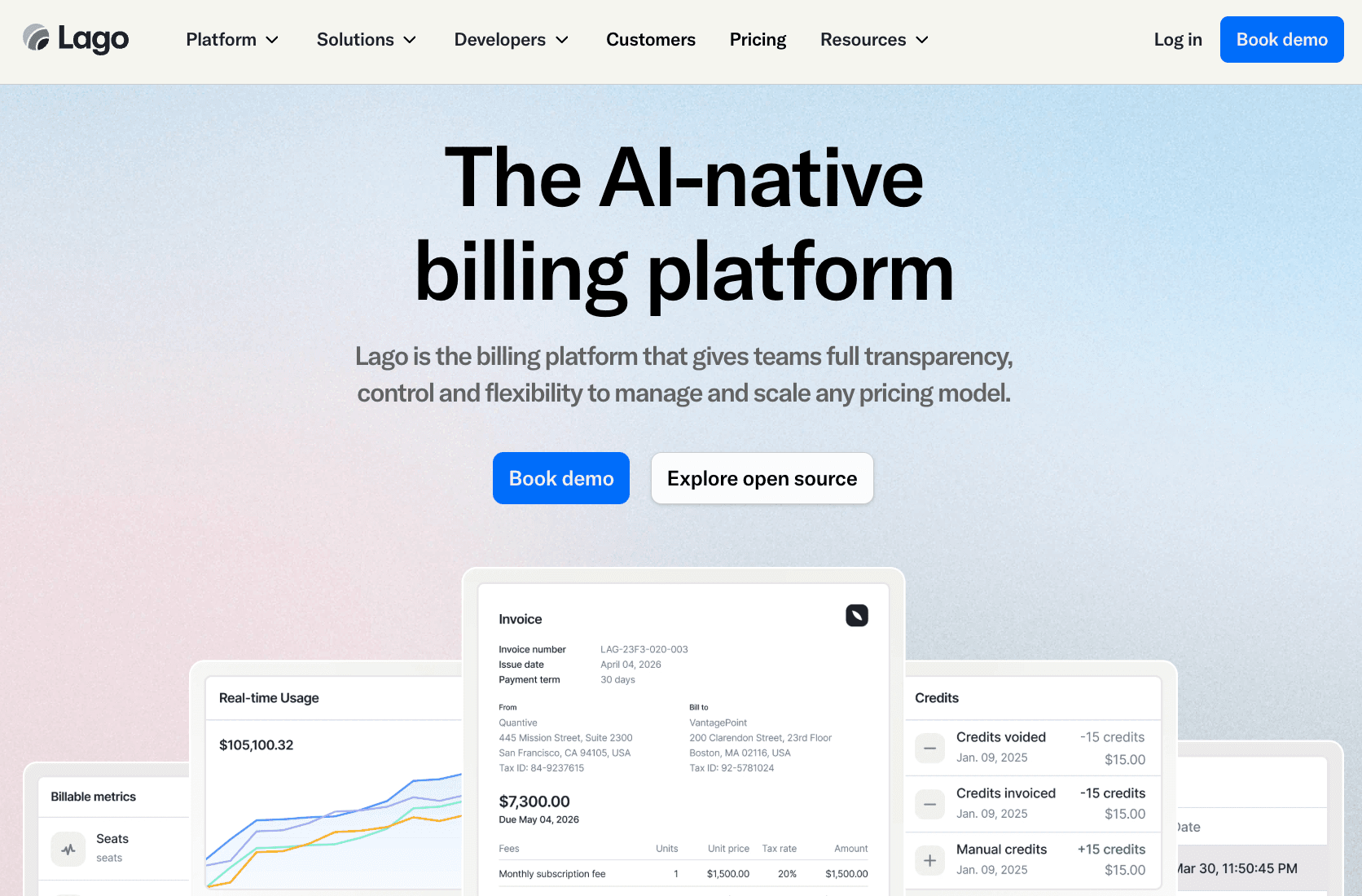
Lago is an AI-powered SaaS billing platform for SaaS businesses that need complete flexibility and control over different pricing models.
It supports flat-fee subscriptions, usage-based pricing, self-serve, and enterprise sales-led motions in one platform.
For usage-based billing, Lago turns raw usage data into accurate invoices. It can bill many products simultaneously using any metric, such as credits, tokens, compute hours, or API calls.
After tracking usage and generating invoices, Lago's automated billing software connects with payment providers. It also applies the correct tax rules to ensure compliance.
What sets Lago apart from other recurring billing software is its open-source design. SaaS teams can choose to deploy Lago on their infrastructure or in a virtual private cloud (VPC).
Key Features
- Hybrid billing models: Ship any pricing model, including subscriptions, prepaid credits, usage-based, and hybrid pricing.
- Usage metering: Track usage events and turn them into billable metrics for usage-based pricing.
- Automated billing and invoicing: Calculate charges, generate invoices, and apply taxes without manual intervention.
- Open-source code: Deploy the open-source version of Lago for more control and flexibility.
- Entitlements management: Control feature access, seat limits, rate limits, and billing rules in one system.
6. Maxio — Best for Revenue Recognition and Financial Reporting
Source: Maxio.com
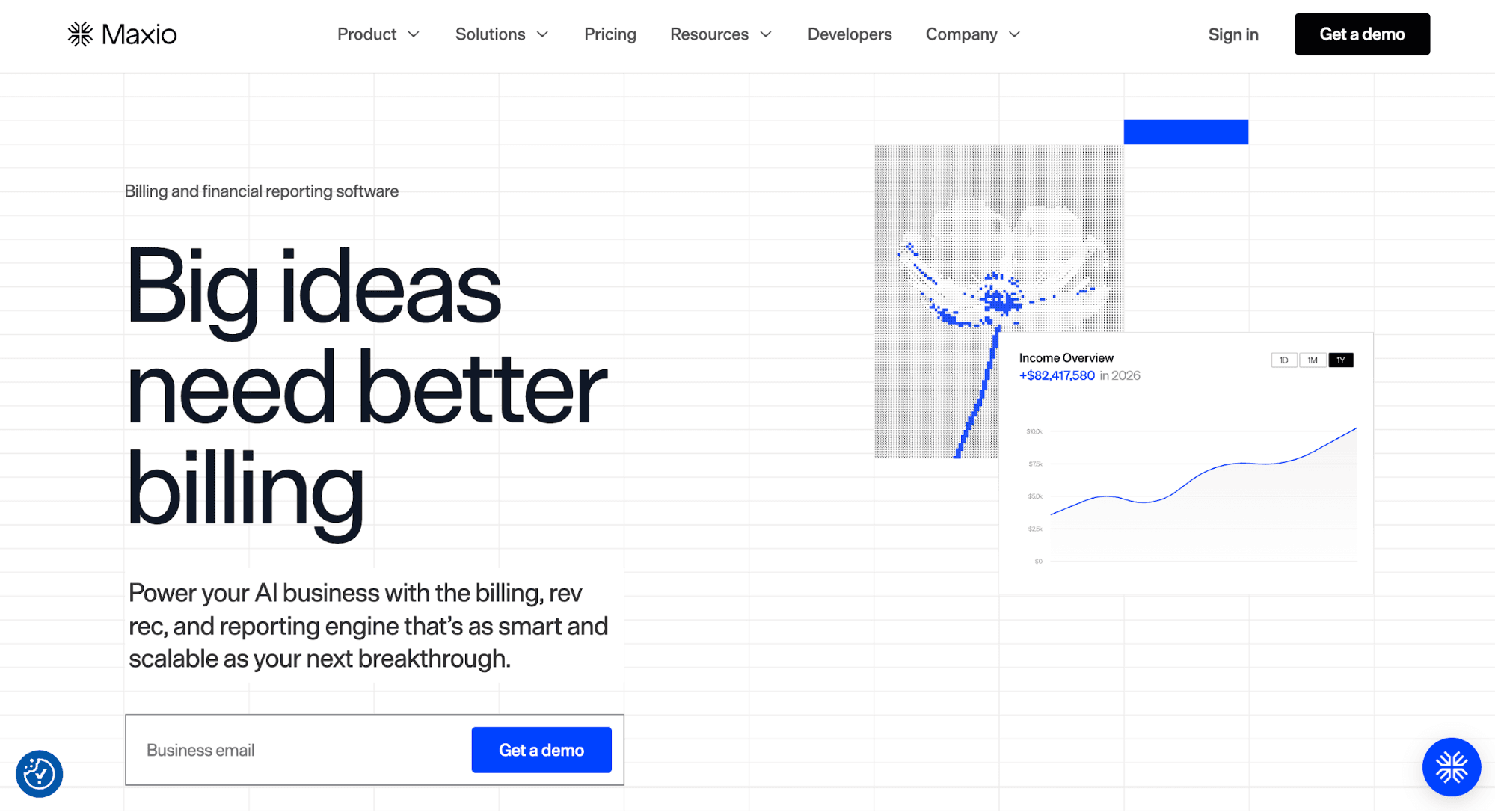
Maxio combines subscription billing, financial reporting, and revenue recognition in one platform. Modern SaaS and AI businesses use Maxio to automate financial operations, from rating and invoicing to subscription data analysis.
Teams can configure any pricing model, including flat-rate, usage-based, and hybrid models. Invoices are automatically generated and sent to the right customers.
By connecting to payment gateways, Maxio can accept multiple currencies and process payments quickly. Then, it provides real-time insights into SaaS metrics, such as net revenue retention (NRR), customer lifetime value (CLV), and days sales outstanding (DSO).
Maxio also consolidates reports across products, business units, and regions, helping finance teams close books faster. Meanwhile, the customizable dashboards enable stakeholders to visualize trends and business health.
Revenue recognition is another core capability of Maxio. It simplifies ASC 606 and IFRS 15 compliance by automatically implementing recognition rules across the entire contract base.
Key Features
- SaaS billing and invoicing: Automate invoicing and payment processing to eliminate manual errors.
- Flexible pricing engine: Support flat-rate, usage-based, tiered, and hybrid pricing models.
- Self-service subscription management: Provide a customer portal to enable self-serve upgrades, renewals, and payments.
- Reporting and analytics: Track key SaaS metrics to make better-informed financial decisions.
- Automated revenue recognition: Apply tailored recognition rules, consolidate journal entries, and sync invoices with your general ledger.
7. Zuora — Best for Quote-to-Cash Processes
Source: Zuora.com
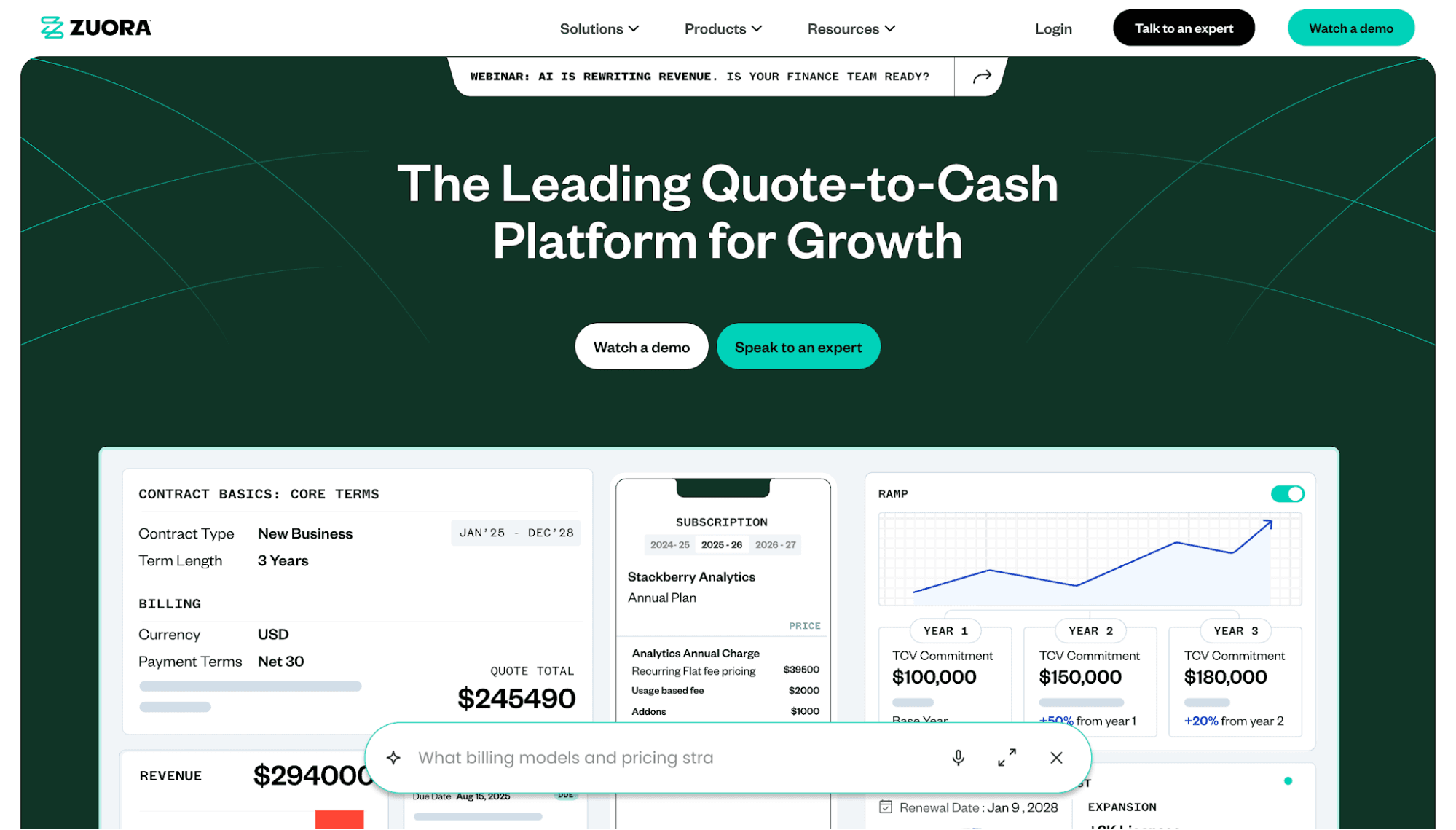
Zuora is a quote-to-cash platform for companies that need to connect billing, collections, payments, and revenue recognition.
Finance teams use Zuora to automate the entire revenue management process and accounts receivable, from invoicing to closing books. This reduces manual work and eliminates errors.
The platform can also meter and bill for usage events. It provides a single source of truth that handles event ingestion, invoicing, and revenue reporting.
In addition to usage-based pricing, Zuora supports pay-as-you-go, discounts, overage pricing, add-ons, and other pricing models. Product teams can define rules once, deploy everywhere, and adjust pricing without rebuilding the entire catalog.
Plus, Zuora offers a subscription management tool for orchestrating upgrades, renewals, payments, and lifecycle changes. It's built for volume and complexity usually found in subscription-based revenue models.
Key Features
- Unified quote-to-cash process: Connect quoting, billing, collections, payments, and revenue recognition in one system.
- Accounts receivable automation: Standardize accounting across all entities and feed your general ledger automatically.
- Usage monetization: Turn real-time usage data into recurring revenue.
- Intelligent pricing: Launch and scale any pricing model without a catalog rebuild.
- Subscription management: Handle upgrades, renewals, payments, and subscriber lifecycle changes.
Why SaaS Businesses Need Billing Software
SaaS businesses need billing software because manual billing breaks down as pricing becomes more complex.
You may start by offering a monthly plan. However, as the product evolves and customer needs change, you'll often introduce add-ons, usage thresholds, credits, exceptions, and custom deals.
You might even combine multiple pricing models, such as subscriptions and usage-based. According to the State of AI report, 38% of SaaS companies are now using hybrid pricing.
SaaS billing software helps you manage those changes without relying on spreadsheets or fixing issues manually.
The right billing system can support different pricing models, generate accurate invoices, collect payments, retry failed charges, handle subscriptions, and keep billing records in sync.
Advanced billing platforms can even control feature access and automate revenue recognition. This makes it easier to connect what each customer pays for with what they can use inside the product. It also helps finance teams track earned revenue and maintain compliance.
How to Choose the Right SaaS Billing Platform
The right SaaS billing software should match your billing needs, pricing model, existing tech stack, and budget. Here are some tips for selecting the right billing system.
Know Your Needs
Start by evaluating your current billing process. You should know how customers sign up, pay, upgrade, downgrade, renew, pause, or cancel.
Then, determine the areas where your team loses time. This may include generating invoices, retrying failed payments, changing plans, checking tax rules, or reporting on revenue.
You should also plan for what comes next. A billing tool that works for 20 customers may not work for 1,000 customers. Check if you need subscription management, invoicing tools, payments orchestration, usage tracking, revenue recognition, or an entitlement management system.
The best subscription billing solution fits both your current setup and your next stage of growth.
Evaluate Your Pricing Model
Your pricing model should guide your billing software choice. A flat subscription plan needs a different setup than pay-as-you-go, prepaid credits, hybrid pricing, or custom enterprise contracts.
Make sure the SaaS billing software supports your pricing model without requiring a billing rebuild.
Look at how it manages free trials, coupons, add-ons, seat changes, upgrades, downgrades, annual contracts, and overages.
For usage-based pricing, review how the billing platform tracks usage events and turns them into accurate invoices.
Check Integration and Ecosystem Fit
Billing does not work alone. It touches your product, customer relationship management (CRM) software, accounting system, payment processor, and data warehouse.
Choose a SaaS billing platform that connects with your existing tech stack through native integrations, APIs, or webhooks.
A poor integration fit can create duplicate work. Teams may need to copy billing data into spreadsheets, update customer records manually, or fix mismatched reports.
You should also check who will own the billing setup. Some platforms need more engineering support. Others give finance and operations teams more control. The right fit should match your internal team structure.
Compare Software Cost
Every SaaS billing software charges differently. Some offer a flat monthly rate, while others take a percentage of your billing volume.
However, do not compare SaaS billing platforms by base price alone. Consider payment fees, revenue share, setup fees, support fees, and add-on costs.
A billing solution charging 5% might cost less than a tool that takes a 1% cut if it eliminates hiring specialists.
Test Before Committing
Take advantage of free trials and demos to test how the billing platform works.
Set up different pricing models, create trials, manage subscriptions, and generate reports. Check if the interface is easy and intuitive to use.
You should also consider your go-to-market strategy. For product-led growth, focus on the customer checkout and billing portal. For sales-led motions, test custom contracts and manual pricing adjustments.
Schematic Supports Runtime Monetization
Schematic helps modern SaaS and AI companies ship pricing and packaging as fast as the product. It works by decoupling billing logic from application code.
Developers implement monetization once by using a single entitlement check per feature. That enables GTM teams to control pricing, packaging, and entitlements without code changes.
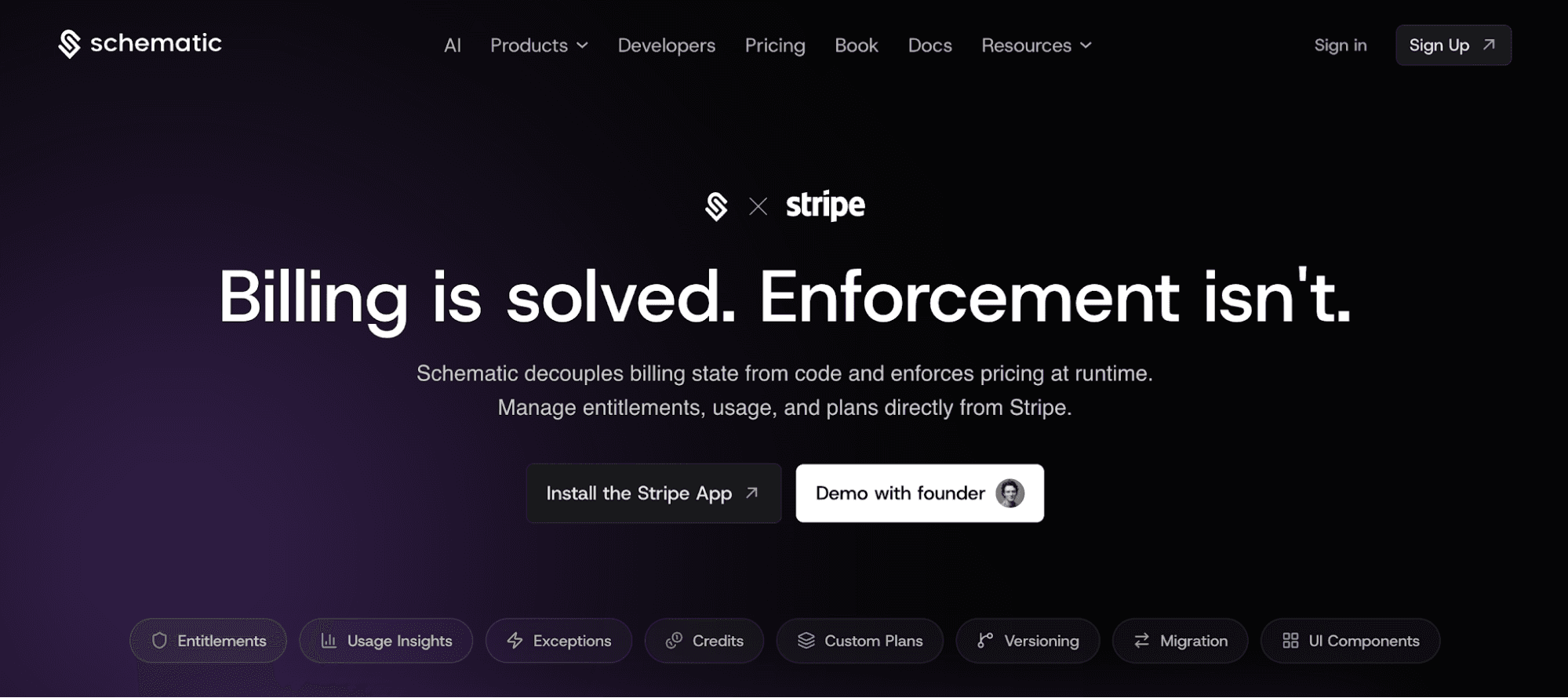
Schematic, built on Stripe, serves as the system of record for your product catalog. Stripe continues to own the billing infrastructure.
What Schematic does is turn Stripe billing state into application behavior. It enforces and evaluates access in-product at runtime.
Engineers stop writing billing code and maintaining complex entitlement systems. Product teams can iterate on packaging, limits, and enforcement.
FAQs About SaaS Billing Solutions
What are examples of SaaS billing solutions?
Top examples of SaaS billing solutions include Schematic, Metronome, Chargebee, Recurly, Lago, Maxio, and Zuora. Each tool serves a different use case.
What is SaaS billing?
SaaS billing is the process of charging customers for access to a Software-as-a-Service product. It can include monthly plans, annual contracts, seat-based pricing, usage-based charges, trials, or custom contracts.
How do SaaS billing platforms reduce customer churn?
SaaS billing platforms reduce churn by automatically retrying failed payments, sending payment reminders, and handling subscription lifecycle changes without manual intervention.