 Ryan Echternacht
SaaS pricing often starts simple with a few basic plans and flat fees. But as the company grows, pricing becomes harder to manage at scale. Self-serve plans, sales-led deals, custom overrides, and usage-based pricing introduce complexity and create more room for errors.
This is a common problem in SaaS. In fact, one report reveals that 98% of SaaS businesses have an internal pricing function, yet most still find pricing to be overly complex.
Without the right pricing software, teams may rely on spreadsheets, manual updates, or custom billing logic. That can slow down pricing changes and lead to disputes.
Pricing management software helps SaaS companies create, manage, test, and update pricing from one place. It lets teams react quickly to market conditions, customer behavior, and competitor pricing to maximize profits.
This article discusses the best SaaS pricing management software and the key features to consider.
TL;DR
These are the top pricing management solutions for SaaS companies:
- Stripe Billing
- Zuora
- Maxio
- Lago
Top 5 SaaS Pricing Management Software in 2026
SaaS businesses rely on the best pricing solutions below to manage pricing, billing, and subscriptions.
1. Schematic + Stripe
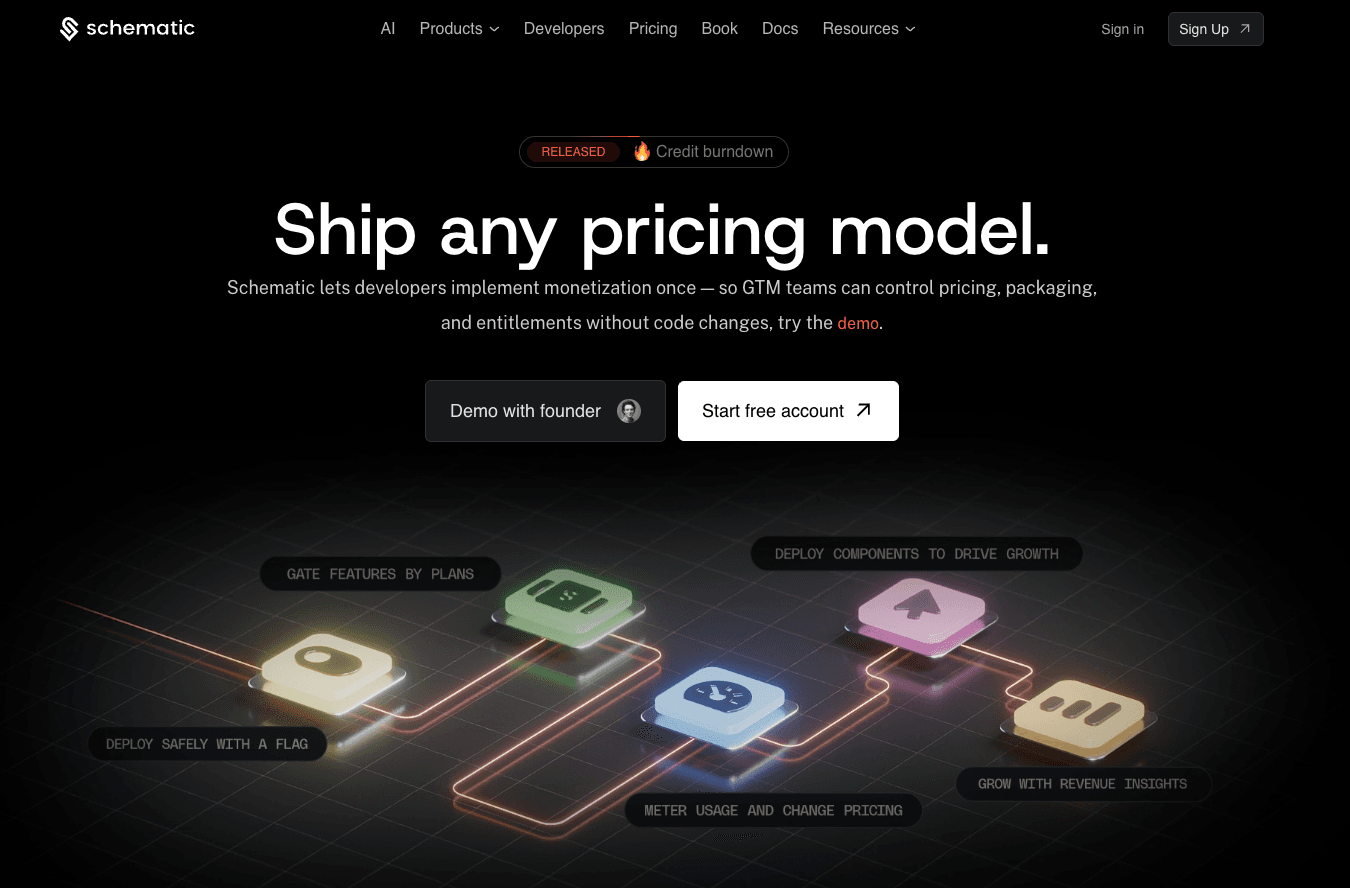
Schematic serves as the system of record for your product catalog. You can manage pricing plans, limits, software entitlements, trials, credits, add-ons, and exceptions from a single source of truth.
Schematic also provides a control plane for all monetization operations. Launch any SaaS pricing model, gate features, enforce paywalls, and roll out pricing tests with configuration instead of code.
Changes made in Schematic are reflected in the product, billing system, and customer portal. The application code does not change.
Schematic is built on Stripe, so it works well for companies that already use Stripe for billing and payments. Stripe handles the billing layer, while Schematic enforces product access and pricing rules at runtime.
Engineering only writes two calls instead of two hundred lines. The people closest to the customer relationship (account executives, RevOps, and sales reps) can continuously iterate on SaaS pricing and packaging.
2. Stripe Billing
Source: Stripe.com
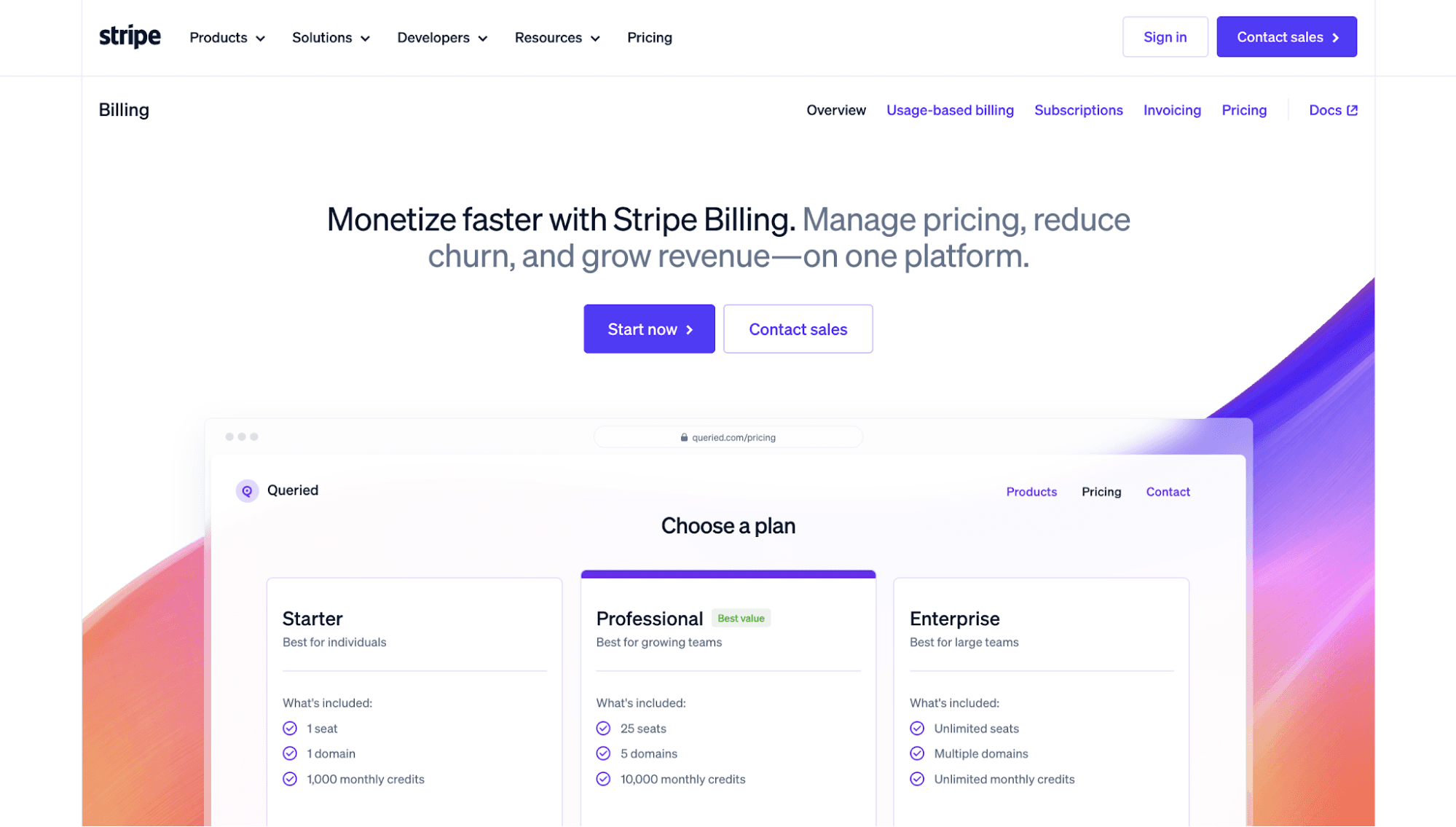
Stripe Billing helps SaaS companies manage pricing, recurring payments, enterprise billing, invoicing, and customer payments from one platform.
Teams can create subscription plans, set up usage meters, define rate cards, and build pricing models, such as usage-based, flat fee plus overage, and tiered pricing.
For organizations that want to launch pricing changes faster, Stripe Billing offers no-code setups for flexible plans and credit systems. Use the built-in dashboard to create products, define pricing, manage invoices, and designate subscription periods.
Stripe Billing also includes AI-powered revenue recovery tools. Smart payment retries, the card account updater, dunning workflows, and cancellation surveys can all reduce failed payments and maximize revenue.
Tax management and revenue recognition are also handled by Stripe’s pricing software to reduce manual work for teams.
3. Zuora
Source: Zuora.com
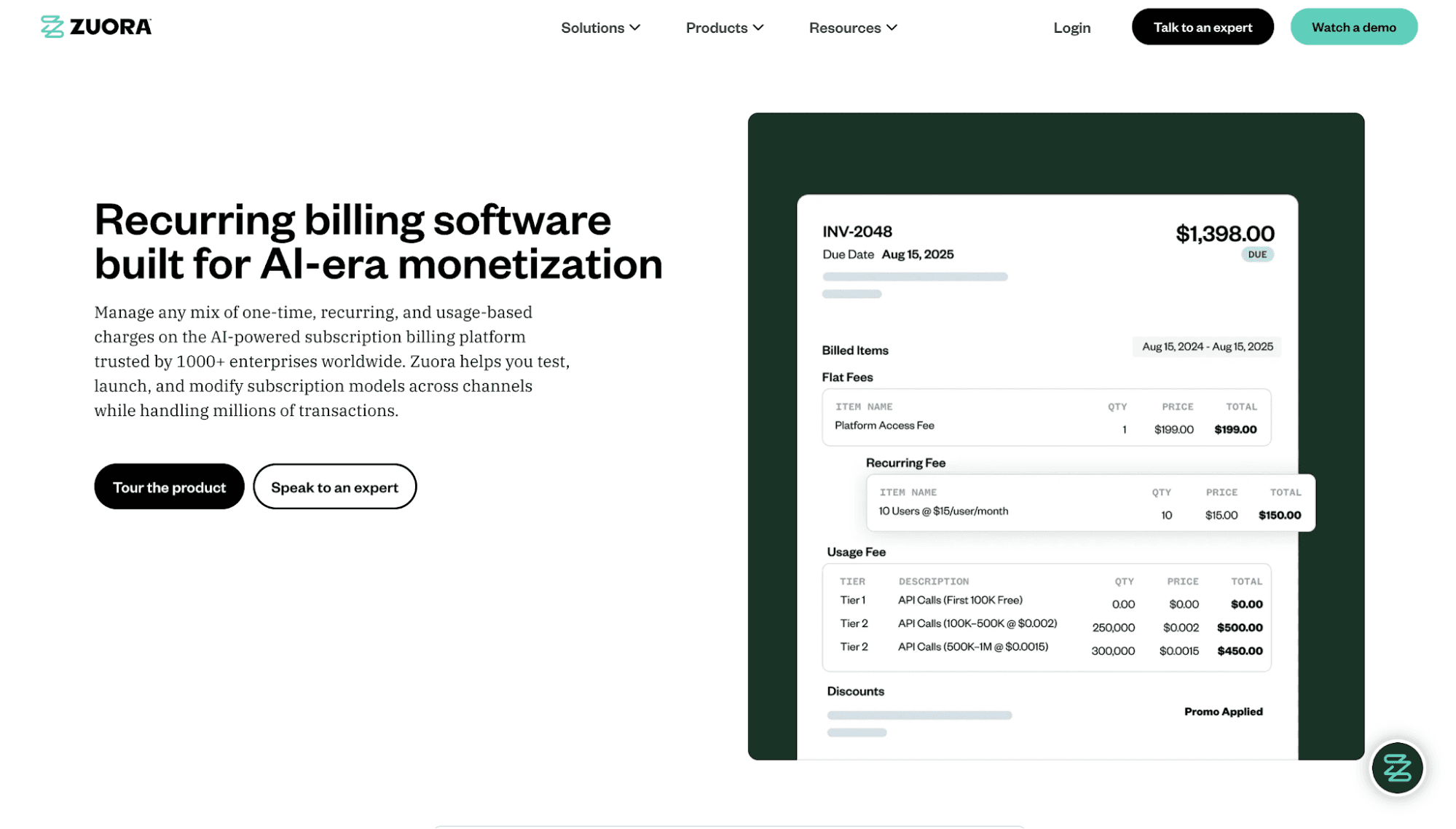
Zuora enables SaaS teams to manage various pricing strategies, including usage-based, hybrid, and multi-attribute pricing, across different channels and products.
Designed for enterprise scale, the recurring billing software can handle high-volume workloads and process thousands of invoices per hour.
Zuora also provides access to a low-code or no-code pricing designer. Pricing teams can quickly deploy any model and iterate on packaging to stay competitive as the market changes.
Managing the entire customer lifecycle is also easier with Zuora. It immediately updates products, renews subscriptions, and adjusts pricing mid-cycle without interrupting downstream financial processes.
The platform even delivers real-time insights into billing performance, market trends, and customer behavior to help teams make informed pricing decisions.
4. Maxio
Source: Maxio.com
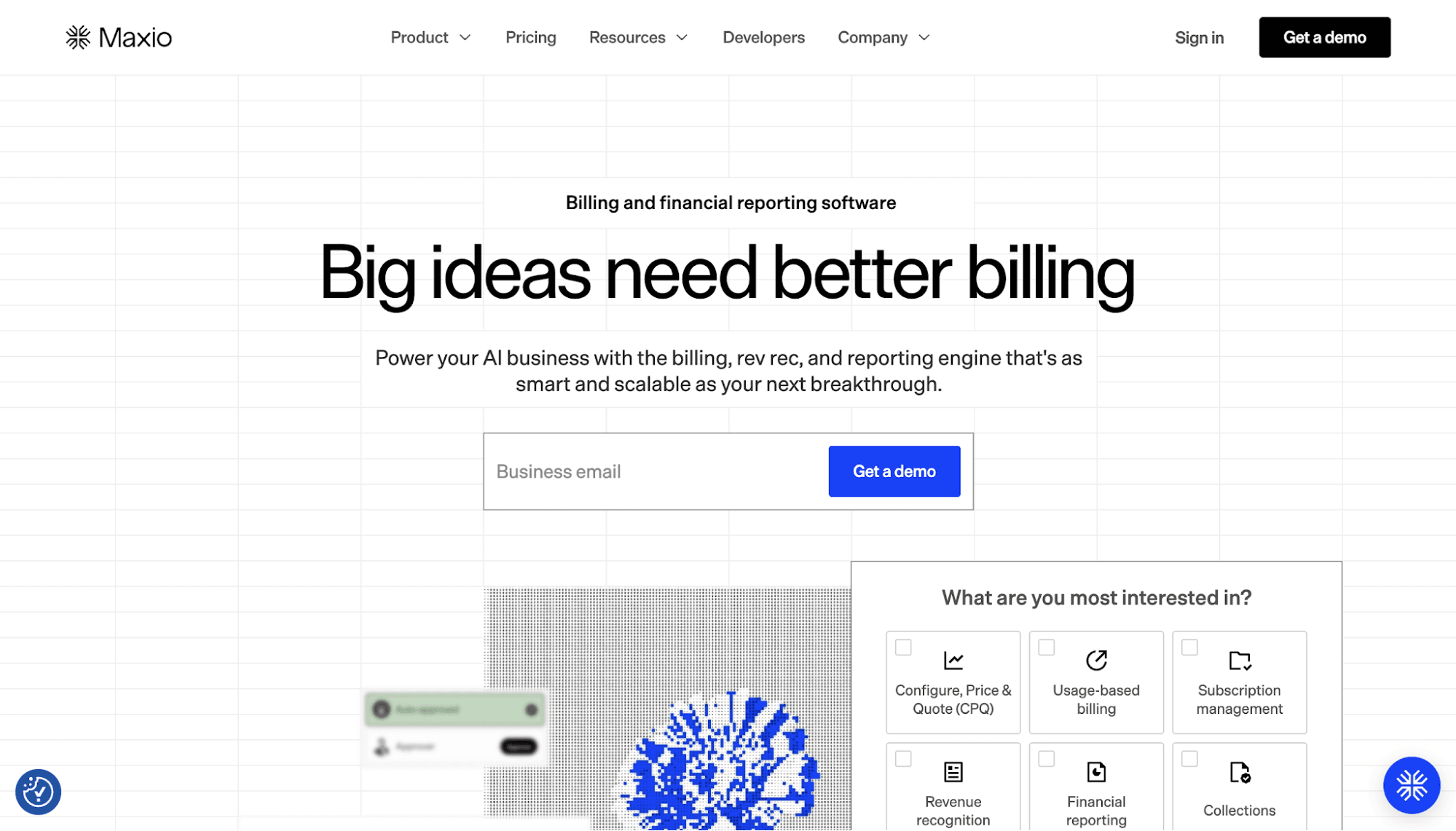
Maxio supports no-code pricing management, allowing B2B SaaS companies to ship new offers without engineering.
With Maxio's Rapid Offer Builder, teams can easily create offers with monthly, quarterly, annual, or custom billing periods. They can also add setup fees, free trials, coupons, discounted rates, and overages. These help align different pricing strategies with how customers consume value from the SaaS product.
Maxio also connects pricing to financial reporting. Teams can view how different plans affect net revenue retention, customer churn, and days sales outstanding, among other SaaS metrics.
Plus, the platform offers a flexible product catalog for complex pricing models. It can tailor pricing and invoices based on the business model, contract, and individual subscriptions.
5. Lago
Source: getLago.com
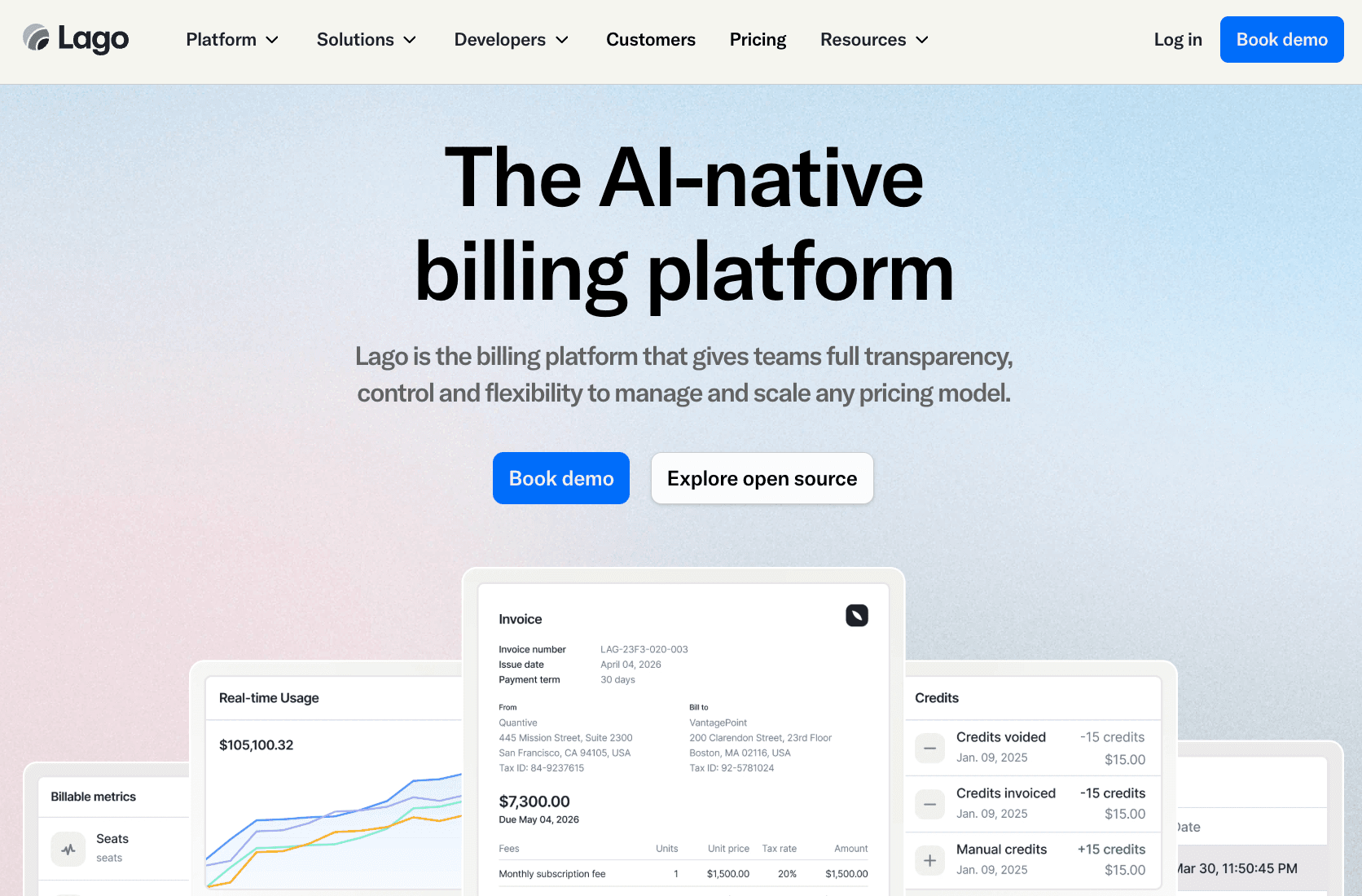
Lago is an AI pricing software solution that helps SaaS businesses manage and scale any pricing model. These include usage-based pricing, coupons, prepaid credits, and customer-specific pricing.
Teams get a billing and pricing assistant powered by artificial intelligence. This agent can test pricing strategies before a full rollout and model different scenarios to reveal revenue impact.
The platform can also meter usage, apply pricing rules, and bill customers based on how much they use the product. Non-engineers can easily make price updates via API or Lago’s no-code user interface.
Lago even supports open-source and cloud deployment options. This gives teams more control over how they run their billing infrastructure.
Key Features of Pricing Management Software
Here are the core capabilities that the best pricing management tools should have.
Pricing Catalog
A pricing catalog gives SaaS businesses one place to manage products, price lists, plans, add-ons, bundles, limits, fees, and billing rules.
It keeps pricing information organized, so teams do not have to track details in spreadsheets, internal databases, and billing systems.
Make sure the pricing catalog supports flat-fee subscriptions, tiered plans, seat-based pricing, usage-based pricing, prepaid credits, and custom enterprise offers.
It should also help teams manage plan versions, so old customers can stay on legacy plans while new users see updated offers.
This feature is important because pricing changes can affect feature access, billing, sales quotes, and customer support. A centralized catalog enables engineering, product, and sales teams to work from the same source of truth.
Support for Dynamic Pricing
SaaS pricing rarely stays fixed for long. A company may offer three simple plans at the start, then eventually add AI credits, seats, volume discounts, and enterprise overrides.
The best pricing management tools also act as dynamic pricing software. They help teams adjust pricing rules based on usage levels, plan type, contract terms, account size, customer needs, and market shifts.
This empowers the business to iterate on monetization and manage multiple strategies without waiting on engineering each time.
For example, sales teams can identify when an important account has used 90% of its limit and grant an overage exception without manual approval processes. RevOps can make quick changes to offers, promos, and trial lengths. Product teams can give beta users access to a new feature before a full launch.
Pricing Experimentation and A/B Tests
Pricing software helps you test new prices, plans, and packaging before rolling out changes to the entire customer base. You can try a different feature limit, a usage-based fee, or a new add-on.
A good pricing management tool can run pricing tests by product, account type, or customer segment. This helps you see which offers drive more upgrades, better retention, or higher average revenue.
Constant experimentation also helps reduce guesswork. Instead of changing prices based on opinions, you can use market data and other signals to make decisions.
Any modern pricing software should track results and roll back changes when needed.
Advanced Analytics and Reporting
Advanced pricing analytics and reporting tools can reveal how pricing affects revenue, upgrades, churn, and customer growth. They also break down current pricing performance by plan and model.
Choose pricing software that can track key SaaS metrics, such as monthly or annual recurring revenue, customer lifetime value, acquisition costs, and net revenue retention. This helps finance, RevOps, product, and sales teams make better pricing decisions.
Make sure the platform can compare new results with historical data to reveal whether a pricing change has improved revenue or created additional problems.
Extensive Integrations
Pricing management software should integrate with the in-house tools your SaaS company already uses to simplify data integration.
Check if it integrates with your subscription management platform, customer relationship management (CRM) software, enterprise resource planning (ERP) tools, ecommerce platforms, and revenue management solutions.
Seamless integrations with multiple platforms can improve operational efficiency by reducing manual data entry.
When product teams update a plan, that change automatically reflects in the product, invoices, financial reports, and customer-facing pages to improve pricing consistency.
How to Choose the Right Pricing Management Software
With so many pricing management solutions to choose from, it can be difficult to make a decision. Below are some tips you can follow to find the right pricing software for your needs.
Identify Your Pricing Model
When choosing pricing management software, review how your SaaS business charges customers. You may offer subscriptions, per-seat pricing, usage-based plans, add-ons, prepaid credits, or custom enterprise agreements.
Next, think about where your pricing is headed. Many companies start with a few simple plans but later introduce usage limits, volume discounts, premium features, or negotiated contracts. The pricing engine you choose should be able to support those changes.
It is also important to understand how pricing affects the customer experience. In some companies, pricing only determines what appears on an invoice. In others, it needs to control feature access, entitlements, and account permissions.
Select a platform that fits both your current model and your future needs. Pricing tends to become more complex over time, so it helps to plan ahead.
Look at Pricing Flexibility
Pricing flexibility is important because you need to adjust offers as the product matures and customer needs change.
Look for pricing management software that lets you customize prices without changing application code.
You should also check whether the software supports continuous pricing iteration. This makes it easier to compare plans, update limits, and measure results before making high-level changes.
However, the goal is not just to change prices faster. It should also identify optimal pricing strategies based on customer behavior, market dynamics, and business goals.
Consider Scalability
Choose pricing management software that can grow with your customer base, product line, and revenue model.
Ask how the tool handles more customers, complex pricing rules, and multi-product offerings. It should support growth without forcing teams to rebuild billing logic or create one-off workarounds.
If you are using consumption-based billing, check how the platform meters usage. Can it handle high-volume events and adapt to usage spikes?
Those serving international customers should check whether the platform supports global pricing, multiple currencies, regional pricing rules, and local tax requirements. These sophisticated capabilities become more important as the business expands into new markets.
It's also important to review how the software handles legacy plans. As pricing changes, some customers may stay on old terms while new customers move to new plans. Good pricing software should support grandfathering.
Evaluate Ease of Use and Support Quality
A pricing tool should be easy to use for both technical and non-technical team members.
Review how many steps it takes to create a plan, change a limit, launch a trial, or update an offer. A clear pricing process helps teams move faster and avoid mistakes.
Then, check the quality of support the vendor provides. Even if the pricing management software is easy to use, you may need help completing setup or troubleshooting technical issues.
Leading software vendors provide reliable assistance at all times.
Compare Platform Costs
The costs of pricing management software can vary based on features, revenue, customer count, usage volume, and other factors.
Make sure you understand the entire pricing structure before making a decision.
It is also important to look beyond the subscription fee. Some vendors charge extra for implementation, premium support, integrations, or payment processing.
Consider the internal cost of implementing pricing software as well. A lower-priced tool may require engineers to maintain custom workflows, troubleshoot billing issues, or manage entitlements.
Finally, calculate the overall return on investment. The right platform should save time, reduce operational overhead, and make it easier for teams to manage pricing as the business grows.
Manage SaaS Pricing and Packaging Without Hard-Coded Logic Using Schematic
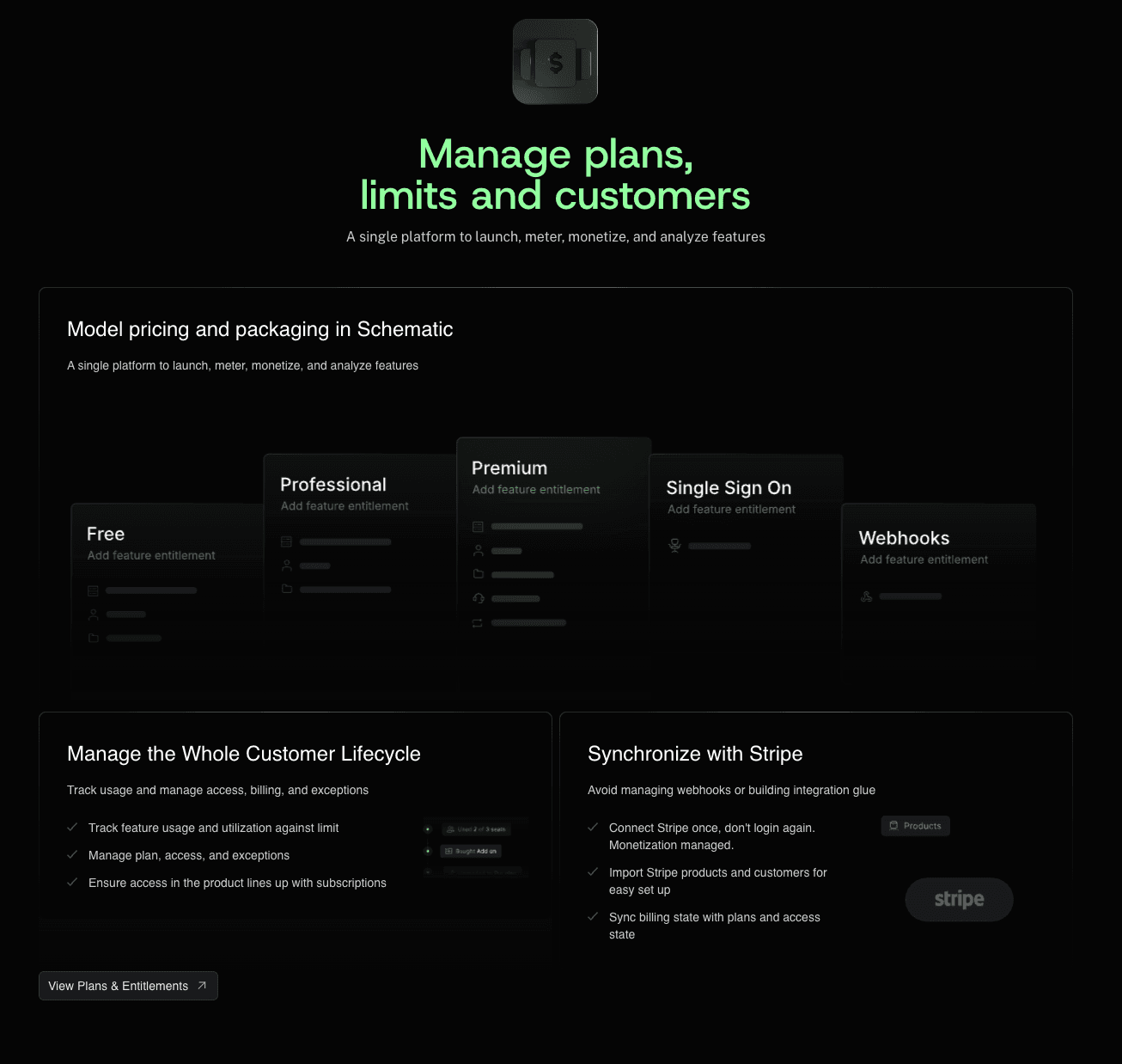
Schematic lets you manage the entire pricing and packaging surface area, from how you charge your customers to how they experience your product. It brings plans, add-ons, SaaS entitlements, usage, limits, trials, and enterprise overrides into one system.
Instead of hard-coding pricing logic into the application, teams can control access, billing, and exceptions in Schematic.
Product teams can gate new features behind a plan. RevOps can launch promotional offers and extend trials. Sales teams can support custom plans. Engineering spends less time maintaining billing logic and complex entitlement systems.
Schematic also integrates bi-directionally with Stripe to simplify billing workflows. It adds powerful capabilities on top of the platform, such as usage metering, drop-in billing components, and smart flags.
This means Schematic orchestrates how pricing works across your product, billing system, and customer-facing systems.
FAQs About Pricing Management Software
What are the four types of pricing software?
The four common types of pricing tools are pricing management software, pricing optimization software, billing software, and quote-to-cash software. Each platform supports a different aspect of monetization, from setting prices to billing customers and managing deals.
Is pricing optimization and management software the same?
No. Pricing optimization software helps teams choose better prices using market trends, customer data, competitive pricing, and product value. On the other hand, pricing management software helps teams apply, update, and manage those prices across plans, contracts, and channels.
Can pricing management software support usage-based pricing?
Yes. Many pricing management tools support usage-based pricing models, including pay-as-you-go, prepaid credits, and overage fees. When evaluating different platforms, review how they process raw usage data, turn events into invoices, and handle complex billing scenarios.