All posts
What Is an Automated Billing System: Key Benefits and Features
Blog· Ryan Echternacht·Sep 3, 2026
Ryan Echternacht·Sep 3, 2026
An automated billing system is software that handles routine billing tasks without manual intervention.
For SaaS and AI companies, billing isn't just sending invoices and accepting payments. It also involves managing subscriptions, tracking product usage, applying credits, calculating taxes, and retrying failed payments.
As pricing gets more complex, manual billing processes can lead to missed payments, inaccurate invoices, and human errors.
An automated system connects customer data, product usage, pricing rules, and payment gateways. It calculates what each customer owes and updates billing records after receiving payment.
This guide explains the meaning and benefits of an automated billing system. We'll also cover how it works, its key features, and tips for choosing the right solution.
TL;DR
- An automated billing system handles routine billing tasks, such as generating invoices, processing payments, and calculating taxes, without manual input.
- Key benefits of automated billing software include less manual work, fewer errors, lower revenue leakage, better margin control, enhanced scalability, improved compliance, and smoother customer experiences.
- It works by pulling data from separate systems, applying pricing rules, creating invoices, processing payments, and recording results.
- Automated billing systems can calculate charges, but they don't control access to the application. Schematic provides the missing entitlement infrastructure between billing and product.
What Is an Automated Billing System?
An automated billing system is software that manages routine billing operations with little or no manual input. It can handle recurring billing, invoices, account balances, taxes, discounts, and payment records.
Unlike traditional billing processes, which often depend on spreadsheets and manual updates, automatic billing software uses predefined rules to complete billing tasks.
It also acts as a central system for customer billing details, pricing terms, invoice data, and customer payment history.
Automated software helps SaaS and AI companies save time, improve operational efficiency, and lower operational costs by bringing billing data from separate systems into one platform.
How Does an Automated Billing System Work?
An automated billing solution follows set rules to turn customer and usage data into invoices, payments, and billing records. Here is how automated billing works.
- Data integration: The automated billing platform integrates with accounting systems, customer relationship management (CRM) software, and other existing systems to collect important billing data.
- Invoice generation and sending: The system generates accurate invoices for each customer. It can send them by email, removing the need to physically mail invoices.
- Tax calculation: After invoice delivery, the automated software applies tax rules based on customer and product details.
- Payment processing: Customers pay invoices using their preferred method of payment, such as a card or bank transfer. The system records each successful or failed payment.
- Proration and rate adjustments: The software recalculates charges when customers upgrade or downgrade, add seats, or exceed usage limits during a billing cycle.
- Reporting: The automated billing platform shows upcoming or overdue payments, average revenue per user, customer payment behavior, and other trends to inform decision-making.
Why Do SaaS and AI Companies Need Billing Automation?
SaaS and AI companies need billing automation software because they often have complex pricing models. Usage-based, outcome-based, and credit-based pricing require teams to translate product events into accurate charges. That is difficult and impractical to do by hand.
Manual work also becomes harder as organizations add more customers, plans, SKUs, and regions. An effective automated billing system eliminates manual processes tied to invoice generation, usage metering, tax calculation, and recurring payment processing.
AI products add another layer of pressure to the entire SaaS billing process. Agents can consume tokens, credits, or compute in seconds, which can spike costs.
Unfortunately, traditional billing systems are too slow for real-time AI. Webhook delays can be unacceptable because they are too late to stop excess usage.
AI companies automate billing workflows to meter usage in real time, apply the correct rate, and generate accurate invoices without asking finance or RevOps teams to review every account by hand.
7 Key Benefits of Automated Billing Software
Below are the main advantages of automated billing solutions.
1. Eliminate Manual Data Entry
Automating billing software can significantly reduce manual tasks. You no longer need to copy account details into spreadsheets, calculate every charge, or create each invoice by hand.
The system can automatically generate invoices based on predefined rules. It can also process payments, record transaction results, and update customer balances without manual input.
This removes many slow steps from the entire billing process. You can spend more time reviewing revenue growth, solving account issues, and planning pricing changes.
2. Improve Billing Accuracy and Reduce Manual Errors
Manual billing processes often lead to mistakes. You may enter the wrong price, miss a plan change, apply an old discount, or bill the same usage twice. These errors can lead to refunds, support tickets, and lost customer trust.
Automated invoicing processes apply predefined rules to every account. The system pulls data from existing systems, calculates charges, and places each item on the correct invoice. It can also apply taxes, credits, prorated fees, and overage pricing if applicable.
Billing automation software does not completely eliminate human errors. You still need to carefully review pricing rules and test edge cases before launch.
However, once the setup is correct, the automated billing system can repeat those rules with greater consistency than manual work. It also makes it easier to trace each charge when a customer asks about their invoice.
3. Prevent Revenue Leakage
Revenue leakage happens when your company delivers a product or service but fails to bill the full amount owed. Common causes include billing errors, missed renewals, contract mismanagement, or over-provisioned accounts. According to LeakShield, billing errors account for 38% of all leaked revenue in subscription companies.
Automating billing processes helps capture the correct charges as they occur. The automated software can track subscription dates, usage fees, overages, and contract changes. Then, it applies the correct billing rules, contracted prices, markups, discounts, and taxes consistently.
It can also send invoices on schedule and retry failed payments. This helps improve cash flow by reducing delays between product usage and payment collection.
Automated reminders and retries can increase the chance of timely payment without requiring teams to contact each customer.
That said, you should still compare product activity with billing records. Regular checks can reveal missing events, broken integrations, or pricing rules that need correction before you lose a large amount of revenue.
4. Protect Gross Margins
AI products can create high and uneven service costs. One customer may consume more tokens, compute, API calls, or agent runs than another customer on the same plan. When usage is not tracked or billed correctly, revenue may not cover the cost of serving that account.
Automated billing software applies margin rules, so markups stay consistent even as underlying costs shift.
The platform can also deduct credits, calculate overages, and flag accounts with unusual consumption. This provides a clearer view of revenue earned from each customer compared with the resources they consume.
That visibility supports better financial management. Finance and product teams can find low-margin plans, review costly usage patterns, and adjust prices or limits when needed.
5. Support Scalability
Billing complexity increases as the company adds customers, plans, regions, currencies, usage metrics, and contract terms. A manual billing process built on spreadsheets and emails may work at an early stage, but it becomes harder to manage as the business grows.
SaaS and AI companies use automated billing software to handle higher invoice and transaction volume without adding manual work. The system can apply stored rules to thousands of accounts, track renewals, calculate variable charges, and update payment records on schedule.
Automation also makes it easier to support new pricing and packaging strategies. Teams can create custom plans, usage meters, credit systems, discounts, or trial periods through a shared system instead of creating a separate process for each launch.
6. Enhance Compliance and Audit Readiness
Billing records often contain customer details, payment history, tax data, contract terms, and other sensitive financial data. Manual files and disconnected tools can make it harder to control access, track changes, and explain how teams calculated an invoice.
Automated billing software provides a more consistent record of customer charges and payments. It can log plan changes, discounts, refunds, tax amounts, usage totals, and invoice updates. These records give finance teams a clear trail when they review account activity or prepare for a compliance audit.
7. Boost Customer Satisfaction
Billing is part of the product experience. Customers expect accurate invoices, transparent usage charges, instant payment updates, and quick answers when they have questions. Errors or unclear usage fees can negatively affect trust even when the product performs well.
Most automated billing systems include a customer payment portal. It gives users one place to view invoices, download receipts, update card details, check balances, and manage subscriptions. This reduces the need to contact customer support teams for common billing requests.
Automated billing software also offers flexible payment options to make payments easier for different customer types. Self-serve users may prefer cards or digital wallets, while enterprise customers might need bank transfers, invoices, or custom payment terms.
Automated platforms can even send renewal reminders, failed payment alerts, usage updates, and credit balance warnings at the right time. Clear communication helps customers understand what they owe, why they were charged, and what action they may need to take.
Core Features of an Automated Billing System
Here are the key capabilities you should consider when evaluating different automated billing systems.
Automated Invoice Generation
Automated invoice generation creates invoices from stored customer data, pricing rules, tax details, discounts, credits, and billing cycle dates.
Invoice automation starts when a billing event occurs, such as a renewal, usage cutoff, or contract milestone.
The automated system fills in line items, invoice numbers, due dates, payment terms, and customer details. It may also send the invoice by email or place it inside a billing portal.
Modern invoicing software can generate accurate invoices for recurring subscriptions, usage-based charges, hybrid pricing models, and custom contract terms. It also records each invoice version, including changes, voids, refunds, and payment statuses.
Recurring Billing and Subscription Management
Recurring billing and subscription management help you handle charges that repeat on a set schedule. The system stores plan names, prices, billing dates, contract terms, trial periods, and renewal status.
It can manage monthly, quarterly, or annual subscriptions. It also records upgrades, downgrades, pauses, cancellations, and reactivations.
When a customer changes plans, the automated billing system updates the subscription record and applies the new terms to the next invoice. It may also calculate prorated fees or credits for mid-cycle changes.
Payment Gateway Integrations
Payment gateway integrations connect your automated billing software to payment solutions that handle customer transactions.
The billing system sends the charged amount, customer details, currency, and payment request to the gateway.
Then, the payment gateway returns a result, such as approved, declined, pending, refunded, or disputed. The billing platform records that result and updates the related invoice or account balance.
This integration lets you accept multiple payment methods through one billing setup. Customers may pay by credit card, debit card, bank transfer, or digital wallet.
The payment gateway usually stores sensitive card details, while the automated billing system records payment tokens, transaction IDs, refund records, and payment status.
Smart Dunning Management
Smart dunning management handles failed and late payments through collection rules predetermined in your billing software.
Rules can vary by customer type, invoice value, payment method, or contract.
The billing system may try the payment again after a set number of days, send reminder emails, ask the customer to update payment details, or notify an account owner.
It also tracks overdue invoices and changes the customer's status as payment collection steps take place. It may mark an account as past due, pause future charges, or send the case to a finance team.
Each action remains tied to the original invoices and payment record.
Support for Usage-Based Billing
SaaS and AI companies often charge customers based on API calls, tokens, credits, storage, compute time, or completed tasks.
The best automated billing system should be able to record this activity and translate it into accurate invoices. It must meter usage events, aggregate them, and apply the correct pricing rules.
This feature is especially useful for AI companies because product consumption can change quickly. A fixed subscription fee may not reflect the cost of serving each account. Usage-based billing connects customer activity to revenue and helps you charge customers for actual usage.
Reporting and Analytical Dashboards
Reporting and analytical tools organize billing data into clear dashboards for finance, RevOps, and leadership teams. They can show invoice totals, payment status, failed charges, refunds, renewals, cancellations, and customer usage.
Different teams can sort and filter this data by plan, customer, region, currency, date, or payment method. Users can also open the source invoice, transaction, or subscription record behind each figure.
These reporting dashboards can keep billing activity connected to the company's financial records. They may also send invoices and payment data to other existing systems for further review.
Tips for Choosing the Best Automated Billing System
Here are tips to follow when selecting the best billing automation software.
Define Billing Requirements
List the pricing rules, customer types, payment terms, and billing tasks your company needs to manage daily.
Then, review how your team currently handles recurring invoices, subscription renewals, usage charges, credits, taxes, and failed payments. Are they still using spreadsheets or emails for certain tasks?
Focus on the gaps in your current billing operations so you can choose a system that solves actual problems.
Check Support for Your Pricing Model
Make sure the automated billing system supports your current pricing model and any models you may implement later to avoid changing tools in the future. Check compatibility with recurring, seat-based, usage-based, credit-based, tiered, hybrid, and custom pricing.
You should also evaluate how the platform handles discounts, minimum commitment fees, overages, and custom rates to ensure accurate invoicing.
Evaluate Integration Capabilities
Check whether the automated billing platform connects with your payment processor, CRM software, tax management tools, data warehouses, and accounting software.
Look for APIs, webhooks, and pre-built integrations. These allow billing information to move between systems seamlessly without manual data entry or custom fixes.
Compare Costs and Customer Support
Calculate the total cost of using the automated billing software. Look beyond the subscription fee. You should check if the system charges extra fees per successful transaction.
Some software vendors also charge for setup and premium support. Compare the costs of different billing automation systems before finalizing your decision.
Then, review the quality of customer support you receive. Consider fast response times, access to technical documentation, and direct contact with billing experts.
Request Demos and Trials
Take advantage of free demos and trials to test different billing cases. Evaluate how well the billing platform handles plan changes, usage charges, failed payments, refunds, and reporting.
Don't forget to involve finance, product, RevOps, and engineering teams in the review process. Gather their feedback before purchasing an automated billing system.
Automate Billing With Stripe, Run Monetization and Enforce Access Using Schematic
Stripe automates billing tasks, such as invoice generation, tax management, and payment processing. However, monetization requires more than billing. Companies still need software entitlements that connect a customer’s plan and payment status to what they can access inside the product.
Schematic fills this gap between Stripe and product behavior. It gives SaaS and AI businesses a system of record for plans, add-ons, trials, entitlements, usage limits, credits, and account-level overrides.
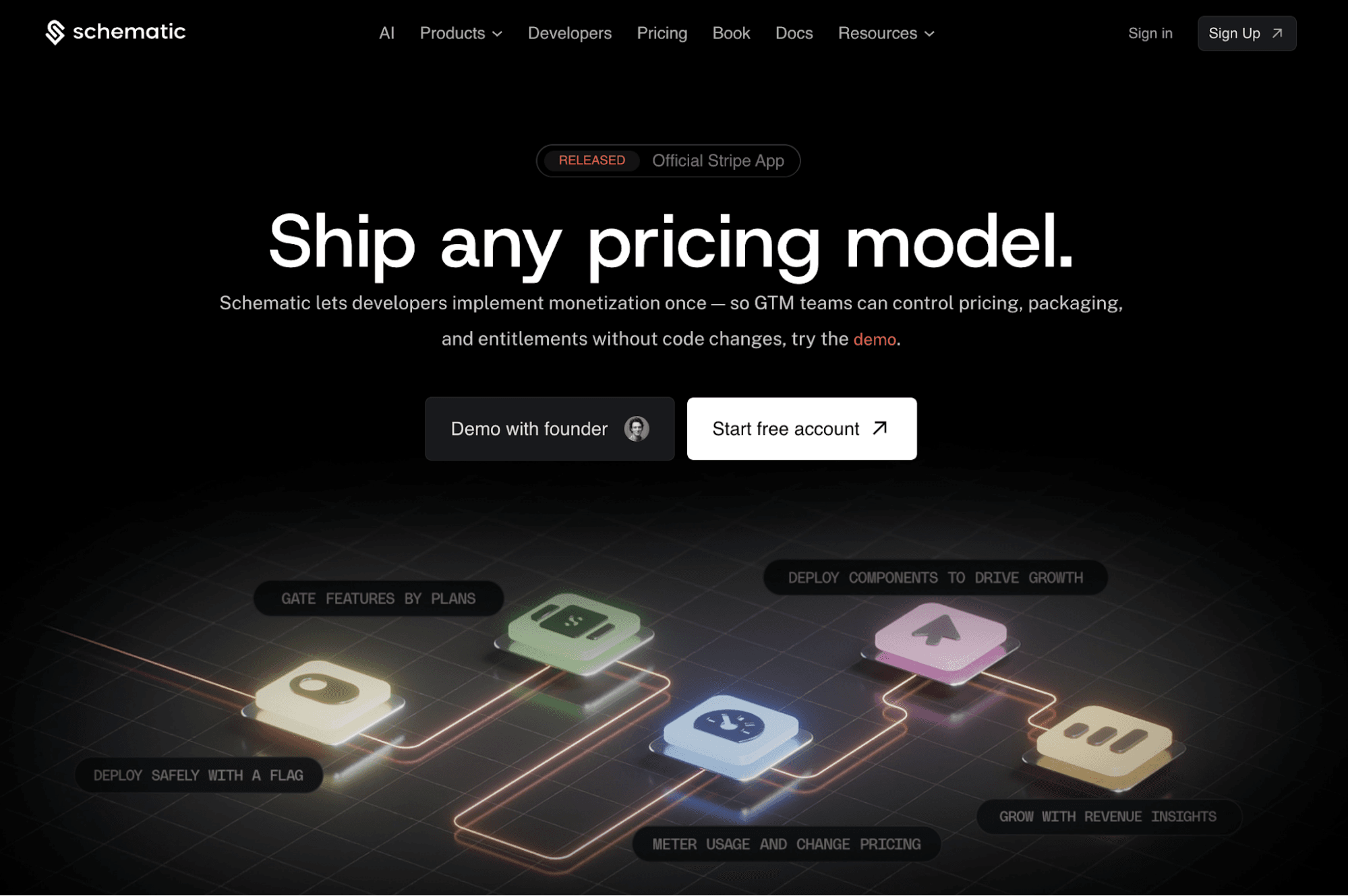
Schematic decouples billing logic from the application. Commercial teams can monetize products using any pricing model, launch trials, grant exceptions, and control feature access without waiting for developers to update application code.
Built on Stripe, Schematic extends your billing infrastructure with usage metering, a real-time credit ledger, limit enforcement, embeddable billing components, internal admin dashboards, and revenue insights.
Stripe continues to handle invoicing and payments, while Schematic turns billing state into monetization rules and enforces in-product access at runtime.
FAQs About What Is an Automated Billing System
What are three different types of billing systems?
Three common types are subscription billing, usage-based billing, and hybrid billing systems. Subscription billing software is built around recurring charges. Usage-based billing platforms meter usage events and charge customers for actual consumption. Hybrid billing systems can generate invoices with fixed fees and variable usage charges.
What are the most popular billing systems?
Common billing platforms for subscription companies include Stripe Billing, Chargebee, Recurly, and Zuora. The right choice depends on pricing needs, compliance requirements, tax support, and the number of customers and transactions the business manages.
Can I create my own billing system?
Yes, you can build a custom billing system. However, your internal team must maintain pricing rules, payment integrations, reporting, tax needs, security, and system updates. An internal system is difficult to maintain and scale. Buying a billing platform is often more practical for growing SaaS companies.