SaaS companies handle many repetitive tasks that pull them away from core product development. Teams are often stuck updating feature access when subscriptions change, routing support tickets, nurturing leads, and monitoring application bugs, among others.
As the customer base grows and the product evolves, manual work starts to slow everything down.
That is why many SaaS businesses invest in automation tools. These help teams automate repetitive tasks, save time, reduce errors, and support faster growth by eliminating bottlenecks.
This article discusses the best SaaS automation tools by use case, so you can quickly find the right fit and focus on improving your product.
TL;DR
Here are the best SaaS automation tools based on their use cases:
- Schematic + Stripe — best for billing automation
- HubSpot — best for marketing automation
- Pipedrive — best for sales automation
- Zapier — best for workflow automation
- Intercom — best for customer support automation
- Datadog — best for application performance monitoring
- Figma — best for product design automation
- Userpilot — best for customer onboarding and product adoption
- ClickUp — best for project management automation
9 Best SaaS Automation Tools in 2026
SaaS automation tools come in several types, each focused on automating different aspects of business operations. Below are the nine best automation tools that SaaS companies can use to streamline processes.
1. Schematic + Stripe — Best for Billing Automation
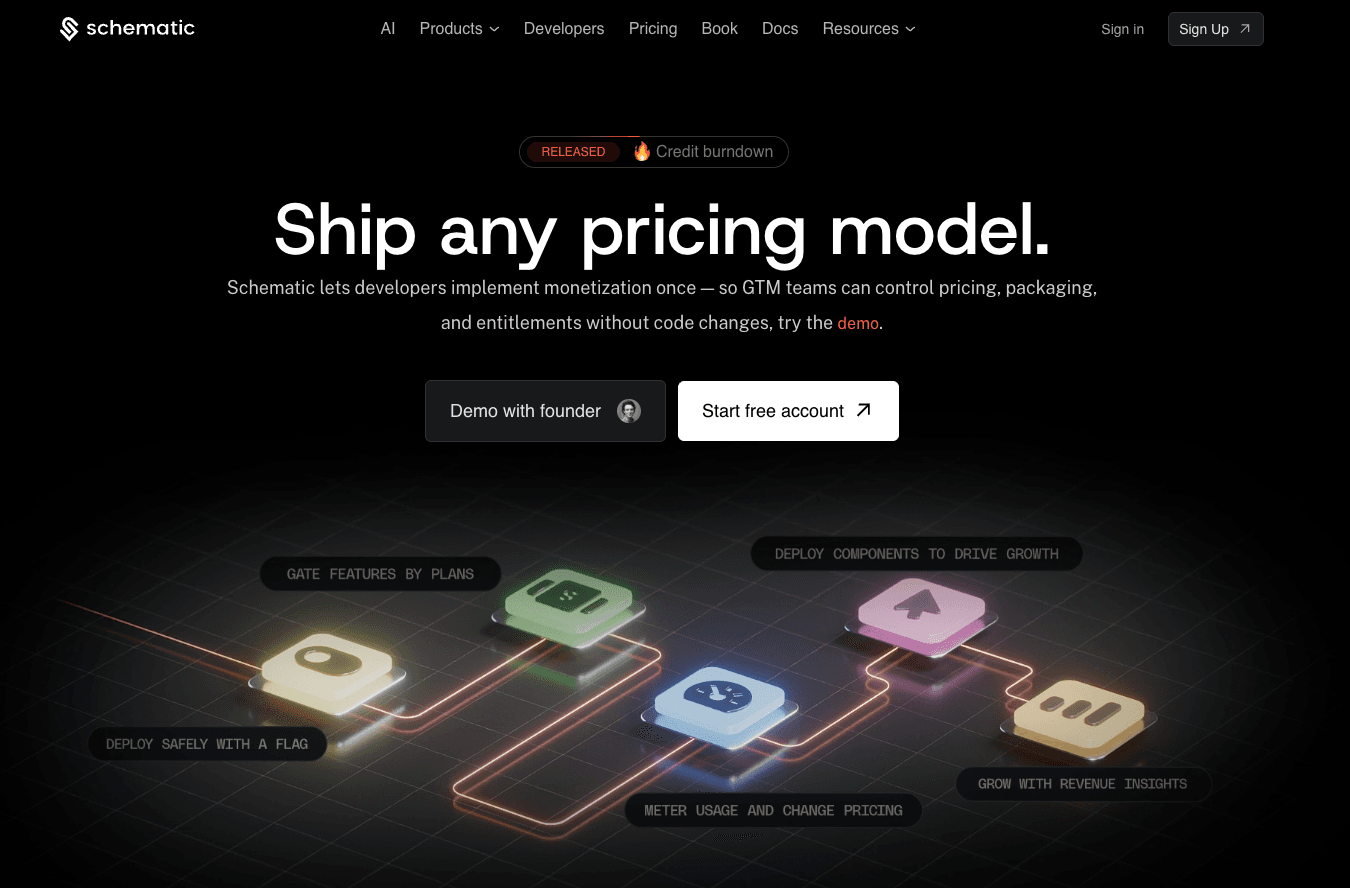
Schematic is the monetization operating system for modern SaaS and AI companies. It sits between your application and Stripe.
Stripe automatically handles invoices, payments, tax computation, dunning management, and revenue recognition. That means you no longer need to waste time on payment fixes due to missed charges, revenue leakage, and billing errors.
Schematic seamlessly connects to Stripe without building integration glue or managing webhooks. The platform acts as the system of record for your product catalog.
GTM teams can manage plans, software entitlements, limits, trials, and pricing models without code changes. Engineering stops writing billing code and maintaining complex entitlement systems.
That's because Schematic evaluates and enforces access inside the product at runtime. It also orchestrates how SaaS pricing and packaging work across your billing system, go-to-market stack, and user interface.
Tasks that traditionally required custom code, like handling enterprise plan overrides or extending trials, become simple configuration changes.
With Schematic, you can focus on product development instead of rebuilding your billing stack.
Key Features
- Native Stripe app: Turn Stripe billing into application behavior, so you write two calls instead of two hundred lines.
- Automated billing and invoicing: Process payments and generate accurate invoices without manual intervention.
- Product catalog: Manage pricing plans, entitlements, limits, exceptions, trials, credits, add-ons, and overrides from one place.
- Usage-based tracking: Monitor product usage against limits for seats, credits, tokens, API calls, and more.
- Feature access control and limit enforcement: Make sure access inside the product matches the current subscription status.
- Drop-in billing components: Add paywalls, usage dashboards, checkout pages, customer portals, and pricing tables with just a few clicks.
- Monetization insights: Identify which accounts are overusing, underpaying, and ready to expand.
Pricing
Schematic offers three pricing plans to suit different SaaS businesses.
- Starter: Sign up for free to get 10 subscriptions, two company overrides, 500k monthly events, unlimited smart flags, unlimited components, and native integrations with Stripe and Clerk.
- Growth: At $200/month, you get everything in the Starter plan plus 100 subscriptions, 20 overrides, 10 million events, one webhook, and integration with Segment.
- Enterprise: Custom pricing is available if you need unlimited subscriptions, unlimited overrides, unlimited events, unlimited webhooks, role-based access control, and premium support.
If you want to use Schematic with your team, you can purchase the optional "Teams" add-on for $500/month.
2. HubSpot — Best for Marketing Automation
Source: HubSpot.com
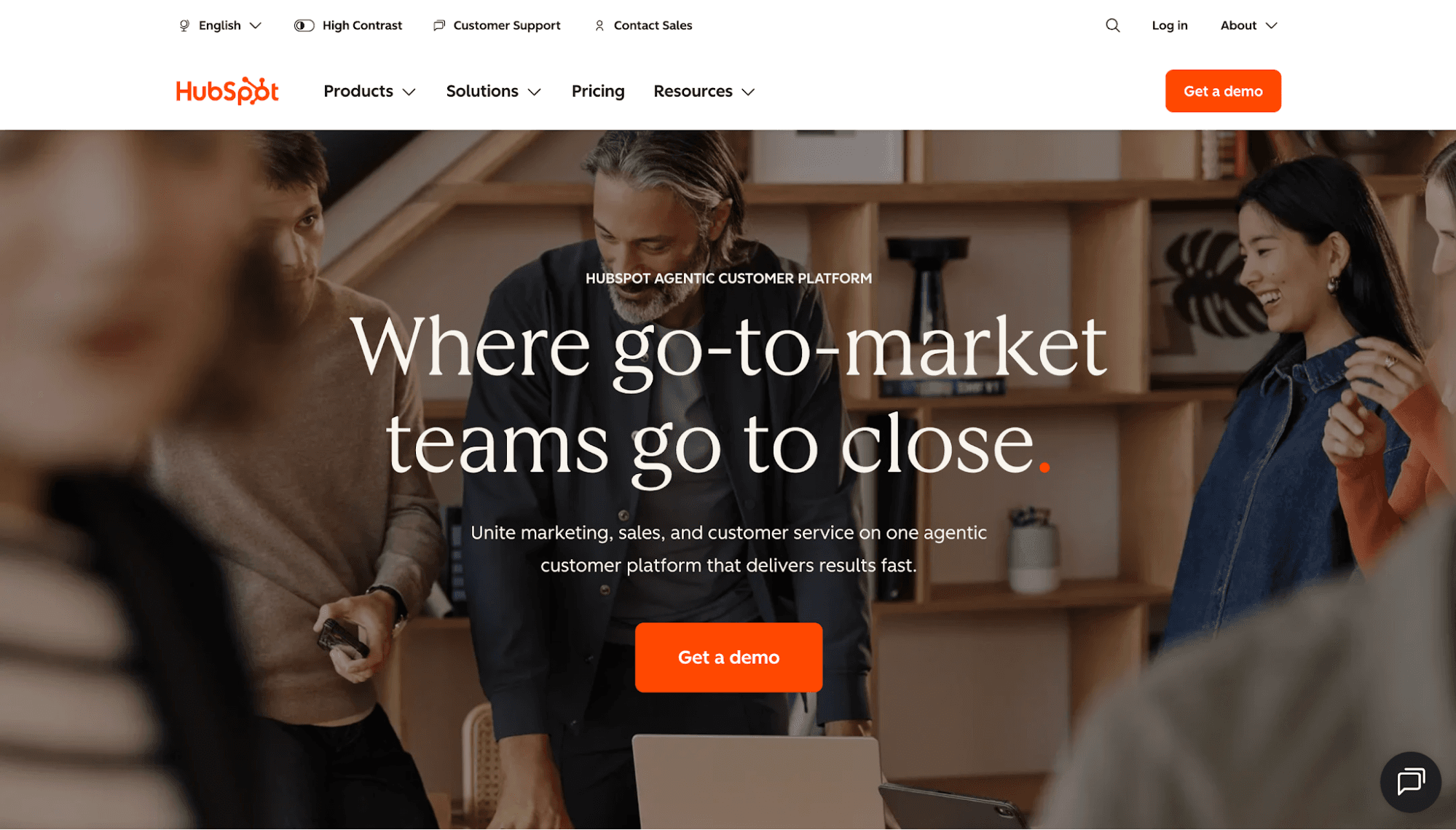
HubSpot's Marketing Hub is one of the most popular SaaS marketing automation tools for growing companies.
It gives marketing and sales teams one place to manage email campaigns, forms, landing pages, customer journeys, and reports.
HubSpot automates email writing, lead scoring, customer segmentation, and other marketing workflows. Since the platform handles tedious tasks, marketing teams can focus on crafting an effective marketing strategy that converts high-intent visitors.
HubSpot also includes reporting tools and an advanced analytics platform, helping teams track which marketing efforts are driving revenue.
It's also easy to analyze customer behavior and user journeys, thanks to the built-in pathfinder. This shows the best touchpoints you can use to attract customers.
HubSpot is a strong choice for SaaS companies that want a single platform for marketing automation. It seamlessly integrates with other HubSpot products, so you don't need to manage multiple point solutions to bring systems and customer data together.
Key Features
- Email marketing automation platform: Create and send personalized email campaigns using AI.
- Online form builder: Build intelligent forms that adapt to responses and capture high-quality leads.
- Marketing analytics and reporting dashboards: Measure the performance of marketing campaigns and analyze which touchpoints drive conversions.
- Customer segmentation: Discover, target, and engage high-intent visitors with AI-powered recommendations and personalized messages.
- Social media management: Run social media campaigns and monitor social mentions from a unified inbox.
Pricing
HubSpot's Marketing Hub offers a free plan. You can switch to higher tiers as your marketing needs grow.
- Free: Generate and email new leads using HubSpot's free marketing tools.
- Starter: For $10/month/seat, you get 500 HubSpot credits and 1,000 marketing contacts. You can also remove HubSpot branding from email marketing, live chat, forms, ad management, CRM segments, and cookie management tools.
- Professional: For $890/month, this plan includes three seats (an extra seat starts at $49/month), 3,000 HubSpot credits, 2,000 marketing contacts, and everything in the Starter plan.
- Enterprise: Starting at $3,600/month, it comes with five seats (an extra seat starts at $75/month), 5,000 HubSpot credits, 10,000 marketing contacts, and everything in the Professional plan.
3. Pipedrive — Best for Sales Automation
Source: Pipedrive.com
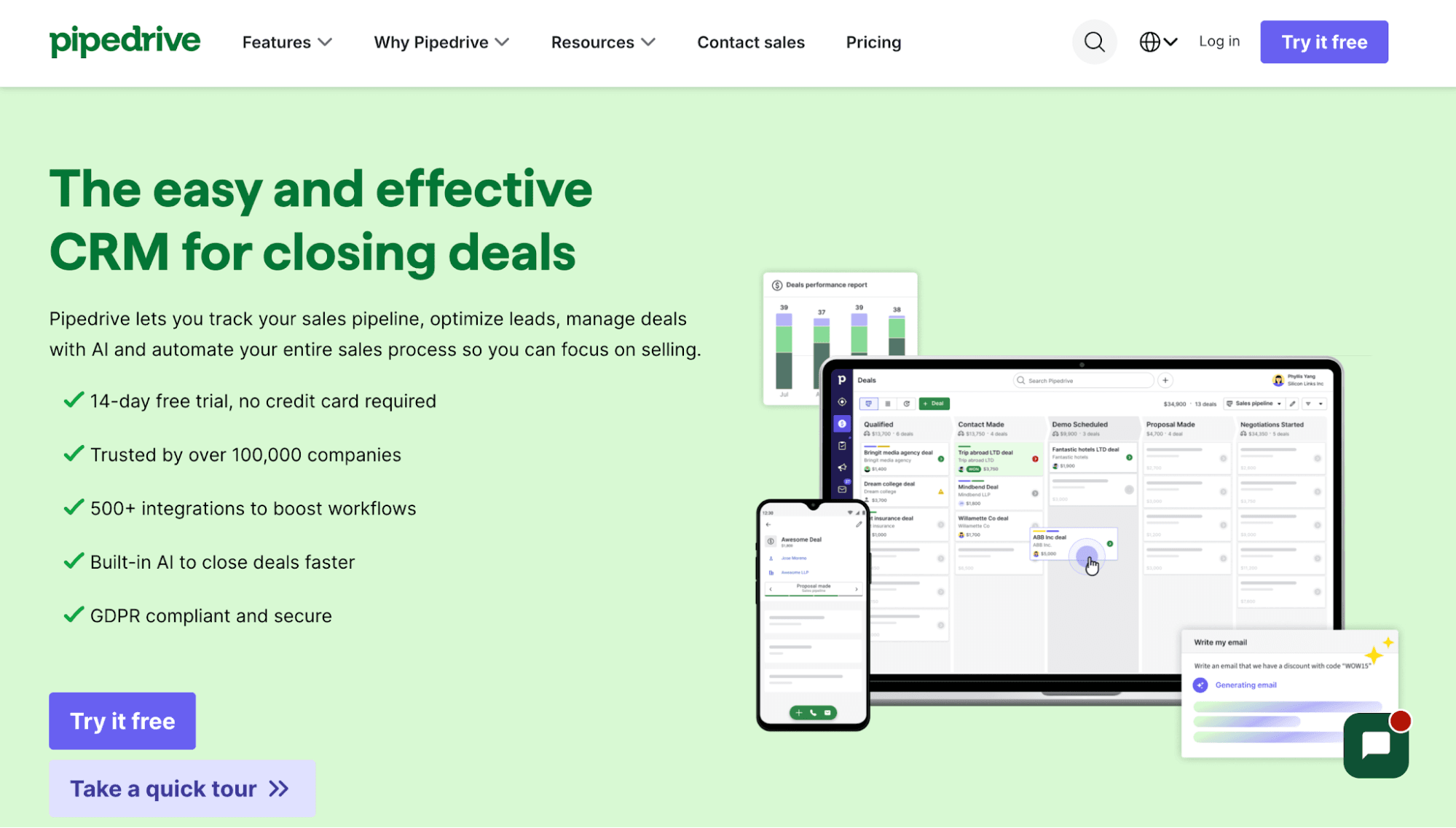
Pipedrive is a customer relationship management (CRM) solution that automates the entire sales process. You can either set up workflow automations or use ready-made templates, so you can focus on selling SaaS.
The platform instantly assigns leads to the right sales representatives to ensure faster follow-ups and higher conversion rates.
Pipedrive also provides a clear view of the sales pipeline through a kanban-style dashboard. This helps you see where each deal stands and what needs to happen next.
Tracking sales activities is easier with Pipedrive. It consolidates data from all conversations and tasks, helping you communicate effectively with prospects and share availability for sales meetings.
You can even identify patterns, forecast revenue, and recognize sales bottlenecks using customizable reports. Then, keep track of all important metrics through sales dashboards.
If you want to spend less time managing deals and more time closing sales, Pipedrive is worth considering.
Key Features
- Pipeline management: A user-friendly interface provides a clear view of the buyer’s journey throughout the sales process.
- Lead management: Import leads from spreadsheets, organize data with color-coded labels, and personalize the lead qualification process.
- Email sync and tracking: Sync different mailboxes (Gmail, Outlook, or company email) and send emails directly inside Pipedrive.
- Reporting and analytics: Let AI generate reports automatically or choose from pre-written prompts.
- Security and permissions management: Protect sensitive data on any device by configuring user permissions and visibility settings.
Pricing
Pipedrive offers seat-based pricing plans that cater to different sales needs.
- Lite: At $24/seat/month, it offers lead, calendar, and pipeline management, AI-powered report creation, personalized onboarding, real-time sales feed, and extensive integration capabilities.
- Growth: This plan includes everything in Lite plus full email syncing, automation features, subscription reports, a meeting scheduler, and live chat support. It costs $49/seat/month.
- Premium: For $79/seat/month, you get all the features in Growth plus lead generation, lead routing, custom scoring, company data enrichment, multi-email tools, contracts, and enhanced customization options.
- Ultimate: At $99/seat/month, this plan provides everything in Premium plus fortified account security, phone and email data enrichment, a sandbox testing account, extended phone support, and partnership discounts.
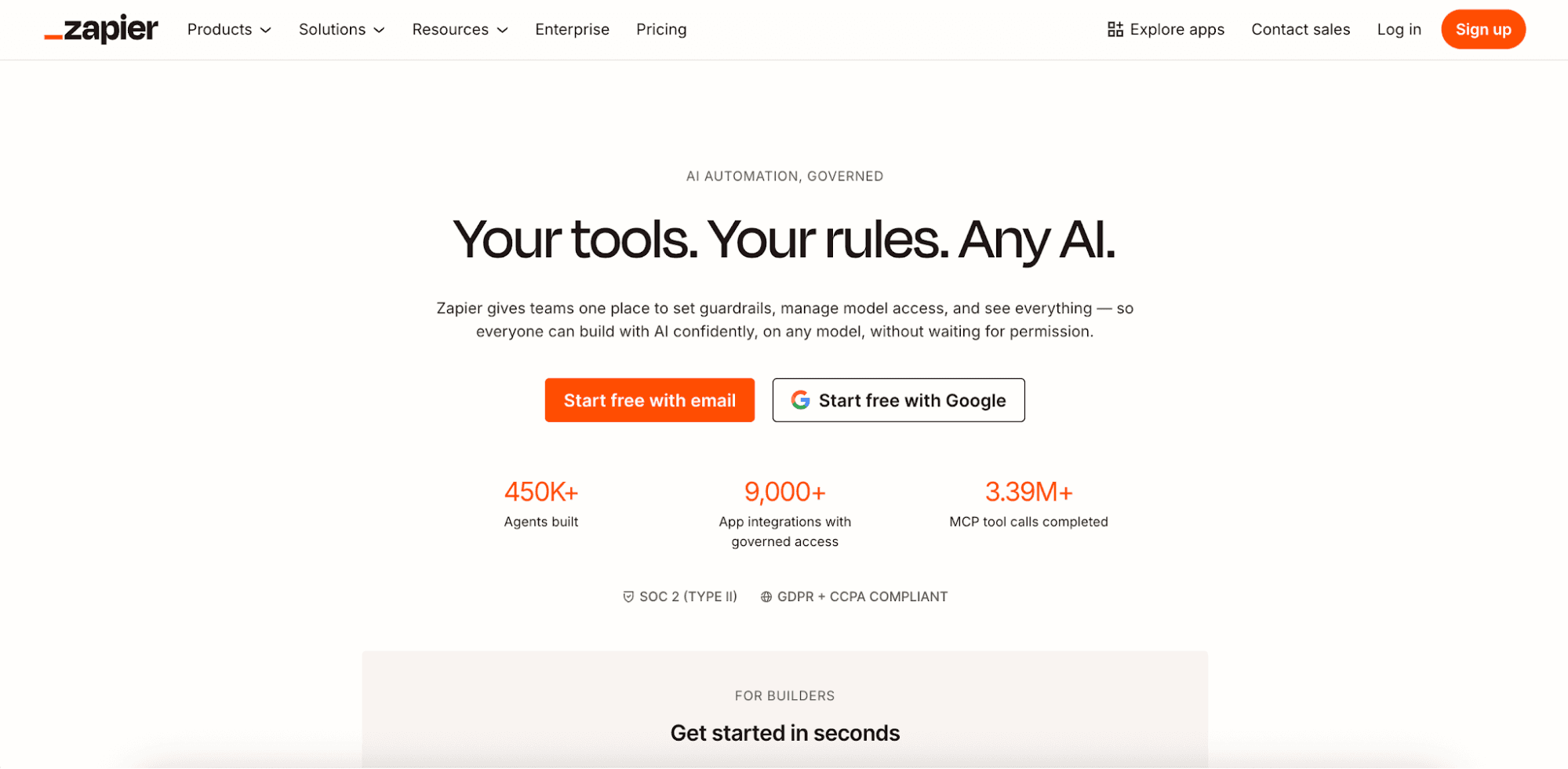
4. Zapier — Best for Workflow Automation
Source: Zapier.com
Zapier is a no-code workflow automation tool and integration platform that helps you connect the apps your software company already uses.
It supports thousands of native integrations, so you can easily link your CRM, email platform, marketing tool, HR software, and other cloud platforms. You no longer need to rely on developers to build CRM integrations and custom connections.
Zapier is built around automated workflows called Zaps. Each Zap starts with a trigger, then runs one or more actions.
For example, when someone fills out a demo form, Zapier can add the lead to your CRM, send a Slack alert, assign a sales task, and write a follow-up email.
Zapier suits SaaS companies that need general workflow automation. You can automate sales handoffs, marketing tasks, customer support steps, data updates, and project workflows from one place.
Key Features
- Extensive app integrations: Connect your email platform, AI tools, spreadsheets, and 9,000+ apps to sync data automatically.
- Multi-step workflows: Create Zaps that automatically perform more than two steps.
- AI agents: Build AI assistants that can execute tasks across thousands of connected apps.
- Canvas: Use Zapier's AI-powered diagramming tool to optimize processes.
- Enterprise-grade security: Maintain compliance with SOC 2 Type II, SOC 3, GDPR, and CCPA standards.
Pricing
Zapier charges by the number of successful automated tasks that your workflows (Zaps) perform. It offers four subscription plans that scale with usage.
- Free: It includes 100 monthly tasks and provides access to the Zapier automation platform (Zaps, Forms, and Tables).
- Professional: This plan starts at 750 automated tasks, with pricing from $29.99/month. It offers multi-step Zaps, unlimited premium app integrations, webhooks, email and live chat support, AI fields, and conditional form logic.
- Team: It costs $103.50/month for 2,000 tasks. This plan includes 25 users, shared Zaps and folders, shared app connections, SAML SSO, and premium support.
- Enterprise: Custom pricing is available for enterprise teams that need unlimited users, advanced admin permissions, advanced deployment options, annual task limits, and observability.
5. Intercom — Best for Customer Support Automation
Source: Intercom.com
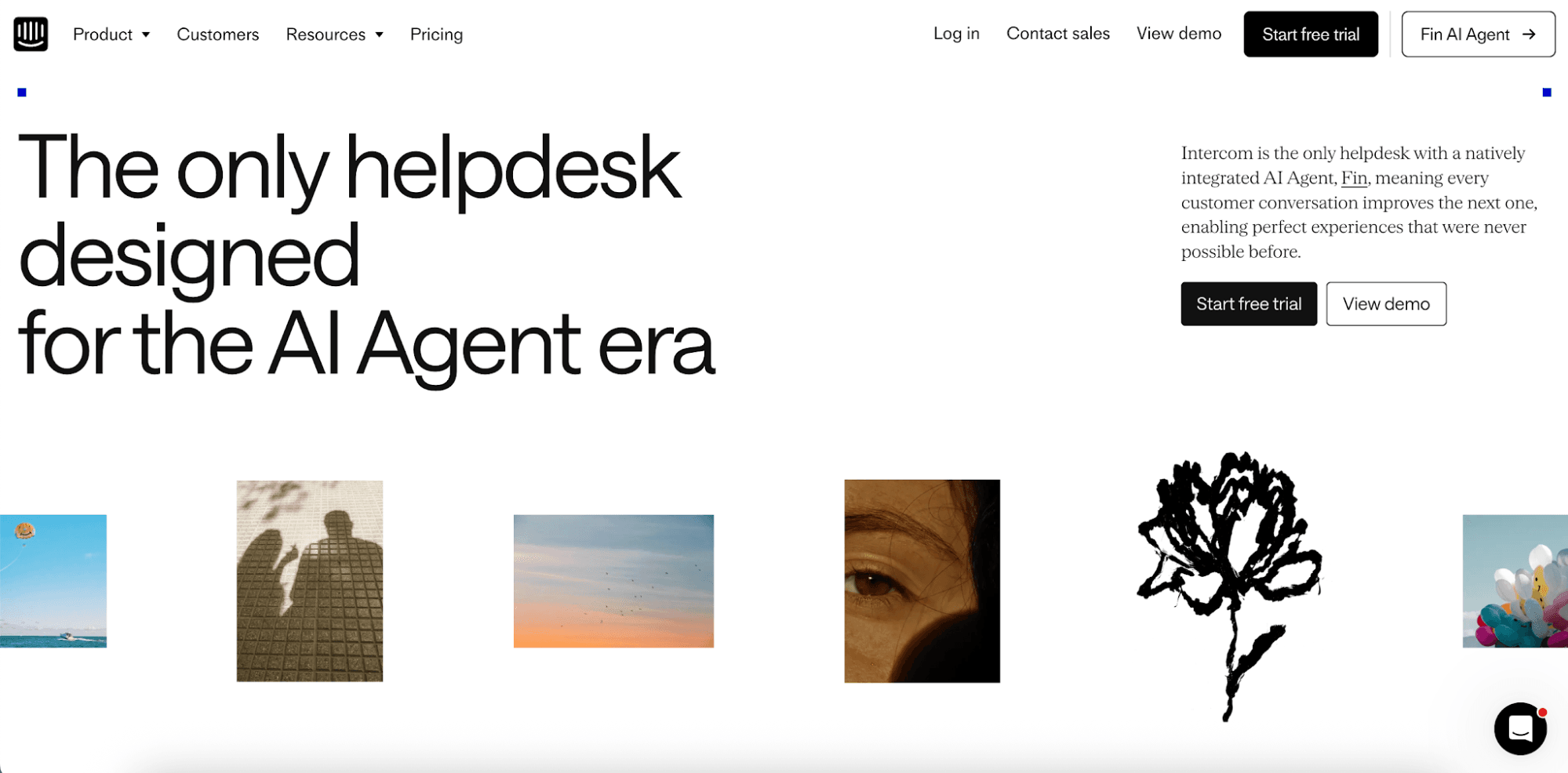
Intercom is an AI-first helpdesk platform built for customer support teams. It provides full visibility across your entire operation to help you resolve tickets faster, deliver personalized services, and engage existing customers proactively.
If your SaaS team handles a lot of repeat questions, Intercom automates the busy work. Its native Fin AI agent can answer customer questions, while human agents work from the same customer record and get the full context. Teams complete tasks more efficiently and provide better customer experiences.
Fin AI also learns from human reps and internal knowledge bases. Over time, the agent can deliver smarter and more tailored responses.
Plus, Intercom lets you build powerful automations without code. The platform can instantly route support tickets, manage SLAs, and configure escalation triggers.
Key Features
- Fin AI agent: Use a built-in AI chatbot to resolve common customer queries independently.
- Self-improving system: Fin constantly improves responses by learning from the best human agents.
- Omnichannel inbox: Move conversations from email, chat, phone, WhatsApp, and social apps into one inbox.
- No-code visual builder: Create targeted omnichannel message sequences for different customers.
- AI-enhanced ticketing: Create a ticket with one click to resolve more complex issues efficiently.
Pricing
Intercom combines outcome-based pricing with seats.
- Essential: At $39/seat/month, this plan includes a shared inbox, pre-built reports, and access to a public help center.
- Advanced: For $99/seat/month, it comes with multiple team inboxes, a workflow automation builder, round robin assignment, a private help center, and 20 Lite seats.
- Expert: This tier costs $139/seat/month for SSO, HIPAA support, SLAs, a multibrand messenger, and 50 Lite seats.
All subscription plans include the Fin AI agent. You pay $0.99 per Fin outcome, which refers to a ticket resolution or a procedure handoff to a human agent.
6. Datadog — Best for Application Performance Monitoring
Source: Datadoghq.com
Datadog offers an observability and application performance monitoring (APM) tool for SaaS teams that need to troubleshoot cloud applications in real time.
Datadog’s APM software helps you monitor, trace, and fix issues across backend services, databases, browser apps, mobile apps, and cloud systems.
If you're building a SaaS product, Datadog automatically spots errors, service issues, and their root causes before they affect application performance and user experience.
The platform connects traces with logs, infrastructure metrics, security signals, real user monitoring (RUM) data, and other telemetry.
Datadog also uses Watchdog AI to instantly detect issues, conduct investigations, and send automatic alerts when app performance starts to drop.
Key Features
- Distributed tracing: Use logs, infrastructure metrics, database queries, network calls, and frontend telemetry to identify root causes of problems.
- Service observability: View health metrics, dependencies, and telemetry from infrastructure and databases.
- Change tracking: Detect application performance issues and fix faulty deployments automatically.
- Integrated AI and machine learning: Use WatchDog AI and customizable ML-based alerts to analyze root causes and prevent future performance degradation.
- Flexible ingestion: Support native and hybrid OpenTelemetry setups, adopt open standards, and automatically instrument your serverless functions.
Pricing
Datadog's APM software offers three pricing plans.
- APM: Starts at $31/host/month, it includes automatic service discovery and dependency mapping, 15-minute live trace search, 15-day historical search, and RED metrics.
- APM Pro: This plan offers everything in APM plus automatic dependency mapping (all queues, consumers, and producers), end-to-end pipeline latency, consumer lag metrics, and faulty queue detection. The starting price is $35/host/month.
- APM Enterprise: Starting at $40/host/month, the plan comes with all APM Pro features, code-level tracing, CPU and memory code profiles, code performance comparisons, and actionable insights.
7. Figma — Best for Product Design Automation
Source: Figma.com
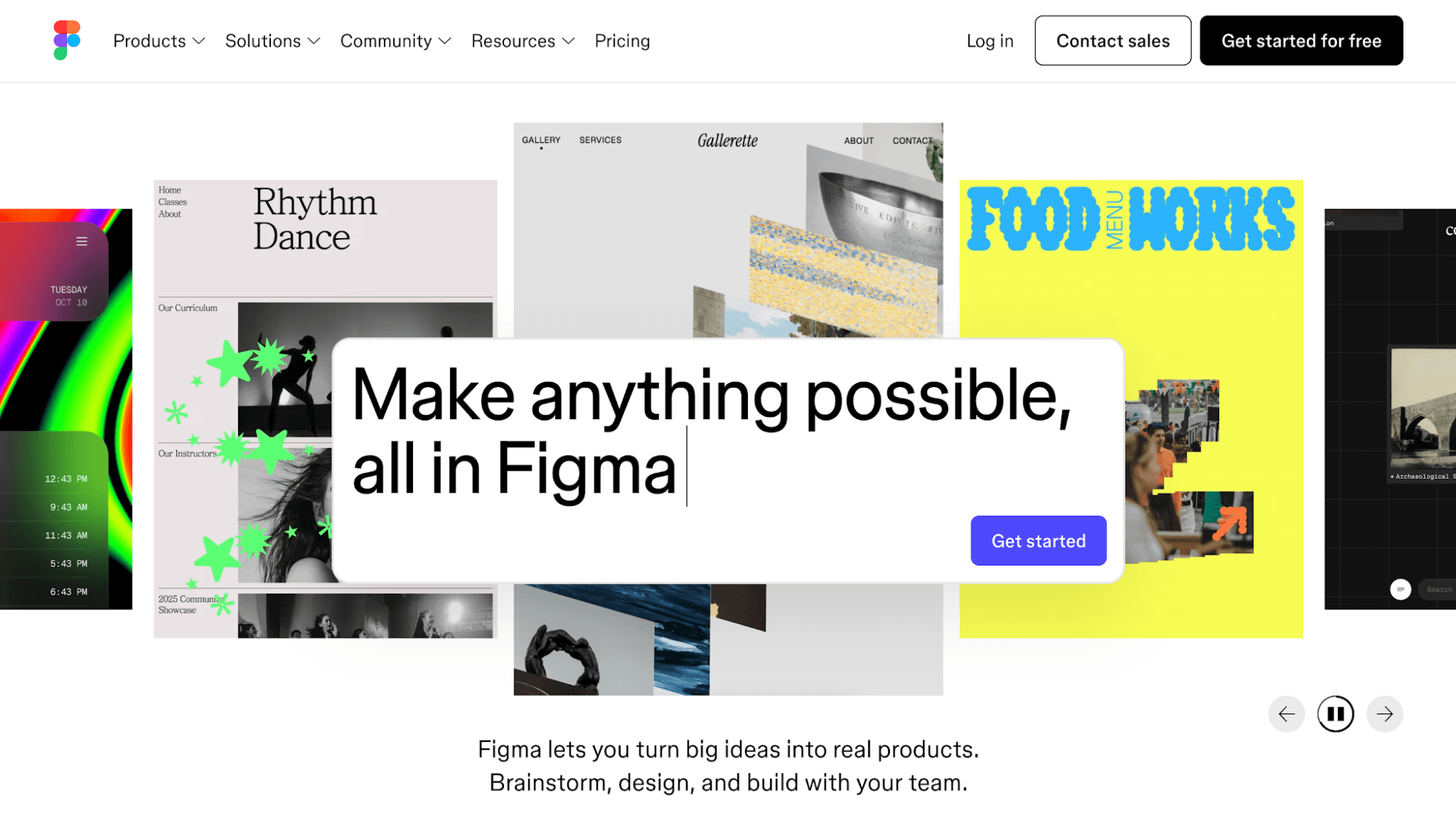
Figma is a collaborative product design tool for building interfaces, prototypes, design systems, and product ideas in one shared workspace.
This helps product, design, and engineering teams work from the same design file instead of passing static mockups back and forth.
Figma is not a fully automated "no-touch" design generator. It still requires human input and product thinking.
However, it does offer built-in automation capabilities and an AI tool that can speed up design work and reduce repetitive tasks.
With Figma AI, you can quickly generate new images, add relevant content, remove backgrounds, rename layers, and translate copy to different languages.
Figma is a useful tool for any SaaS company that wants to bring creative ideas to life.
Key Features
- Figma AI: Use prompts or one-click workflows to automate repetitive work.
- Online whiteboard: Brainstorm and visualize your ideas in one shared space.
- Dev mode: Inspect designs and translate them to code.
- Auto layout: Create responsive designs that automatically resize and adapt based on content.
- Vector editing: Use advanced illustration tools and turn images into vectors.
Pricing
Figma offers a free plan and three paid tiers, all of which are billed annually.
- Starter: It provides free, limited access to Figma products.
- Professional: This plan includes unlimited files and projects, team-wide design libraries, and advanced Dev Mode inspection. It costs $16/month for a full seat, $12/month for a dev seat, and $3 for a collab seat.
- Organization: It offers unlimited teams, shared libraries and fonts, and centralized admin tools. A full seat is priced at $55/month, a dev seat at $25/month, and a collab seat at $5/month.
- Enterprise: This plan comes with custom team workspaces, design system theming, APIs, and SCIM seat management. It costs $90/month for a full seat, $35/month for a dev seat, and $5 for a collab seat.
8. Userpilot — Best for Customer Onboarding and Product Adoption
Source: Userpilot.com
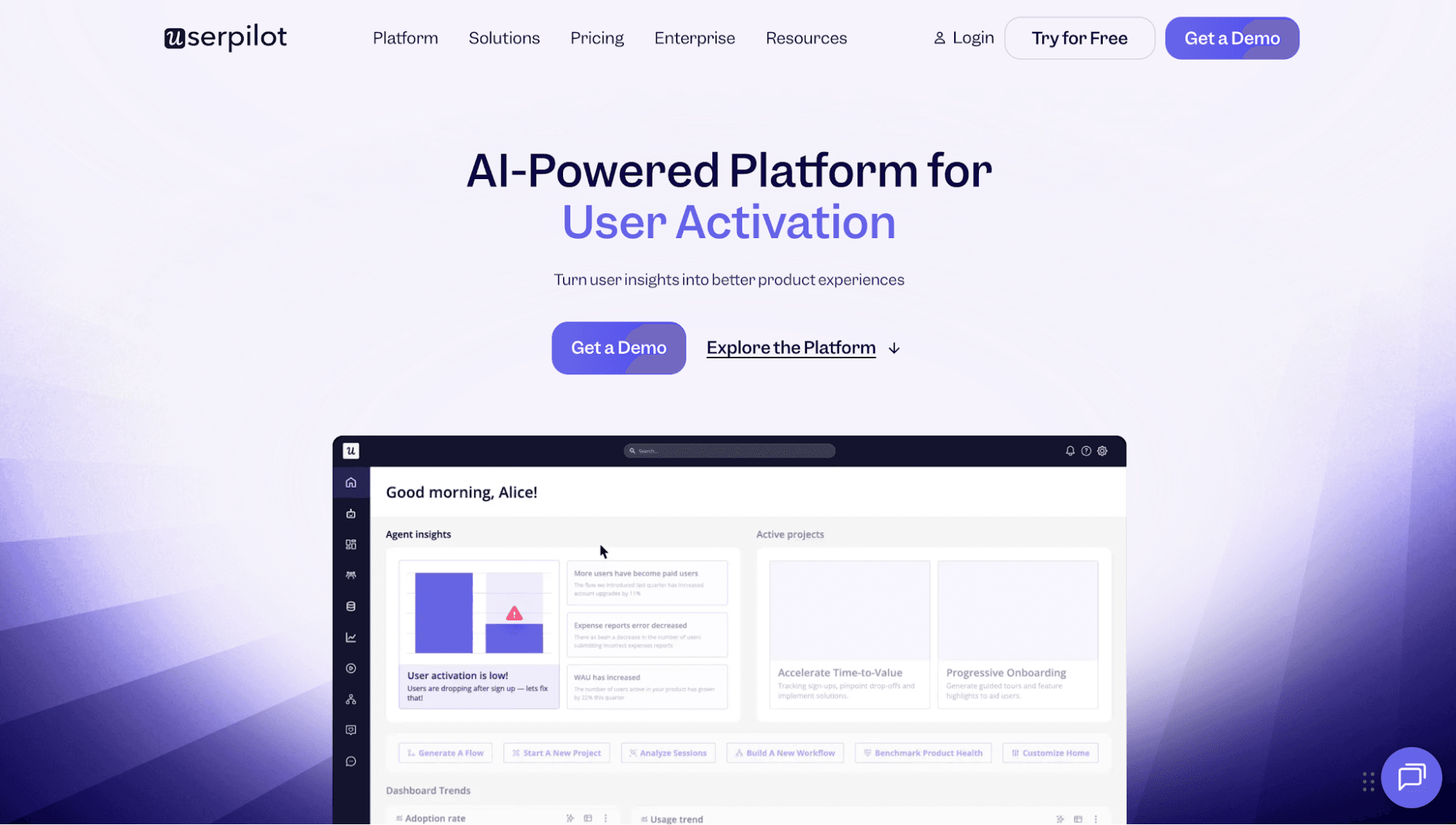
Userpilot is an all-in-one platform for product growth. It is built for SaaS teams that want to onboard customers, drive feature adoption, and improve retention without code.
It helps you create in-app experiences that guide users through your product. It can also personalize customer interactions at scale and deliver the most relevant content based on the individual's job role, plan, sign-up date, or any other attribute.
With Userpilot, you can automatically trigger onboarding flows, checklists, banners, surveys, emails, and spotlights.
Meanwhile, the visual workflow builder lets you design multi-step user journeys with branching logic, time-based controls, and data actions.
Userpilot can even announce new features, collect feedback, identify upsell opportunities, and prevent churn.
Key Features
- Product tours: Build product walkthroughs and customize them to match your brand.
- Content triggering: Trigger flows, onboarding checklists, banners, spotlights, emails, and surveys.
- Advanced segmentation: Segment users by job role, plan, sign-up date, or any other attribute to deliver tailored content.
- Visual workflow builder: Visualize every customer path, dependency, and branch.
- Resource center: Store all in-app content (e.g., product news, important links, and knowledge base) in a centralized database.
Pricing
Userpilot offers flexible pricing plans that scale with your monthly active user (MAU) count.
- Starter: At $299/month, it provides 2k MAU, in-app user engagement, user segmentation, usage trends analysis, and an NPS survey.
- Growth: This plan starts from 5k MAU and includes everything in Starter, plus advanced product analytics, event autocapture, a resource center, advanced in-app surveys, and email engagement. The exact pricing is hidden on the website.
- Enterprise: Custom pricing is available for premium integrations, bulk data export and import, data warehouse sync, custom roles, SAML SSO, activity logs, security audits, compliance capabilities, and custom contracts.
9. ClickUp — Best for Project Management Automation
Source: ClickUp.com
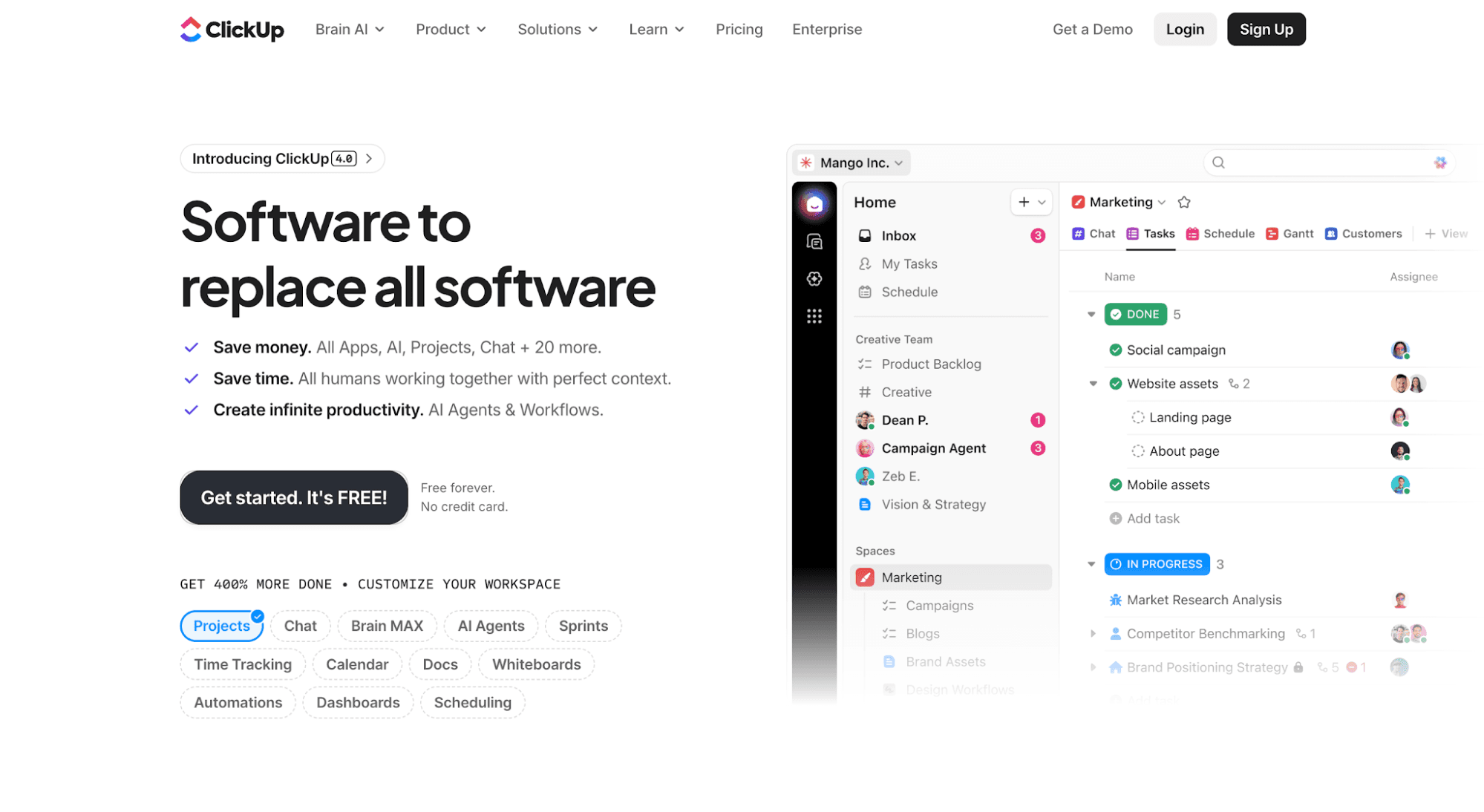
ClickUp is an automated project management tool that can streamline complex workflows and handle repetitive tasks.
It provides access to 100+ pre-built automations to cut down on manual work. Alternatively, it lets you customize automations with triggers and actions that you can edit with the AI automation builder.
Whether you want to assign tasks, post comments, change statuses, send emails, or manage project handoffs, ClickUp automatically takes care of it all. This allows you to focus on more important work.
ClickUp also offers AI super agents that operate and execute hundreds of tasks autonomously. These agents can work closely with humans to achieve complex goals.
Plus, ClickUp brings all tasks, documents, goals, dashboards, time tracking, and automations into one workspace. It helps SaaS businesses manage projects, sprints, and internal strategies without spreading work across multiple tools.
Key Features
- Automation templates: Choose from 100+ pre-built automations to handle manual tasks.
- AI automation builder: Describe what you want to automate in plain English and let the AI build it.
- Task management: Assign tasks to the task creator, watcher, or user who triggered an action.
- AI super agents: Delegate work to AI agents that operate autonomously.
- Intelligent notetaker: Use AI to summarize meetings, turn action items into assigned tasks, and search transcripts.
Pricing
ClickUp offers four pricing plans that cater to different SaaS businesses:
- Free Forever: Get a free 60 MB storage and access to unlimited tasks, unlimited free plan members, two-factor authentication, collaborative docs, and kanban boards.
- Unlimited: At $10/user/month, you can use all features in Free Forever plus unlimited storage, spaces, folders, forms, Gantt charts, integrations, and custom fields.
- Business: This plan costs $19/user/month for everything in Unlimited plus unlimited dashboards with advanced cards, unlimited message history, unlimited activity and timeline views, webhooks, and automation integrations.
- Enterprise: Custom pricing is available for enterprise permissions and governance, unlimited custom roles, SAML SSO, SCIM provisioning, audit logs, and session management.
The Hidden Costs of Manual Billing in SaaS Companies
Software pricing is a growth lever for SaaS businesses. However, many are stuck with manual billing processes. Simple tasks, like re-trying failed payments and pulling up customer billing history, take too much time and prevent teams from continuously iterating on monetization.
Here are the hidden costs of manual billing in SaaS companies.
Engineering Time
Manual billing pulls engineers into work that is not related to core product development. A simple pricing change can turn into updates across application code, feature access, usage limits, billing data, and customer portals.
This creates extra work. Engineers may need to update hard-coded billing rules, fix access errors, review edge cases, and support one-off customer deals.
They may also need to build admin consoles that allow sales, support, and finance teams to manage billing changes without code changes. However, developing these monitoring dashboards requires significant time and effort.
Instead of shipping product features and improving application performance, engineers spend time keeping billing logic from breaking.
Opportunity Cost
When billing depends on manual work, every pricing change can slow down sales, product, finance, and customer support teams.
Sales reps may need help setting up custom plans. Product teams may wait on engineering before testing new packages. The finance department may spend extra time checking invoices, usage data, and customer records. Support teams may deal with access issues when a customer pays for a feature that they cannot immediately use.
These delays can hurt future growth and market positioning.
SaaS companies need to test pricing, launch new plans, and respond to customer needs quickly. Manual billing makes that harder because each change creates more work for different departments.
Benefits of Automated SaaS Billing
Automated billing can benefit SaaS businesses in several ways.
Save Significant Time
Automated SaaS billing cuts down the time spent on creating invoices, checking plan changes, chasing payments, enforcing usage limits, and fixing billing records.
Instead of handling every subscription renewal or upgrade by hand, an automated billing system can complete those steps in the background.
This helps finance, sales, support, and product teams move faster and avoid human errors. It also keeps billing tasks from piling up as your customer base grows.
When invoices, renewals, payment retries, and plan changes run on their own, teams can spend more time on customers and growth.
Reduce Engineering Burden
Without automation, engineers may need to build billing logic, usage limits, invoice rules, upgrade paths, and custom support inside the product.
That setup gets harder to manage with flexible pricing and hybrid selling. Charging per seat and AI credit usage. Adding sales-led on top of self-serve plans. Launching paid add-ons.
Automated billing moves those tasks into a system that business teams (e.g., sales, product, and GTM) can manage.
Engineers can spend less time on billing fixes and more time building product features, improving performance, and solving bugs.
Prevent Revenue Leakage
Revenue leakage happens when a company earns less than it should because of billing issues, over-provisioned entitlements, failed payments, and missed renewals.
Automated billing helps prevent revenue leakage by applying and enforcing pricing rules the same way every time. For example, if a Pro plan includes 500 API calls, the system ensures that the account doesn't exceed that limit.
It can also retry failed payments automatically to improve revenue collection.
Minimize Customer Churn
Billing issues can push customers away, even when they like your product. Failed payments, inaccurate invoices, and wrong feature access can create friction at the worst time.
According to Churnkey, involuntary churn (e.g., a subscription is cancelled because of a failed payment) can comprise 40% of your total churn.
Automated billing helps reduce those problems. It can send payment reminders, run retry logic, generate accurate invoices, and keep customer access tied to the right plan.
This gives customers a smoother user experience. It also helps your team fix issues before they turn into churn.
Maintain Ongoing Compliance
SaaS billing can get complex when you sell across different states and countries with varying currencies. Manual processes make it difficult to comply with tax rules and region-specific financial laws.
Automated billing helps you meet compliance. It can automatically apply tax rules, store billing records, and generate audit trails to minimize non-compliance risks.
Beyond Automation: Why Should You Combine Billing and Feature Management
Automation is not enough to modernize a company's billing approach. SaaS businesses also need a clear way to control entitlements, which define the specific features, seats, or usage limits that the customer can use.
Billing and feature management should work together because every feature has two sides: what the customer pays for and what the product lets them use.
When these systems are separate, teams often create duplicate logic in billing tools, application code, and internal admin panels.
That setup is hard to maintain. Plan changes, usage limits, add-ons, trials, and custom deals can break when billing data and feature access fall out of sync.
By combining billing and feature management, entitlement enforcement becomes configuration instead of code.
Engineers stop maintaining complex entitlement systems or building custom feature flag logic. Business teams can update pricing and packaging without code changes.
Automate Billing and Enforce Access at Runtime With Schematic
Schematic, built on Stripe, combines billing and feature management. Stripe automates payment processing, invoice generation, tax calculations, fraud protection, dunning, and revenue recognition.
Schematic decouples billing from application code. This enables modern SaaS and AI companies to ship any pricing model, iterate on packaging, enforce limits, create trials, and configure custom deals without code changes.
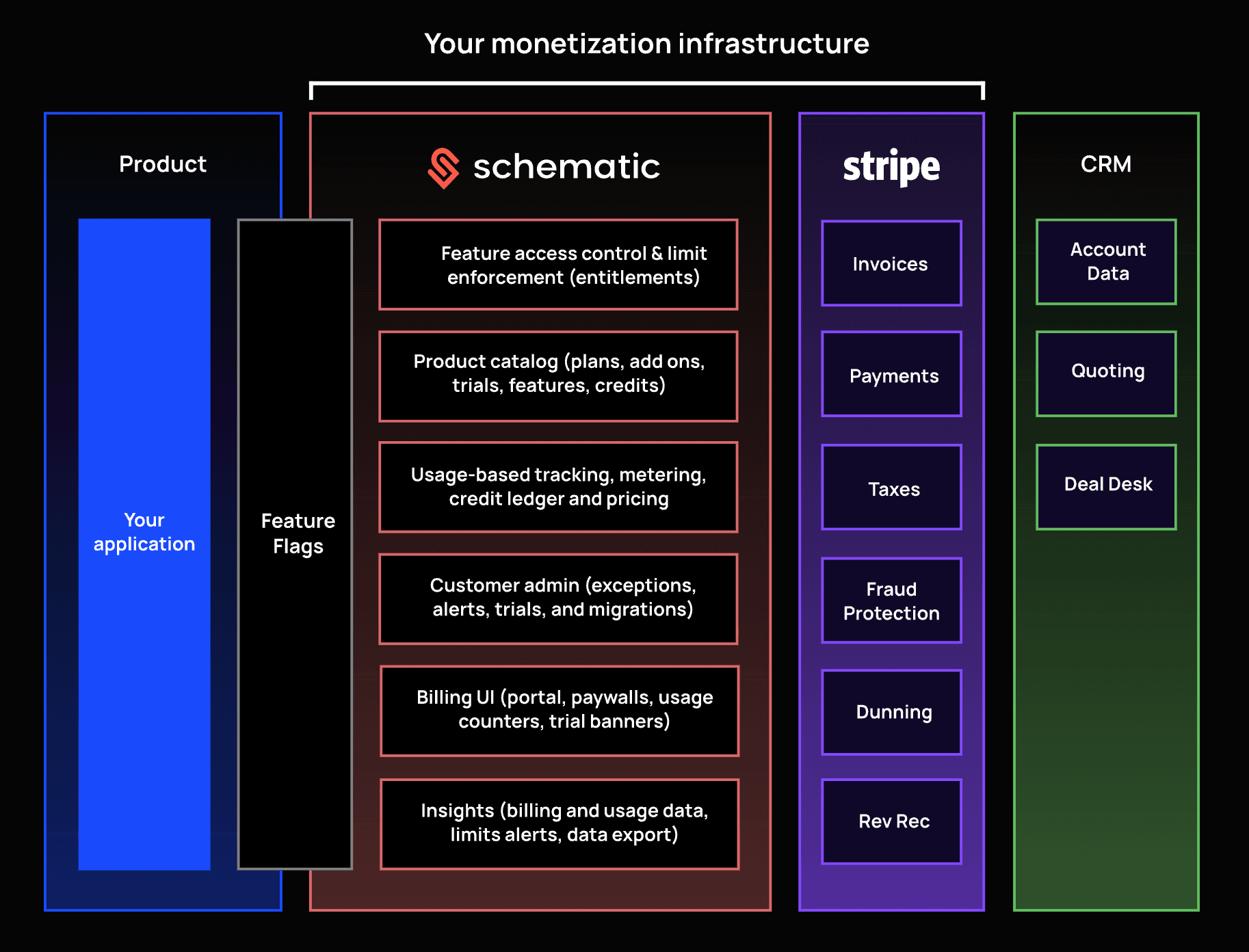
Schematic extends Stripe with a centralized product catalog, usage-based metering, embeddable UI components, customer admin dashboards, and feature flags to power entitlements.
The platform also evaluates and enforces in-product access at runtime. It reduces engineering burden and gives product and GTM teams greater control over monetization.
FAQs About SaaS Automation Tools
What are the different types of SaaS automation tools?
Common types include billing automation, sales automation, workflow automation, project management automation, robotic process automation, and marketing automation tools. These platforms reduce manual work, minimize human errors, and save time.
What tasks can SaaS automation tools handle?
SaaS automation tools can handle invoices, enforce plan limits, automate campaigns, nurture leads, route support tickets, track application performance, and sync data across multiple tools. The right software depends on which workflow your team wants to automate.
Why do you need to automate billing processes?
You need to automate billing because manual processes slow down teams and create more room for errors. Billing automation helps you manage invoices, subscription renewals, failed payments, plan changes, and feature access with less manual work.