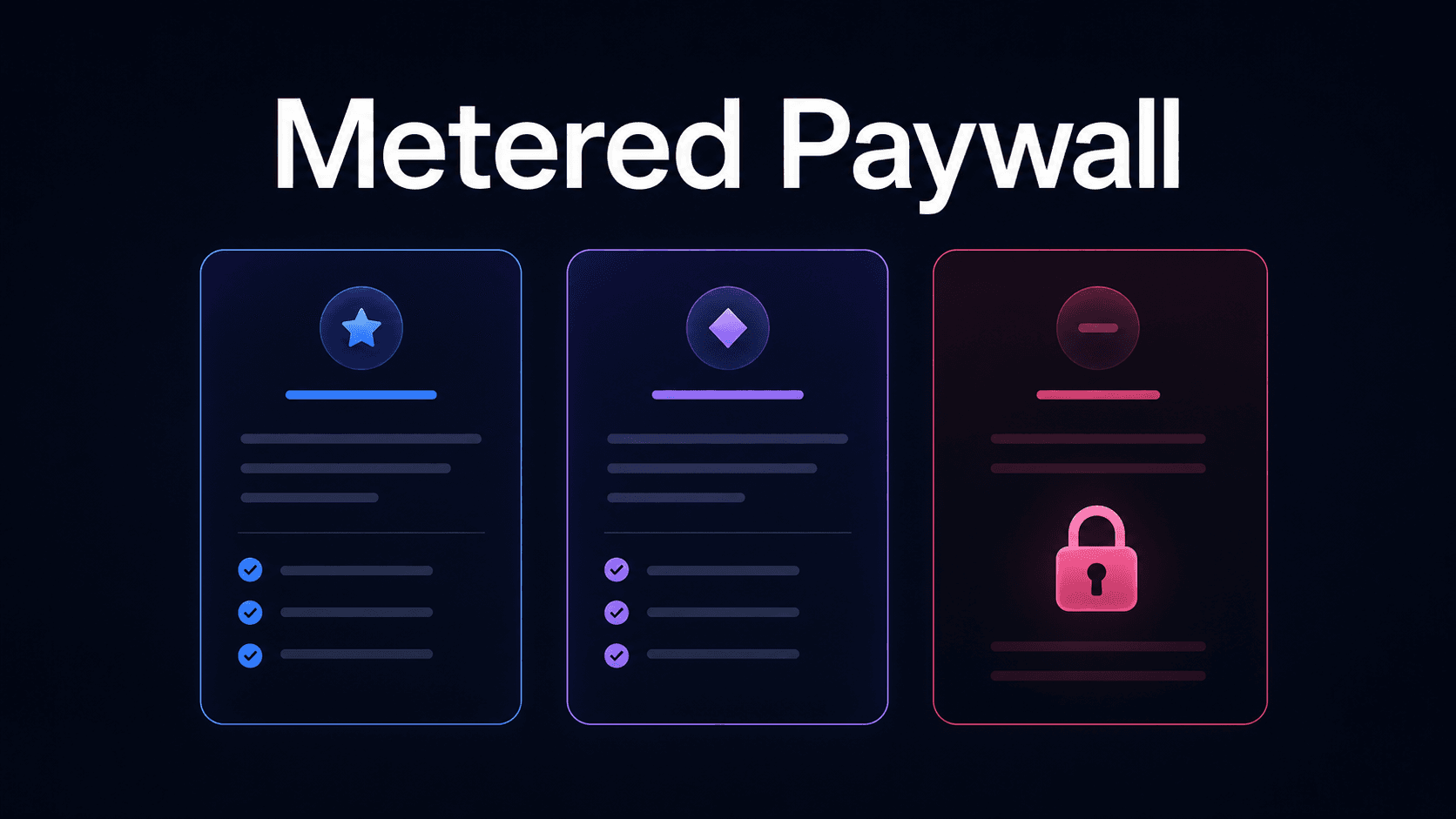
SaaS and AI companies usually provide free trials or low-cost plans to help users get started fast and earn their trust. These work well until usage grows and becomes unpredictable.
One customer may run thousands of API calls. Another may use large amounts of AI credits. At this point, product access, pricing, and cost control need to work together to prevent shrinking margins.
A metered paywall helps teams enforce usage limits for actions like prompts, data exports, compute hours, and API requests. It can also work with metered billing software, so product behavior connects to billing status.
This gives users room to test the product while helping your business protect margins as usage increases.
In this guide, we'll explain the definition of a metered paywall, how it works, and why you should use it.
TL;DR
- A metered paywall limits product access based on usage, such as API calls, credits, tokens, or storage space.
- It works by tracking usage, checking the user’s plan or contract, comparing usage against limits, and then allowing or blocking the next action.
- SaaS and AI companies use metered paywalls to align pricing with usage, reduce revenue leakage, drive upgrades, and control costs.
- Schematic implements metered paywalls by evaluating whether a user or an account is entitled to a usage quota based on Stripe's billing state.
What Is a Metered Paywall?
A metered paywall is a product rule that limits how much a user or account can do before they need to upgrade or pay for extra usage.
SaaS and AI companies connect limits to usage, not just access to features.
For a SaaS product, this may mean limiting API calls, reports, exports, workflows, or projects. AI tools, on the other hand, may restrict prompts, tokens, credits, image generations, model runs, or transcription minutes.
A metered model allows users to access the product up to a measured threshold. Once they reach that limit, the product stops access, restricts further actions, or prompts the user to upgrade.
This is different from paywalls in online news sites, digital subscriptions, or content platforms, where non-subscribers receive a limited number of free articles within a specific timeframe before requiring a paid subscription to access premium content.
Metered Paywall vs. Other Types of Paywall
Not every paywall limits product usage. Some block access, while others deduct credits from a balance.
Here are the different types of paywalls that appear inside SaaS and AI products.
Hard Paywall
A hard paywall blocks access until a user has the right paid plan, contract, or billing status.
This type of paywall is simple. The customer either has access or does not. There is no usage allowance before the block.
In SaaS, the paywall may appear when a user tries to open a paid dashboard, create a workflow, or use an advanced feature not included in their plan.
A hard paywall works best for high-value features that should only be part of paid or higher-tier plans.
Soft Paywall
A soft paywall gives users access to your product for a specific period. It does not immediately block potential subscribers.
Instead, this paywall strategy lets customers try part of the product, reach a small limit, or use a basic feature.
A soft paywall is often used to build trust and help customers see value before requiring payment. It works well for product-led go-to-market strategies because users can test the product without an upfront cost.
Credit Balance Deduction
A credit balance deduction is a paywall model where each action or request deducts from a user’s credit balance. When the balance runs out, the user should buy more credits, upgrade, or wait until the balance included in their monthly plan resets.
This model is common in AI products because different actions may have varying costs. For example, a single text prompt may cost one credit, while an image generation may cost five credits.
Inference usage, transcription minutes, model runs, and batch-processing queues can also consume credits.
Credit balance deduction is the most similar to a metered paywall because access is tied to usage. The main difference is that the product deducts from a stored balance instead of checking a usage threshold.
Seat and Role Restriction
Seat and role restriction controls access based on the number of users and the account's roles.
For example, a SaaS company may only allow admins to change billing settings. A team plan may include 10 seats. If the account tries to add an 11th user, the product can block the action or ask the admin to buy more seats.
Role limits are also useful for AI and SaaS products with shared workspaces and collaboration features. One user may have permission to create workflows, while another can only view results. A billing owner may manage plan changes, while a member cannot.
This paywall type does not focus on usage volume. Instead, it considers access rights, user count, and team structure.
Freemium Paywall
A freemium paywall gives users free access to a limited version of the product. This free plan may include basic dashboards, a few projects, or a small number of AI credits.
When users reach the limit or try to use a paid feature, the product can show a paywall prompt that asks them to upgrade.
This does not mean that customers are blocked from accessing the product. They may still use the free features and stay on that plan indefinitely. However, if they want full access to the product, they should be a paid subscriber.
How Metered Paywalls Work in SaaS and AI Products
A metered paywall works by checking usage, plan rules, and access rights before allowing activity inside the product. Let's take a closer look at the process below.
Step 1: The Product Tracks Usage
First, the product needs to record each action that counts toward a limit.
Here are some examples:
- API call
- Data export
- Project created
- AI prompt
- Image generation
- Transcription minute
- Model run
Each event should be tied to the right user, account, workspace, and billing period. This matters because many SaaS and AI companies sell to teams, not just one person.
Accurate tracking helps the product know how much usage an account has left. Without this step, the paywall cannot make a fair access decision.
Step 2: The Entitlements System Checks the User’s Plan or Contracts
After tracking product usage, the product evaluates what the user or account is allowed to access. This is handled by the entitlement management system.
A software entitlement determines what a customer can use based on their plan, billing status, add-ons, or contract terms.
For example, a pro plan comes with 10,000 API calls per month. Meanwhile, an enterprise contract may include custom limits.
Without entitlements, access rules can spread across application code, billing logic, and feature checks. This structure fails as SaaS and AI monetization turn hybrid and require product-led and sales-led motions. According to Growth Unhinged, 41% of companies have already adopted hybrid pricing.
A dedicated entitlements layer helps you define usage limits once and enforce them consistently based on current subscription status.
Step 3: The Product Compares Usage Against Limits
The next step involves comparing current usage against the allowed limit tied to the user's plan or account.
For example, a developer platform like PostHog may set limits for session recordings, events analyzed, feature flag requests, or data retention. If an account includes 10,000 session recordings per month, the product needs to check how many recordings the account has already used before it allows more.
The same logic applies to AI products. If a plan includes a set number of monthly credits, the paywall checks the remaining balance before the next prompt, image generation, or model run.
This step gives the product enough context before returning an access decision.
Step 4: The Metered Paywall Allows, Blocks, or Throttles Access
Once the product compares usage against limits, the metered paywall enforces the result. It decides whether the user can complete the action, stop usage, or face a reduced limit.
If the account is still within its usage cap, the paywall allows the action. For example, the user can run the report, create a project, send the API request, or use the AI model.
If the account has reached its meter limit, the paywall can block the activity. Alternatively, it can ask the user to buy more usage or subscribe to a higher-tier plan with greater limits.
Some products use throttling instead of blocking full access. For example, a software platform moves users who've exceeded limits to a lower-priority queue or a slower AI model.
Why SaaS and AI Companies Use Metered Paywalls
SaaS and AI companies implement metered paywalls for several reasons.
Align Pricing With Product Usage
A metered paywall helps pricing match how much value a customer gets from the product. This is useful when one account uses far more resources than another account on the same plan.
For example, one customer may run 50 AI prompts per month. Another may run 1,000 prompts. If both accounts pay the same price, the heavier user may incur more costs without paying for that extra usage.
With a metered paywall, each plan can include clear limits. A starter plan may include basic features and a small amount of usage. A higher plan may include more API calls, credits, recordings, or reports.
It helps you tie product access to actual usage. This also makes pricing feel more fair because customers pay based on how much they use.
Prevent Revenue Leakage
Revenue leakage occurs when customers use more than their plan allows without paying for it. This often happens when limits are tracked in usage billing systems but not enforced inside the product.
For example, a customer may be allowed 10,000 events per month but continue sending more events after reaching that cap.
If the product does not stop, limit, or charge for that extra usage, your company loses subscription revenue.
A metered paywall helps prevent this issue. It checks current usage and limits before the user takes another action.
If the account has reached its cap, the product can block the action, ask for an upgrade, or move the account into overage billing.
Drive Upgrades and Expansion
SaaS and AI companies use a metered paywall to drive upgrades and expansion. It helps convert free users into paid subscribers by creating clear upgrade paths based on actual product usage.
When users reach a limit, they already know why they need more access. A new customer on the free plan may run out of AI credits. A developer team may require more session recordings, API calls, or compute hours.
In each case, the limit creates a natural reason to upgrade, buy more credits, or move to a higher plan.
Upgrading can improve user satisfaction by removing limits that are slowing down customers. Your company also benefits from increased revenue.
Control Infrastructure Costs
SaaS and AI products often carry usage-based costs. More usage can mean more compute, storage, or infrastructure costs that you need to pay for.
Without clear limits, a free or low-cost user can consume more than a plan can support.
A metered paywall helps you manage operational costs. It sets a cap on how much usage each plan includes. It can also limit access to expensive features or higher-cost AI models.
This supports product-led growth without letting heavy usage cut too far into your profit margins.
Provide Clearer Access Boundaries to Users
A metered paywall helps users understand what their plan includes. This prevents confusion, reduces surprise interruptions, and makes account changes feel more predictable across sessions.
Instead of blocking access right away, a metered system can provide clear feedback. Users can understand what action is restricted and why.
It also helps users plan their activity or usage. For example, once they see that they're close to the plan limit, they can decide to upgrade or buy more credits to continue using the product.
Schematic Supports Metered Paywalls
Schematic helps modern SaaS and AI companies implement metered paywalls without hard-coded logic.
It sits between your application and subscription records. Then, it turns pricing, plans, add-ons, and billing changes into clear entitlement decisions that a paywall uses to enforce access in-product at runtime.
For usage-based and credit-based models, Schematic tracks consumption against defined limits or balances. This helps teams allow, deny, or limit access when customers reach thresholds.
Schematic, built on Stripe, maintains a single source of truth for your product catalog. This ensures that paywall behavior matches Stripe billing and subscription state.
Engineers stop writing billing and entitlement code. GTM teams can sell flexibly while staying aligned with what the product actually allows.
FAQs About Metered Paywall
What is a metered paywall?
A metered paywall is a product rule that blocks or limits access based on usage until billing and subscription conditions are met.
SaaS and AI products track usage metrics, like API calls, data storage, credits, or tokens. When users reach the limit, the paywall can restrict the next action.
In news media, metered paywalls work differently. Digital publishers, like the New York Times or the Wall Street Journal, may let casual readers view a limited number of free articles before asking them to pay for paid content.
What does a paywall mean?
A paywall can mean two things. In SaaS, it is a product rule that limits access based on a user’s plan, role, subscription status, or contract.
In digital publications, it defines how many free articles a user can read before blocking access. A paid subscription is required to unlock paywalled content.
Should a metered paywall block users completely?
Not always. A metered paywall can completely block access to a product, but it can also show warnings, deduct credits, or prompt an upgrade. The right choice depends on the plan, customer type, product cost, and how close the user is to the limit.