 Ryan Echternacht
Releasing a new product feature can be stressful. Even with thorough testing, your team may not know how users will respond once the new feature goes live.
That is where feature flag management helps. The right tool enables developers to activate or deactivate functionalities in a live application without redeploying code.
Product teams can test a new feature with a small user group first, then roll it out to the entire user base when it is ready.
Feature management platforms are especially important for fast-growing companies. Developers can release features faster without code deployments, while product teams can control the rollout schedule to reduce risks.
This article covers the best feature flag management tools and how they can benefit businesses.
TL;DR
Here are the best feature flag management solutions:
- LaunchDarkly
- Flagsmith
- Unleash
- Flipt
- Split by Harness
Top 6 Feature Flag Management Tools for Development Teams
The best feature flag solutions help development teams (e.g., software developers, product managers, and UI/UX designers) ship new features with more control and lower risk. Here are the top tools worth considering.
1. Schematic + Stripe
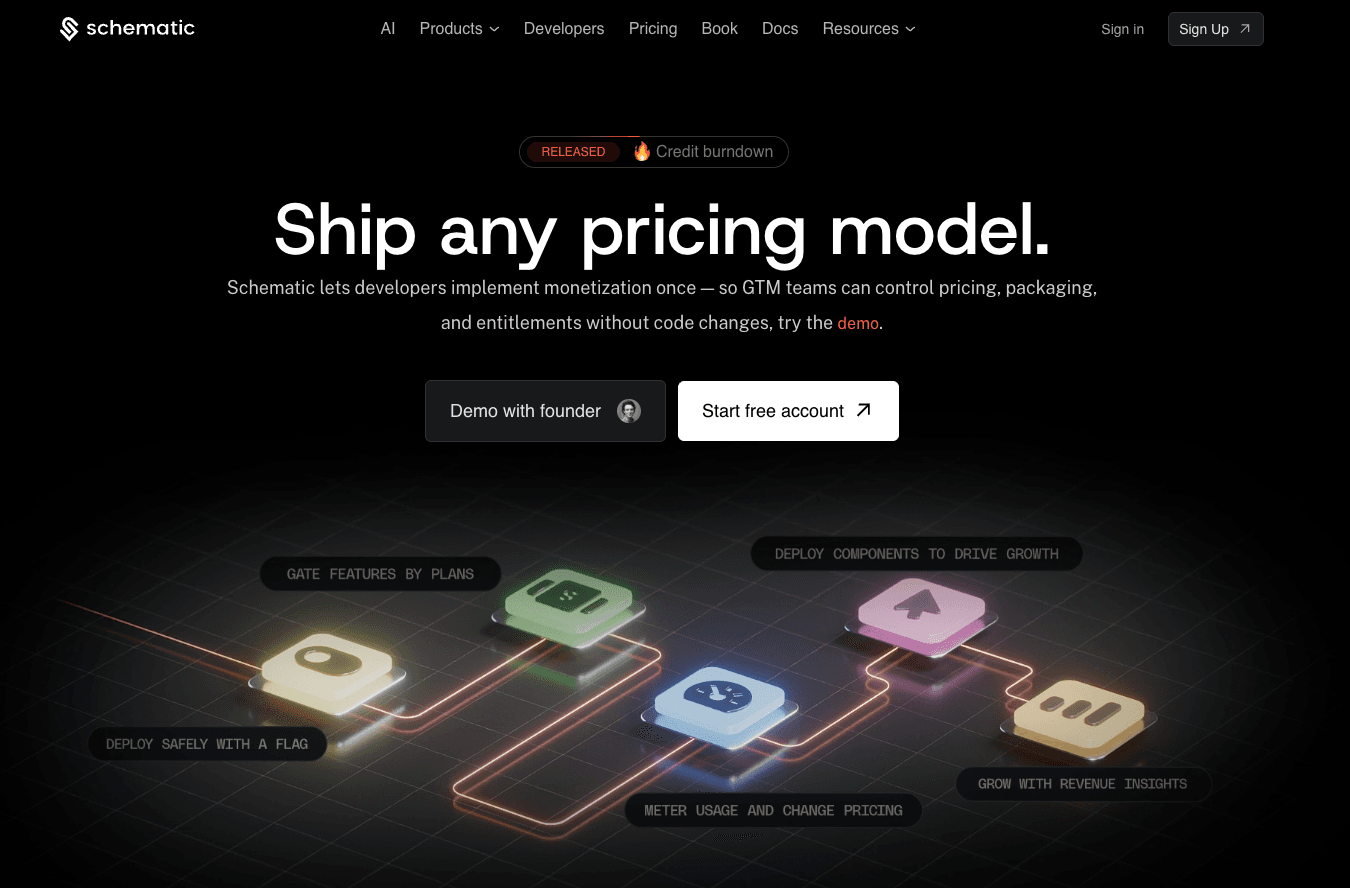
Schematic is a monetization and feature management platform for modern SaaS and AI companies. It uses smart flags to roll out, gate, entitle, and monetize features.
Unlike traditional feature flags, Schematic's flags are designed for software entitlements. They help limit and enforce access inside the product at runtime.
Schematic also tracks feature usage in one flag check. Teams use that event for metering, usage-based billing, and analysis.
What makes Schematic different from other feature flag tools is that it doesn't require teams to provide context at runtime. It can store company data, such as plans, traits, allocation, and usage. Then, it can use those stored values to evaluate flag rules.
For example, if a customer upgrades from a free tier to a Pro plan, you can asynchronously update their customer profile in Schematic. When the application checks a flag, Schematic uses the stored data to determine whether the customer should have access to the Pro feature.
Plus, Schematic is built on Stripe. It can sync products, subscriptions, and customer data from Stripe, giving teams a single platform to manage both billing and feature access. It connects what customers pay for directly to what they can use inside the product.
Key Features
- Centralized product catalog: Store plans, limits, entitlements, add-ons, and exceptions in one place.
- Smart feature flags: Gate, meter, and manage feature access from one flag check.
- Flexible rollout: Roll out features to specific user segments based on traits, usage, and billing state.
- Usage metering and pricing: Track feature usage for usage-based pricing and billing.
- Runtime limit enforcement: Enforce access and usage limits inside the product at runtime.
- Native Stripe app: Manage entitlements, usage, and plans directly from Stripe.
- Customer profiles: View company traits, plans, usage, and account details in a single scrolling profile.
- SDKs for all major stacks: Build with SDKs for NextJS, NodeJS, Go, React, JS, Python, Java, and C#.
- Real-time event log: Record events for easy implementation and fast debugging.
- OpenFeature support: Support OpenFeature specifications so customers can avoid vendor lock-in.
2. LaunchDarkly
Source: LaunchDarkly.com
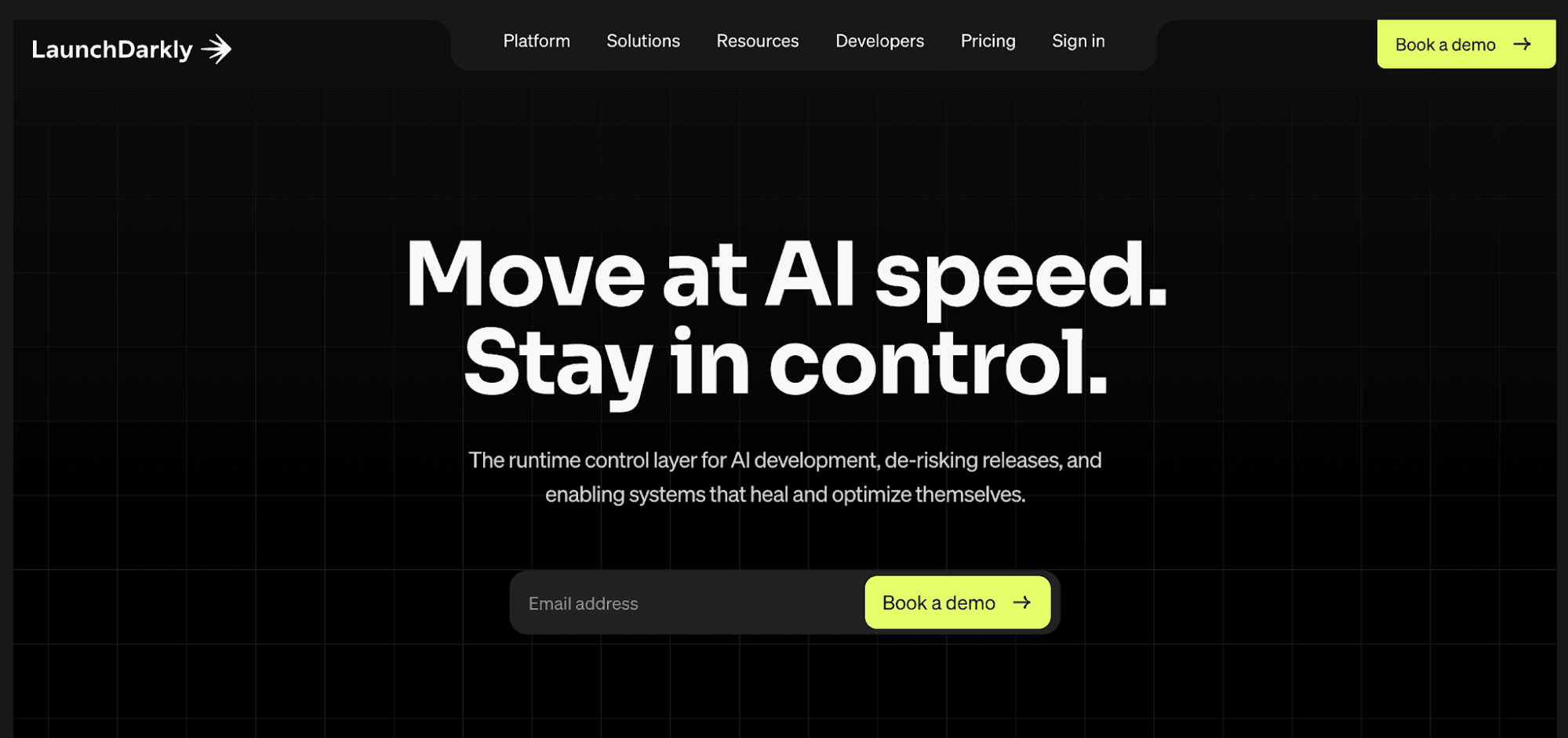
LaunchDarkly offers a runtime control layer for AI feature development. It lets developers wrap features in flags, then control releases without redeploys or human intervention.
Teams define how code behaves using simple on or off feature toggles, custom rules, or out-of-the-box flag templates.
Rule-based targeting ensures that only the right customers can see new features, while progressive rollouts gradually expose capabilities to minimize risk.
LaunchDarkly also connects to Claude Code, Cursor, an integrated development environment (IDE), continuous integration/continuous delivery (CI/CD) pipelines, and observability tools.
Plus, its native SDKs cover mobile, frontend, backend, and edge services, allowing the application to evaluate feature flags locally.
Key Features
- Progressive feature delivery: Release features in stages instead of turning them on for everyone at once.
- User targeting and segmentation: Set targeting rules based on user attributes, cohorts, and custom properties.
- Auto-roll back and kill switches: Disable problematic features immediately without code redeployment.
- AI feature management: Control AI features, prompts, and models with feature flags.
- Governance controls: Use role-based access controls (RBAC), audit logs, and approvals to maintain control over deployments.
3. Flagsmith
Source: Flagsmith.com
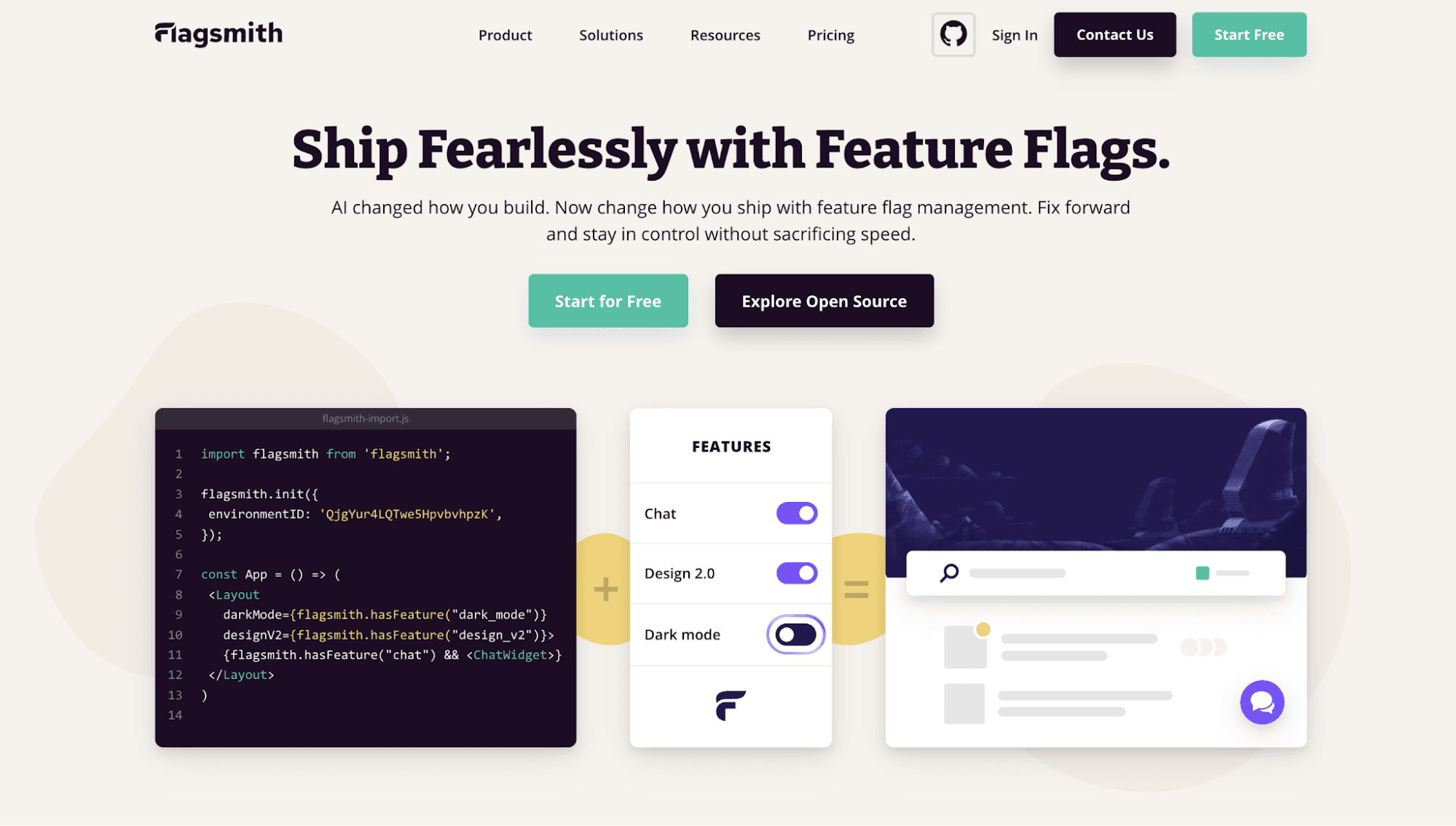
Flagsmith is an open-source feature flag service for web, mobile, and server-side applications. Businesses can use it in the cloud, self-host it, or run it in a private cloud.
Developers can wrap code with flags, and then use Flagsmith to manage those feature flags. This enables teams to decouple deployment for faster and safer feature releases.
Flagsmith also includes remote configuration management. Adjust feature properties and release the changes to individual segments, users, and development environments.
It also supports A/B and multivariate tests by sending flag data to third-party analytics tools. Monitor user behavior based on the flag state.
Flagsmith even offers advanced security and governance capabilities. Granular access control, audit logs, and feature-specific approval processes keep engineering teams compliant without hindering innovation.
Key Features
- Feature flags and remote config management: Toggle features on or off and control access to capabilities remotely.
- User segmentation: Release features by user traits, segments, percentages, or development environments.
- A/B tests: Run experiments across your entire user base and monitor their behavior in any analytics platform.
- Change management and security: Control who can change or manage flags based on roles, permissions, and approval workflows.
- Advanced governance: Prevent unauthorized changes with RBAC, four-eyes releases, and detailed audit logs.
4. Unleash
Source: getUnleash.io
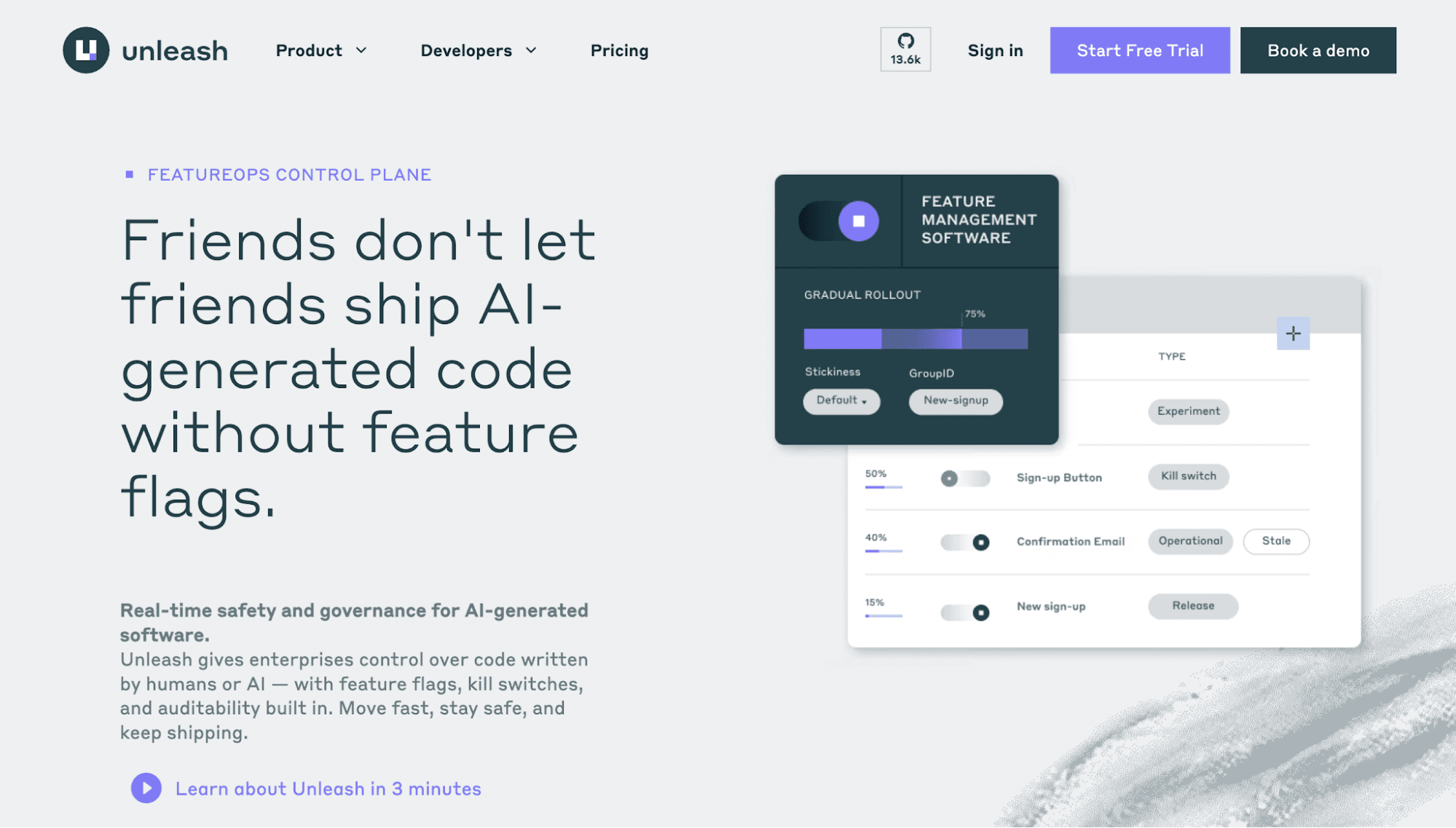
Unleash is an open-source feature management tool for enterprises that need more control over human or AI-written code. It separates code deployment from feature release, so developers can ship code without turning every feature on right away.
As an open-source platform, Unleash supports self-hosted setups and private instances. In either setup, end-user data stays within your environment to ensure security and compliance.
Developers can use Unleash SDKs across major programming languages and frameworks. Flag checks can run in the SDK or at the edge to speed up evaluations.
Unleash also enables teams to deploy features in stages, target rollouts to specific users, test features safely, and turn off risky changes without redeploying code.
Key Features
- Automated feature rollout and rollback: Use telemetry from systems emitting JSON metrics to automatically adjust rollout strategies and initiate rollbacks.
- Feature flag organization: Organize flags by release, experiment, permission, operational, and kill switch.
- Trunk-based development: Hide unfinished features from end users and test them in production before release.
- Tech-debt management: A built-in health dashboard tracks stale flags and removes old flag logic before it slows development.
- Reusable experiment segments: Create user groups once and repeatedly use them for testing feature variations.
5. Flipt
Source: Flipt.io
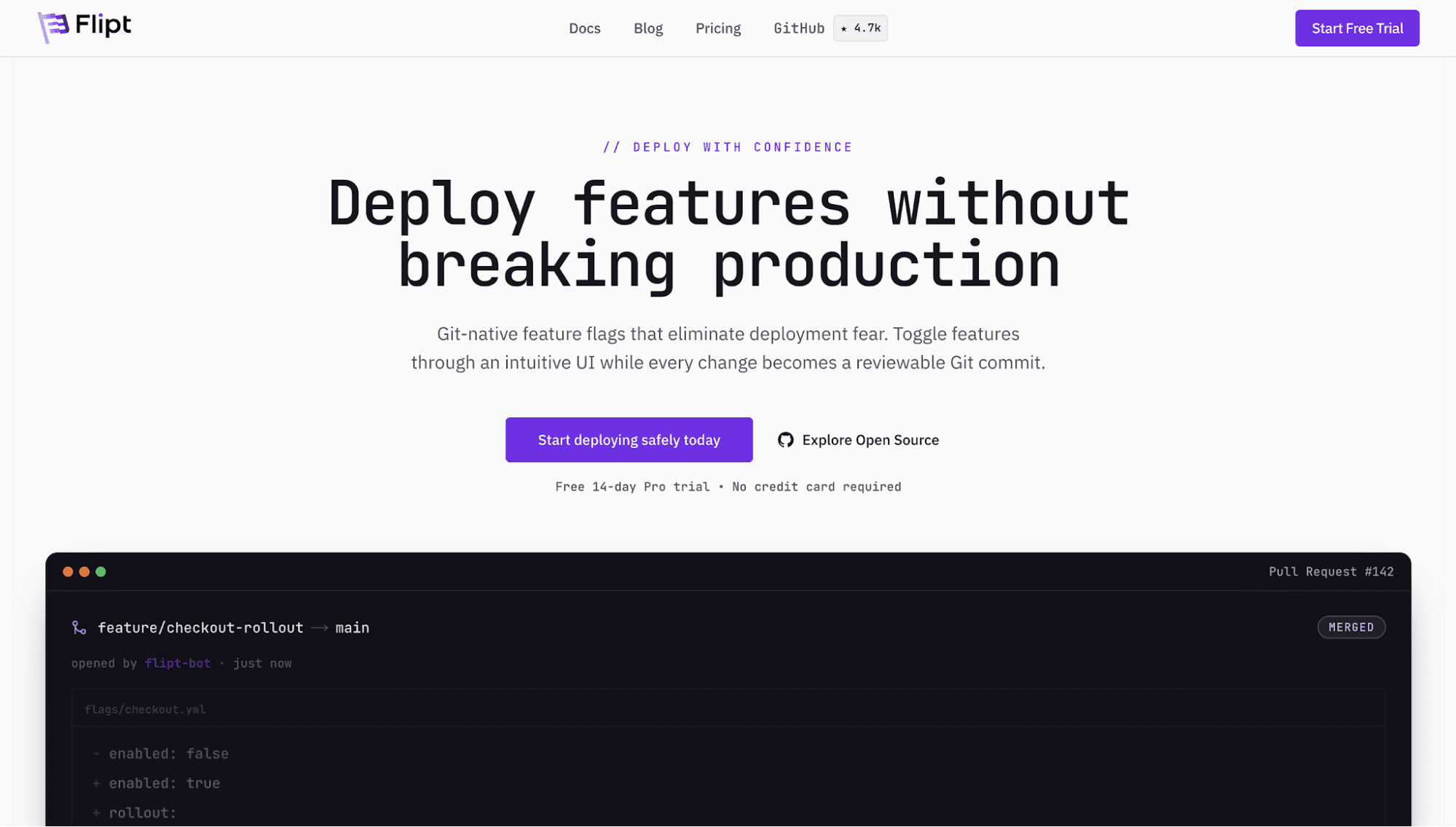
Flipt offers a Git-native feature management platform for engineering teams that want to safely release features without complexity.
Developers can push changes in a user-friendly interface. Flipt automatically gets feature flags and configurations stored in Git repositories.
The platform has seamless integrations with GitHub, GitLab, BitBucket, and Azure DevOps. This means teams can use workflows and tools they already know, so they can manage feature flags confidently.
Flipt also includes native SDKs for every major programming language. Choose whether to evaluate flags within applications or against the Flipt server.
It even provides a clear way to control rollouts, run A/B tests, and disable features quickly before they break production.
Key Features
- Git-native workflows: Store feature flags and configurations in Git repositories. Then, manage them using pull requests and code reviews.
- Instant rollouts and rollbacks: Push flag updates in real time and roll back changes immediately.
- Secrets management: Keep API keys, tokens, and certificates out of main configuration files.
- Air-gapped support: Run Flipt Pro in isolated setups with offline license checks.
- GPG commit signing: Sign all commits to your flag configuration repository for compliance and security purposes.
6. Split by Harness
Source: Harness.io
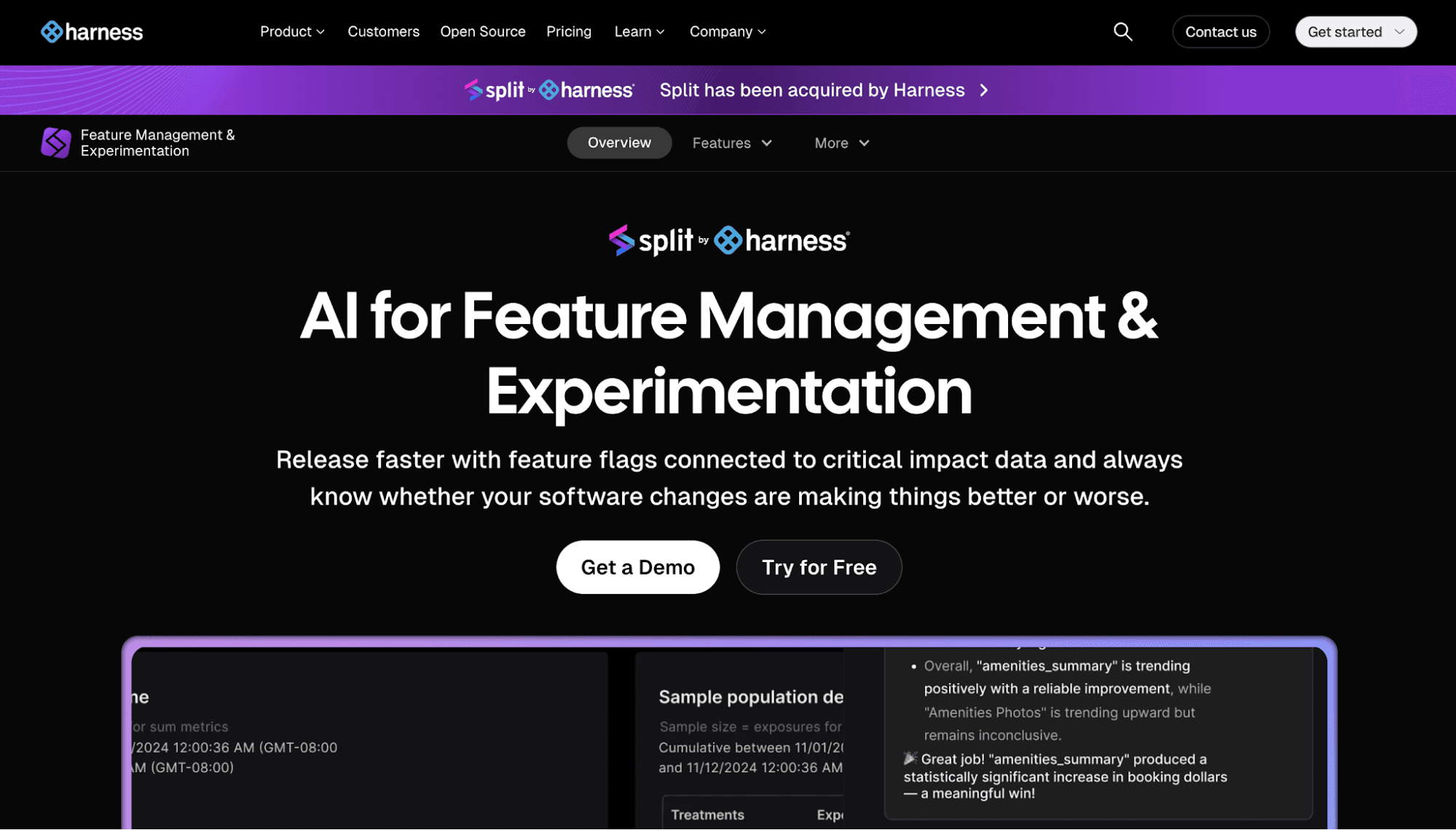
Split by Harness combines feature flagging tools with an experimentation platform. Development teams can release multiple features faster and see whether those changes deliver better or worse results.
Split's feature flags enable developers to ship code in the application without releasing it to customers. Then, they can easily test, target, and toggle features on or off.
The feature management platform also shows how features perform on release. Once those capabilities impact system performance or user behavior, the relevant teams instantly receive alerts and take immediate action.
Plus, companies can run A/B tests, launch experiments directly in an existing data warehouse, and standardize key metrics in one trusted system.
Key Features
- Dynamic configuration: Control feature components without a new code deployment.
- Flexible targeting: Roll out specific features to certain groups, such as beta testers or power users.
- Auto-capture performance metrics: Monitor performance issues and errors caused by each flag.
- Feature performance monitoring: Measure feature performance and receive alerts when it impacts system health or user behavior.
- Cloud or warehouse native experimentation: Run experiments in the cloud or use your own data warehouse for compliance and security purposes.
Benefits of Feature Flag Solutions
A feature flag management platform gives product development teams more control over how new features reach end users. Below are the key benefits of using this solution.
Safer Feature Releases
Feature flag management tools enable controlled and progressive rollouts. Instead of enabling a feature for every user at once, teams can release changes to a small percentage of users.
This lowers risks during feature releases. Developers can watch for errors, while product teams can check user feedback. If a bug appears or if the release affects customer behavior, they can pause the rollout before it affects more users.
A safer product launch is one of the reasons why many companies use feature flag platforms. According to Global Growth Insights, around 68% of organizations adopt feature management tools to improve deployment safety.
Faster Rollbacks
Feature flag tools make rollbacks faster because teams do not need to ship a new build to turn off a problematic feature.
Developers can simply disable the flag using feature toggles or kill switches. Doing so instantly stops the issue without executing a lengthy, full-system code deployment.
End users do not see broken or unfinished work, which can help maintain smooth product experiences.
Targeted Feature Experimentation
Feature flag management platforms let you test features with specific users, accounts, plans, or regions.
For example, you can show analytics capabilities to a small percentage of enterprise accounts. You can then track customer behavior, gather user feedback, and make data-driven decisions before showing that specific feature to more customers.
Improved Developer Velocity
A feature delivery platform allows developers to make small changes faster without pushing new code for every tweak. They can quickly adjust feature access, behavior, or properties from the feature flag tool instead of opening a new pull request each time.
Developers can focus on building the next feature, while product and marketing teams decide when capabilities should go live.
A feature flag tool also reduces last-minute release pressure because launch timing no longer depends on another code deployment.
Criteria for Choosing the Right Feature Flag Management Tool
Here are some factors you need to consider when selecting the right feature flag tool.
Extensive SDK Support
Make sure the feature flag tool works with the programming languages, frameworks, and apps your team already uses.
Check support for frontend, backend, mobile, and server-side use cases.
If your team ships in multiple environments, the tool should also keep flag behavior accurate. This ensures features toggle instantly and reliably without latency.
Targeting and Segmentation
Think about how your team decides who should see a feature first. Some feature releases may start with beta users. Others may go to a small percentage of enterprise accounts or users in a certain region.
The right feature flag tool should make these rules simple to build and change. Product teams must be able to adjust access without asking developers to hard-code every group or launch condition.
A/B Testing
Some feature flag tools include A/B testing. Some only manage feature releases.
If your team tests product ideas often, choose a feature flag management tool that can compare versions and track results. Check if it connects with your analytics stack to measure performance.
Deployment Method
Decide whether your development team wants a hosted, self-hosted, or private cloud setup. Hosted tools are easier to start with and have lower operational overhead.
Self-hosted tools provide more control over data and infrastructure, which can suit companies with strict compliance requirements. However, self-hosting also requires more engineering time because your team is responsible for infrastructure, updates, and backups.
Review the pros and cons before choosing.
Governance and Security
Governance and security features are important when different teams can manage feature flags. Look for RBAC, feature-specific approval processes, audit logs, and change history.
These controls reduce mistakes in production. They also make it easier to track flag activity for security and compliance purposes.
Schematic Reinvents Feature Flag Management
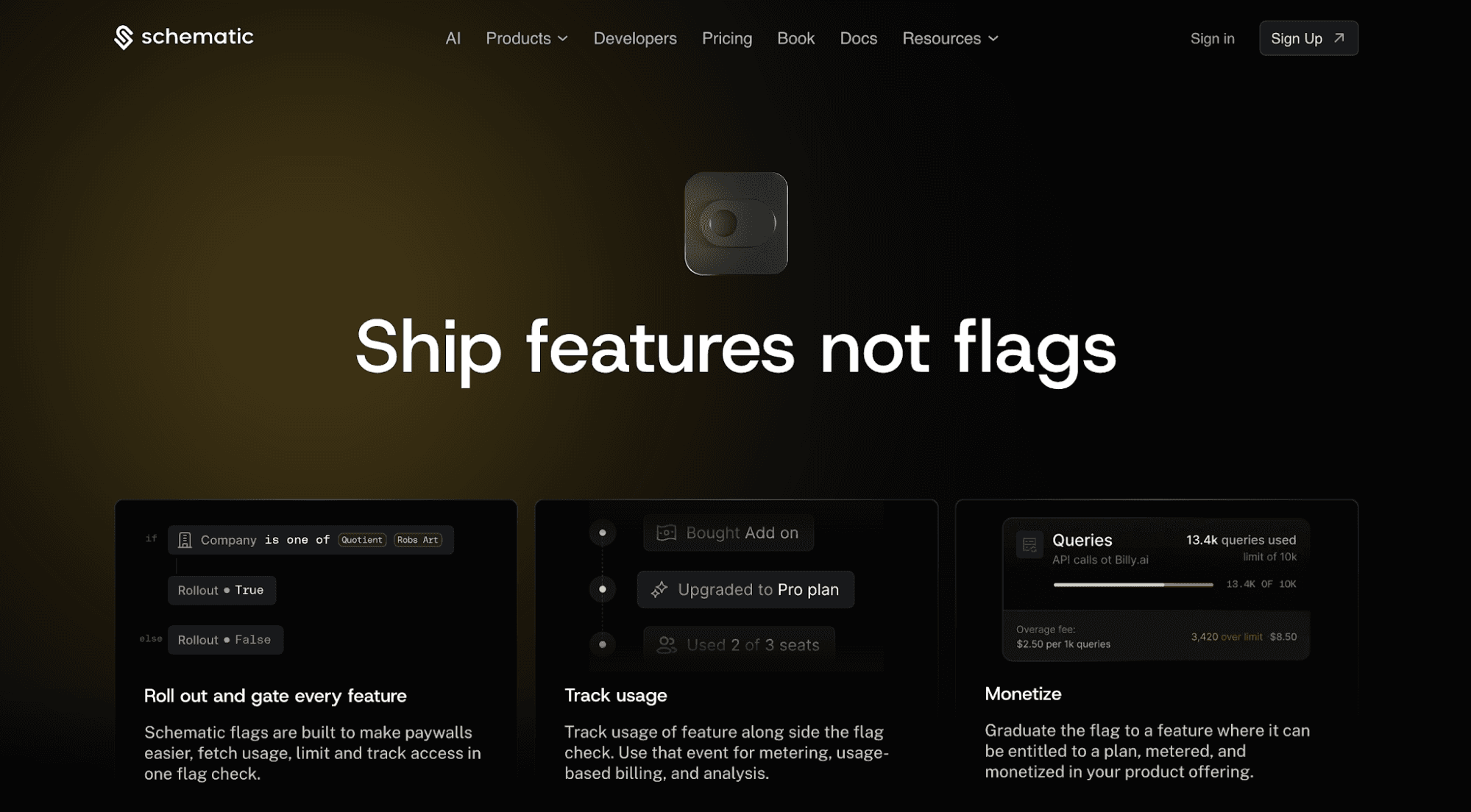
Schematic is a monetization and feature management platform designed for SaaS companies that need more than basic flags. It reinvents the feature flag by connecting it to entitlements.
Unlike many tools that treat flags as simple release controls, Schematic is purpose-built with billing in mind. It ties feature access to a company’s plan, add-ons, overrides, individual targeting rules, and other internal policies.
That makes it easier to manage paid features without hard-coded logic. Developers can use a single flag check to track usage, limit, and access. Product and go-to-market teams can quickly adjust pricing and packaging for flexible monetization.
Schematic also offers bi-directional integration with Stripe. Teams import products and customers once. Schematic automatically syncs billing state with plans and access state without managing webhooks.
FAQs About Feature Flag Management Tools
What is feature flag management?
Feature flag management is a software development technique for controlling which features users can see. Teams use it to change the behavior of certain features or code paths without touching the source code.
What are feature flag tools?
Feature flag tools allow teams to activate or deactivate features without deploying new code. They give developers and product teams a shared platform to manage rollouts, targeting, and experiments after code is live in production.
Which is better: hosted or open-source feature flag management platforms?
Hosted feature flag tools are easier to set up and maintain. Open-source platforms provide more control over data, hosting, and setup. The choice depends on your team’s security needs, budget, and engineering time.
Can feature flags control access inside the product?
Yes. Feature flags can control access to buttons, pages, workflows, plans, beta features, and paid features. Teams can use them to show different product experiences based on user role, company plan, account status, or testing group.