 Ryan Echternacht
Controlling feature access is one of the hardest parts of modern SaaS monetization. You sell seats, usage, credits, and add-ons at the same time. Access needs to change as billing state and usage change.
Many teams rely on feature flag management to handle this. Feature flags allow engineering teams to control new functionality, manage feature releases, and deploy code without risky changes. Product teams use them to limit exposure and collect user feedback.
As pricing becomes more complex, feature flags often move beyond release control. Teams use them to gate features by plan, trial, or customer segment. This creates short-term flexibility.
Over time, access logic spreads between flags, billing systems, and overrides. Maintaining this setup becomes costly and error-prone.
This guide breaks down how feature flag management works, when feature flags are enough, and where they fail for monetization. We'll also explain why entitlements provide a cleaner way to enforce plans, limits, and usage at runtime.
TL;DR
- Feature flag management helps control feature access at runtime, but it was originally developed for releases and experiments, not enforcing plans, usage, and billing-aware access.
- Feature flags work well for early-stage products, short-lived trials, and simple feature gating, where pricing and access rules stay stable and limited.
- They break down as monetization becomes more complex, especially when access depends on billing state, usage thresholds, plan changes, and sales-led exceptions.
- Entitlements provide a cleaner model by defining what customers can access based on plans, usage, trials, credits, and contracts, all evaluated at runtime and tied to billing state.
- Schematic uses entitlements to separate access rules from code. It allows teams to enforce limits, upgrades, and hybrid pricing while keeping feature flags as enforcement checks, not business logic.
What Is Feature Flag Management?
Feature flag management is a software development technique used to control how application features behave at runtime without repeated code deployment.
Teams create feature flags, also known as feature toggles or feature switches, and wrap them around specific code paths.
Each flag check returns a value that determines whether a given feature is enabled, disabled, or exposed to a subset of users. These checks often evaluate attributes, such as environment, account, or user context.
A feature flag management tool lets teams configure feature flags outside the codebase through configuration files or a centralized platform.
Configuration files, often created in environment variables, act as blunt on-off switches for the entire user base.
Meanwhile, a feature management platform enables precise targeting. This helps development teams reduce risk, control feature rollouts, and introduce new features to specific user segments.
This approach supports safer software releases and the ability to deploy features through progressive delivery.
How Feature Flags Work
Feature flags are evaluated at runtime inside your application code. You use feature flags by wrapping them around specific code paths that control specific features.
Each flag check returns a Boolean or a variant value. Your application uses that result to decide whether to execute new code or fall back to existing behavior. This evaluation often relies on attributes, like plan, environment, account, or individual users, which support basic user targeting.
Flags are configured through a feature flag service or feature management platform, not hard-coded into the source code. This enables developers to deploy code once and control behavior later in both development and production environments.
Feature flags support release toggles, progressive feature delivery, and kill switch scenarios. They help development teams reduce risk and ship faster on multiple platforms.
Importantly, feature flags control execution flow, not monetization logic. Billing state, usage tracking, and software entitlements usually live outside the flag system, which is where limitations start to appear.
Feature Flag Use Cases
Teams often use feature flags beyond simple release management. With modern feature flag solutions, engineering teams can release features gradually, reduce risk during software delivery, and manage code changes without constant redeploys.
Here are the most popular use cases of feature flags:
Gradual Feature Rollouts
Teams can make new software features visible to a subset of customers in a development environment before expanding to production. This reduces the risk of exposing the entire user base to bugs, performance issues, or confusing product changes.
Many organizations start with internal users, beta customers, or a small percentage of production traffic. As confidence in the new feature increases, they can expand access in stages. They can also monitor performance and confirm the feature behaves as expected before a full launch.
Canary Releases
Canary releases can validate a change in an actual production environment before it becomes part of the standard user experience.
Rather than rolling out features in stages, canary releases typically route a small number of accounts to the new version.
Teams can compare the new behavior against the existing one, gather real-time feedback, and detect issues that may not appear in the production stage.
If the canary performs poorly, teams can stop the release before it reaches more users.
Rollback or Kill Switch
Feature flags can act as a rollback mechanism when a release causes problems in production. When a feature introduces errors, slows down the application, or creates a poor customer experience, teams can turn it off without redeploying code.
This makes feature flags useful as kill switches for high-risk functionality. The code remains in the product, but the feature is disabled at runtime.
In some cases, teams manage these controls through a remote configuration file, allowing them to respond quickly, reduce customer impact, and investigate the issue before coming up with a solution.
Server-Side A/B Testing
Server-side A/B testing lets teams test different versions of a feature, workflow, or product experience from the backend. It's useful when the experiment depends on application logic, pricing behavior, onboarding flows, or feature availability.
Feature flags make it easier to assign users to different variants and track key metrics across each experience.
Product teams can compare conversion, activation, retention, and user engagement to decide which version performs better before a full rollout.
This matters because feature launches do not always translate into meaningful adoption. A Pendo report reveals that 80% of the average software product’s key features are rarely used or never used at all.
Feature Gating
Many teams also rely on feature flags to gate access. They enable or disable features for specific user groups or accounts to maintain complete control during feature experimentation.
This is useful for beta programs, internal testing, limited releases, and early access programs. Teams can decide exactly who should see a feature before it becomes widely available.
For SaaS monetization, feature gating can also support free trials and self-serve plans. However, it can create technical debt when access starts depending on billing state, usage limits, or custom terms.
User Segmentation
Feature flags can expose features to different groups of users. Organizations might target new customers, enterprise accounts, or power users.
This gives product and engineering teams more control over who receives a feature and when. It also helps teams tailor experiences based on account type, behavior, or lifecycle stage.
User segmentation is important for teams that want to validate features with the right audience before expanding access to everyone.
Faster Release Cycles
Feature flags help teams separate code deployment from feature release. Developers can merge code into the main branch and deploy it behind a smart flag, even if the feature is not ready for full customer access.
This supports trunk-based development and reduces the need for older feature branches. Teams can release software faster while still controlling when functionality becomes visible.
Product managers, engineers, and go-to-market specialists can coordinate launches without waiting for another deployment cycle.
As teams scale, managing feature flags becomes part of the core development process. They adopt best practices, regular flag cleanup, and analytics to limit flag debt and learn how features perform in production.
When Feature Flag Management Tools Are Enough
Feature flags work well when access rules stay simple and short-lived. In these cases, a feature flag platform can give teams the control they need without adding overhead.
Implementing feature flags is usually enough when you are working with:
- Early-stage products with a small user base and limited plans
- Simple, features-based pricing with few exceptions
- Short-lived trials or temporary access for demos
- Experiments and temporary rollouts that act as a safety net
In these scenarios, teams often rely on flexible deployment options instead of deep billing logic. You may store state in a database table, remote config files, or an in-house solution that supports popular programming languages and deployment flow.
Feature flags also fit well when you offer a free tier with broad access and unlimited seats.
As long as plans, limits, and usage stay stable, feature flags remain effective and low risk.
Where Feature Flags Break Down
Feature flags were built to control releases, not monetization logic. As pricing and selling grow more complex, teams often stretch feature flags beyond what they were designed to handle.
Feature Flags Aren’t Well Integrated With Billing
Feature flag tools do not stay aligned with the billing state by default. Trials and downgrades need extra glue code to reflect payment status accurately.
Billing systems live outside the flag layer, so access decisions rely on custom checks instead of a single source of truth. As a result, drift develops between what a customer pays for and what the product allows.
Feature Flags Aren’t Tied to Usage Tracking
Feature flags do not track consumption on their own. Enforcing limits in usage-based billing requires separate tracking systems and manual coordination.
When customers exceed usage thresholds, teams must wire together events, counters, and conditional logic (e.g., if-else statements).
This makes shut-offs brittle and hard to reason with during runtime. Pay-as-you-go, overages, and credit burndown models become difficult to enforce consistently.
Plan Changes Are Slow and Risky
Rolling out a new version of a plan often requires updating multiple flags and code paths. Legacy customers can drift from current pricing rules.
Each change increases coordination between engineering, product, and RevOps. That raises the risk of inconsistent access and slows down pricing iteration.
At this stage, feature flags stop scaling. Teams need a model designed to extend billing-aware access rules directly into the product.
What Teams Need for Monetization Control
Once pricing moves beyond flat-fee subscriptions and static seats, access control needs to reflect the real customer state. You need rules that respond to billing changes, usage, and contract terms without spreading logic throughout the codebase.
At a minimum, effective monetization control requires:
- Access rules tied directly to billing state and plan definitions, not hard-coded checks
- Runtime enforcement that updates immediately as plans, trials, or payment status change
- Usage-aware decisions for limits, credits, and overages based on live consumption
- Support for plan versioning without touching application code or redeploying services
- A single source of truth that works for both self-serve and sales-led flows
- Clear separation between access enforcement and monetization logic
Without these foundations, teams rely on manual overrides and fragile checks. That increases risk as pricing and selling grow more complex.
When to Move Beyond Feature Flags
Feature flags work well early on, but signals start to appear as monetization grows. One common sign is frequent access bugs. These often come from multiple feature flag checks scattered across systems that no longer reflect billing state or usage.
Manual overrides are another indicator. Teams begin fixing access issues directly in the product or database instead of adjusting plans and rules. This increases risk and adds a long-term maintenance burden.
Sales friction also increases. Reps request custom trials, temporary access, or plan exceptions that are hard to support with feature flags alone. Each request turns into custom code changes or one-off logic.
Slow pricing changes are the final signal. When launching a new plan or adjusting limits requires redeploying code, feature flag management becomes a blocker instead of a safety net.
These patterns usually indicate growing monetization maturity. At that stage, teams need a model designed for access control tied to plans, usage, and contracts.
Why Entitlements Are a Better Model
Feature flags control whether code paths run. They do not define what a customer is allowed to use. That gap becomes critical once access depends on plans, usage, trials, and custom contracts.
SaaS entitlements are built to solve that problem.
An entitlement defines what a company can access inside your product based on its plan, current usage, billing state, and agreed-upon terms. These rules are billing-aware and evaluated at runtime, so access updates automatically as customer state changes.
With entitlements, you model plans, limits, credits, trials, add-ons, and exceptions explicitly. Usage tracking feeds directly into enforcement. When a trial expires, a limit is reached, or a plan changes mid-cycle, the product reflects that change immediately.
This removes the need to encode monetization logic in feature flags, billing components, and one-off overrides. Enforcement stays inside the product, while billing systems like Stripe remain the source of truth for the commercial state.
Feature flags can act as enforcement gates, but entitlements own the rules. They extend billing logic into your code in a structured way that supports hybrid pricing and hybrid selling as products scale.
Solve Feature Flag Scaling Limits With Schematic
Entitlements define what a customer can use. Feature flags still exist, but their role changes.
With an entitlements layer in place, feature flags stop carrying monetization logic. They act as enforcement checks inside the product. The rules live outside the application code, and each flag check simply returns an access decision.
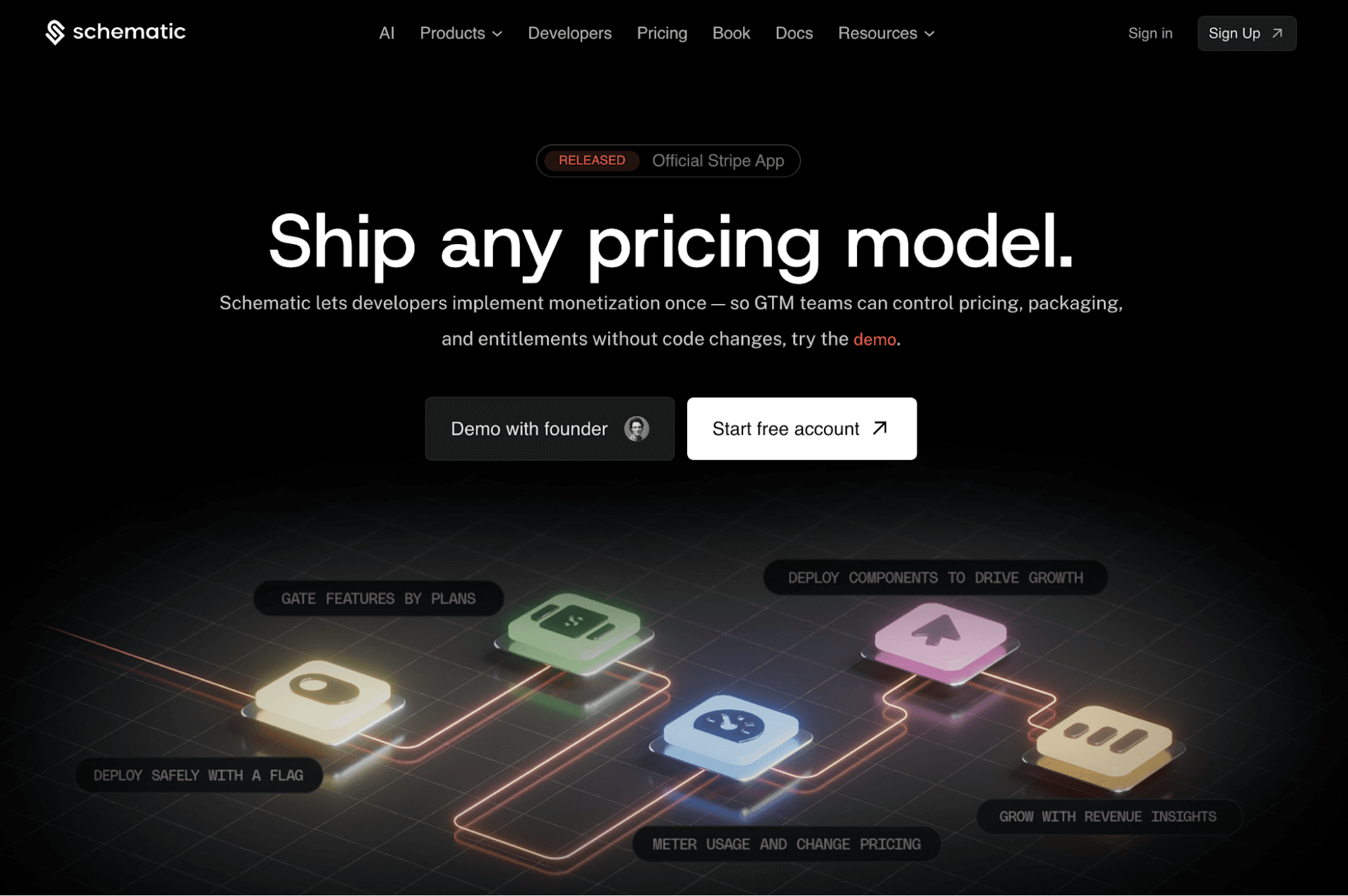
Schematic is built around this separation.
Schematic acts as the system of record for your product catalog. You define plans, entitlements, limits, trials, credits, add-ons, and exceptions in one place. These rules stay tied to billing state and usage, not hard-coded conditions.
At runtime, your product enforces access based on the customer state.
This makes common monetization workflows easier to manage:
- Grant feature trials to encourage upgrades
- Enforce usage limits tied to credits or consumption
- Trigger sales or support workflows as accounts approach limits
- Use paywalls to guide upgrades inside the product
- Apply temporary overrides for sales-led deals without manual fixes
Schematic is also built on Stripe to keep billing state aligned with access rules.
Engineering teams stop maintaining billing and entitlement logic. Product teams can adjust SaaS pricing and packaging without code changes. RevOps can sell flexibly without breaking enforcement.
FAQs About Feature Flag Management
What does a feature flag mean?
A feature flag determines whether a specific feature is available to users inside the product. It lets development teams manage access at runtime based on conditions, such as plans, usage, user attributes, and subscription state, without changing deployments.
What is the tool for feature flags?
A feature flag tool is software that helps you create, manage, and evaluate feature flags in production. Some tools focus only on new feature releases, while others support access control tied to pricing, entitlements, and billing state.
Should I turn off feature flags?
You should turn off feature flags once they are no longer needed. Regular cleanup is an important part of flag management. Leaving unused flags in the codebase increases complexity and makes access rules harder to maintain as functionality expands.
How to organize feature flags?
You should organize feature flags around access rules, not temporary experiments. Group flags by feature, plan, or usage limit. Document ownership and review flag status changes regularly to keep access logic clear and predictable.