 Ryan Echternacht
Feature flags used to be simple. You turned something on, watched for issues, and moved on. In 2026, a feature flag platform can do much more than that.
Teams use these tools to manage feature rollouts, control access, affect pricing, and decide what users can do inside a product.
That’s why many teams question whether LaunchDarkly still fits how they build and ship software today.
If you’re weighing cost, complexity, or more control, this list breaks down the strongest LaunchDarkly alternatives and where each one makes the most sense.
TL;DR
These are the top LaunchDarkly alternatives in 2026:
- Flagsmith
- Statsig
- Split
- Unleash
- ConfigCat
- FeatBit
What Is LaunchDarkly Used For?
Source: launchdarkly.com
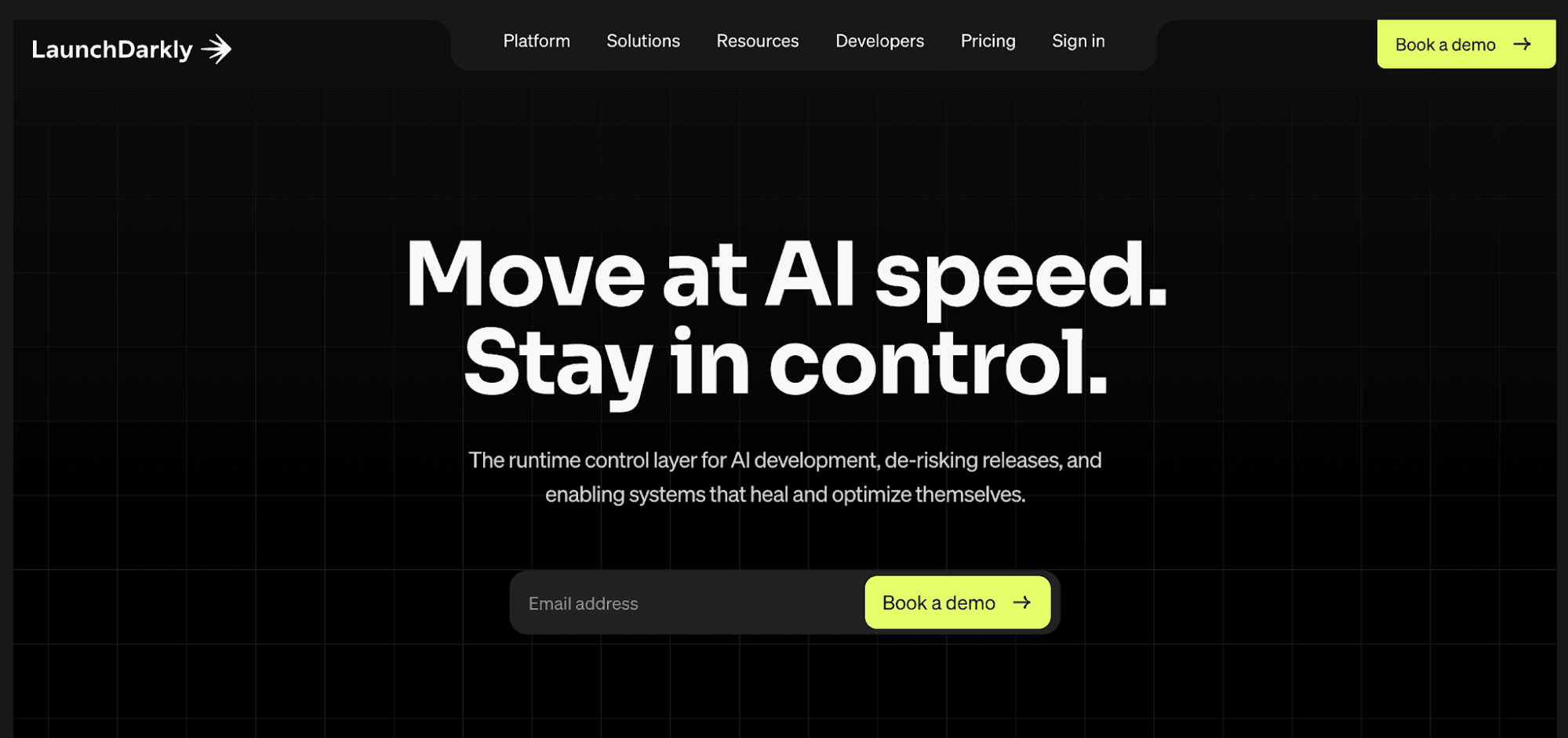
LaunchDarkly is a feature management platform used by development teams to control how new features reach users during modern software development.
Teams rely on this feature flag management tool to separate feature releases from code deployments and reduce risk during software releases.
You can use LaunchDarkly to manage feature toggles in multiple environments, roll changes out gradually, and quickly disable features when issues appear. Its targeting rules can also deliver different variations to specific user segments.
The platform supports progressive feature rollouts, remote configuration, and feature experimentation, which helps teams test functional and visual changes without redeploying code.
LaunchDarkly also functions as an experimentation platform. Teams can run A/B tests and other experiments, then use experiment analysis and performance metrics to compare results.
These tools help product teams make data-driven decisions based on real user interactions.
Targeting rules allow teams to segment specific user groups and control feature values with granular control, while audit logs, user management, and security features support governance for larger software teams.
Why Do Teams Look for LaunchDarkly Alternatives?
Teams often start looking at alternatives to LaunchDarkly as feature usage grows and flag setups become harder to manage.
One common concern is cost predictability. LaunchDarkly offers a free Developer plan and pay-as-you-go Foundation pricing, while enterprise plans use custom pricing.
Foundation has no platform or seat fees, but its usage-based pricing scales with service connections, client-side monthly active users (MAUs), and AI runs. As usage increases, that can make long-term spend harder to predict.
Another challenge is flag sprawl. As products grow in complexity, teams create hundreds of flags in multiple environments, which complicates feature deployment and increases the risk of stale or misconfigured rules.
Some reviews also point to a steep learning curve. The user interface can feel crowded, which slows down non-technical users and makes routine changes harder for marketing and product teams.
Vendor lock-in is another concern. LaunchDarkly runs as a cloud service, which limits options for teams that need their own cloud deployments, their own server hosting, or tighter control over sensitive data.
7 Best LaunchDarkly Alternatives in 2026
Choosing a LaunchDarkly alternative depends on what feature control you need to handle inside your product.
Some teams prioritize release safety and experimentation, while others need tighter control over how features behave for different users at runtime.
The tools below reflect the most common paths teams take when evaluating alternatives to LaunchDarkly.
1. Schematic
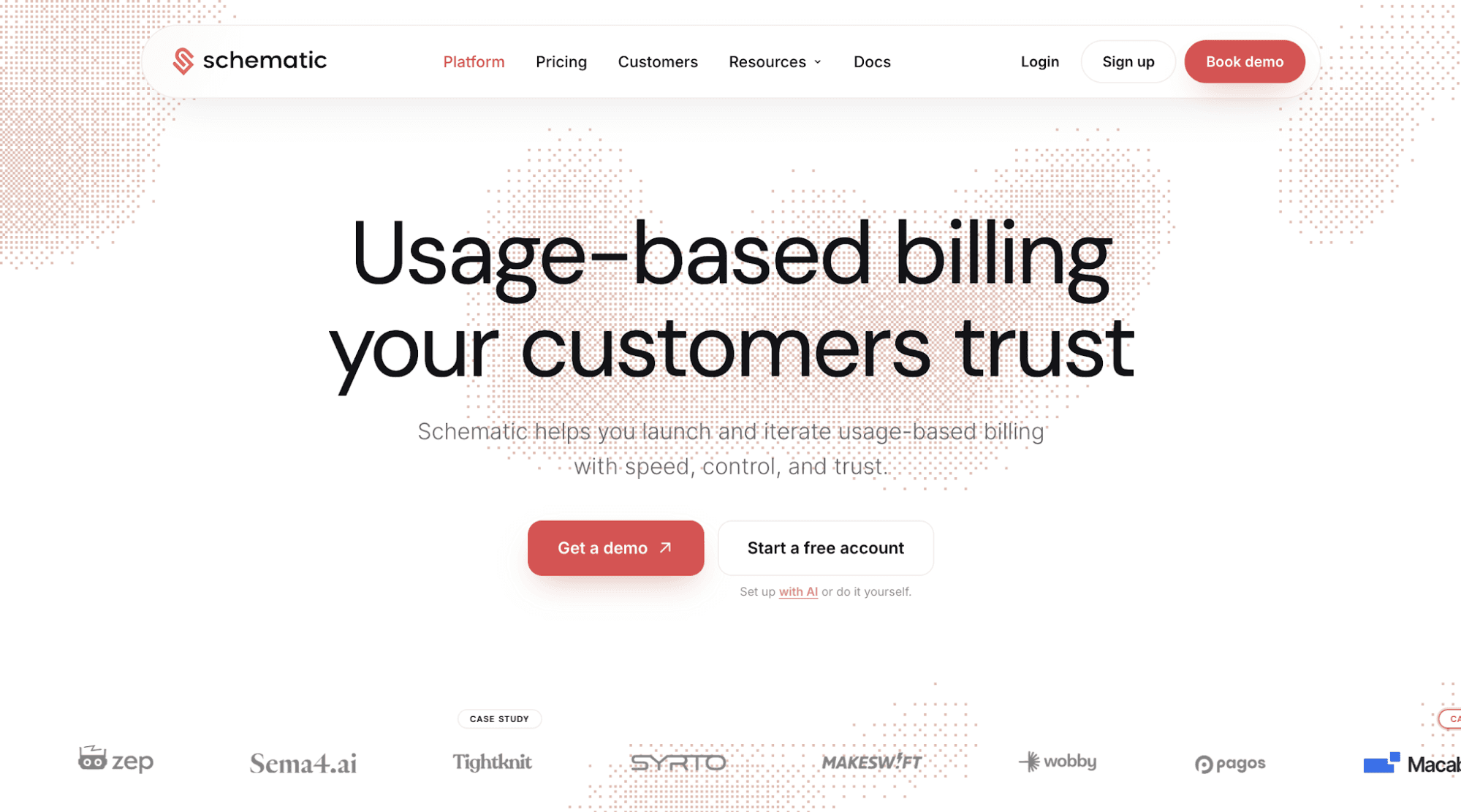
Schematic is a feature flagging platform that controls who can access what inside the product. Unlike release-focused tools like LaunchDarkly, Schematic connects feature access directly to customer plans, company context, subscription status, and other custom attributes.
You define which specific features a customer can access and when changes take effect. Runtime evaluation keeps feature exposure consistent as customers upgrade, hit limits, or move between self-serve and sales-led flows.
Beyond feature flag management, Schematic helps commercial teams manage pricing and packaging, usage metering, credit rollovers, plan versioning, and revenue recognition. It serves as the central source of truth for all monetization operations.
Software companies also use Schematic to sell usage-based plans and give customers real-time usage visibility and self-service controls.
It’s the only usage billing software with runtime enforcement. Schematic ensures accurate balances, limits, and usage everywhere the product reads them, which helps solve the trust problem in usage-based pricing.
Key Features
- One engine for price modeling, plans, credits, SaaS entitlements, and usage
- Enterprise credit wallets that give customers visibility and control over their consumption
- Usage metering for seats, AI credits, API calls, tokens, and MAUs
- Runtime access enforcement using one flag check
- Self-service controls enable users to set usage caps, adjust the credit top-up policy, and define what happens at the limit
- Usage threshold alerts before customers hit a metered paywall
- Credit rollovers, expiry windows, and priority consumption to launch credit burndown pricing successfully
- Concurrency-safe holds that reserve, commit, or release credits based on results
- Plan versioning and migration without filing an engineering ticket
- Append-only ledger to simplify revenue recognition
- Real-time event log for fast implementation and debugging
Pricing Plans
- Starter (Free): Includes 500,000 events per month, unlimited flags, unlimited features, unlimited plans, Stripe integration, and up to 10 subscriptions.
- Growth ($400/month): Offers everything in Starter, plus 10,000,000 events per month, unlimited subscriptions, trials, data exports, custom plans, and additional billing controls. Teams that choose annual billing pay $3,840.00, saving 20%.
- Enterprise (Custom pricing): Has everything in Growth, plus unlimited subscriptions, unlimited company overrides, unlimited events, unlimited webhooks, premium support, data exports, and more.
2. Flagsmith
Source: flagsmith.com
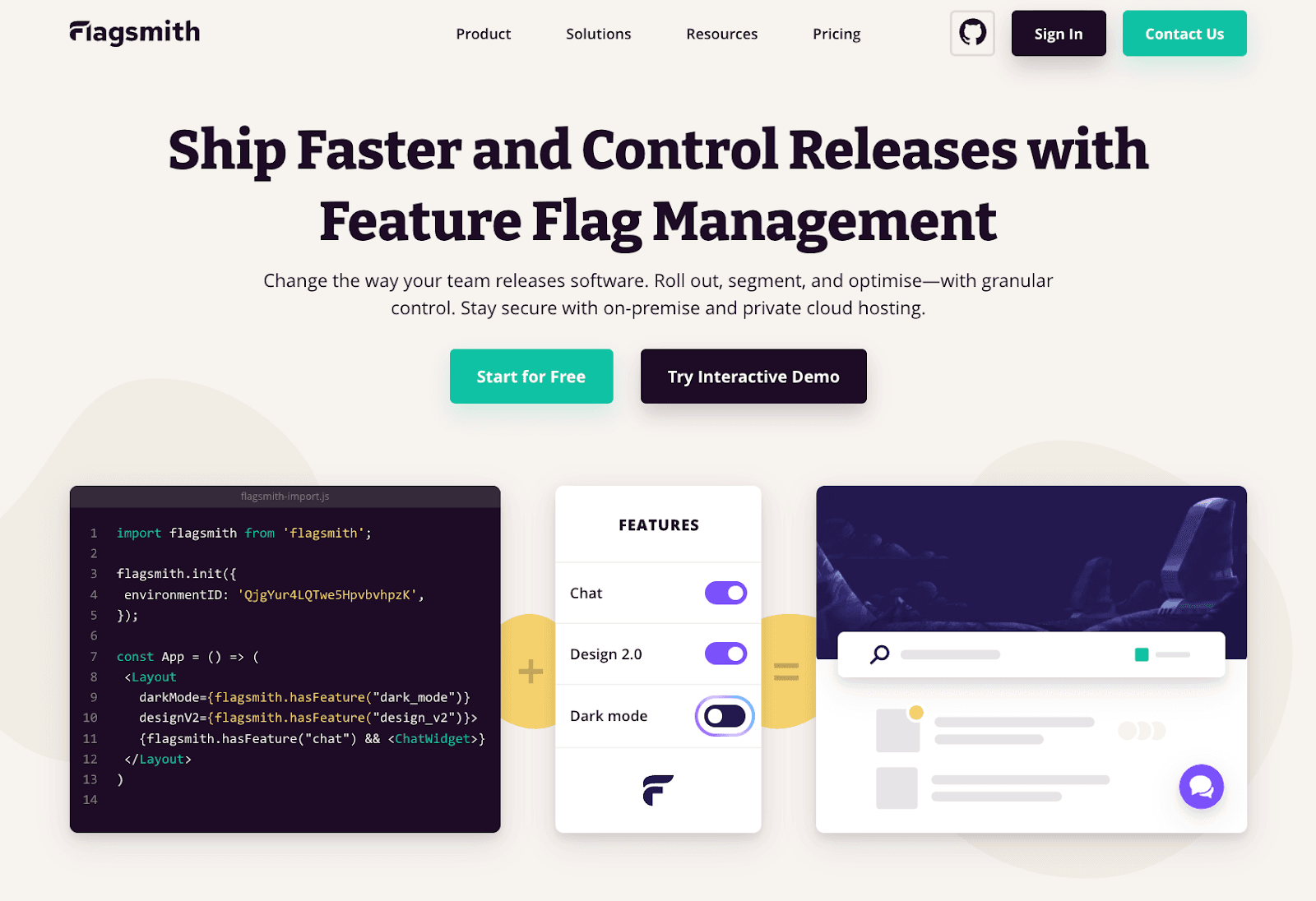
Flagsmith is an open-source platform for feature flag management and remote config.
It serves as a LaunchDarkly alternative for teams that prioritize release control, deployment flexibility, and infrastructure ownership.
You can use Flagsmith to deploy functional changes, manage rollouts, and target specific users by environment or trait. It supports feature flags across web, mobile apps, and server-side applications.
The product is available as a cloud, private cloud, or self-hosted deployment on your own server, which helps teams handle sensitive data or strict compliance needs.
Flagsmith focuses on feature delivery and release safety rather than runtime access enforcement.
It fits teams that want feature flags tightly integrated into CI workflows and runtime configuration without relying on a SaaS-only model.
Key Features
- Unlimited feature flags and remote config for runtime changes
- Environment and user segmentation to segment users
- A/B testing and experimentation tools for feature validation
- Open-source core with cloud or own cloud deployment
- API access for integrating flags into applications and existing workflows
- Role-based access and audit logs for security features
Pricing Plans
- Free: Basic feature flags and environments with usage limits.
- Start-Up ($45/month): Higher limits, team access, and scheduled flags.
- Scale-Up ($300/month): Higher request limits, governance controls, and priority support.
- Enterprise (Custom pricing): Private cloud or self-hosted deployment with governance and support.
3. Statsig
Source: statsig.com
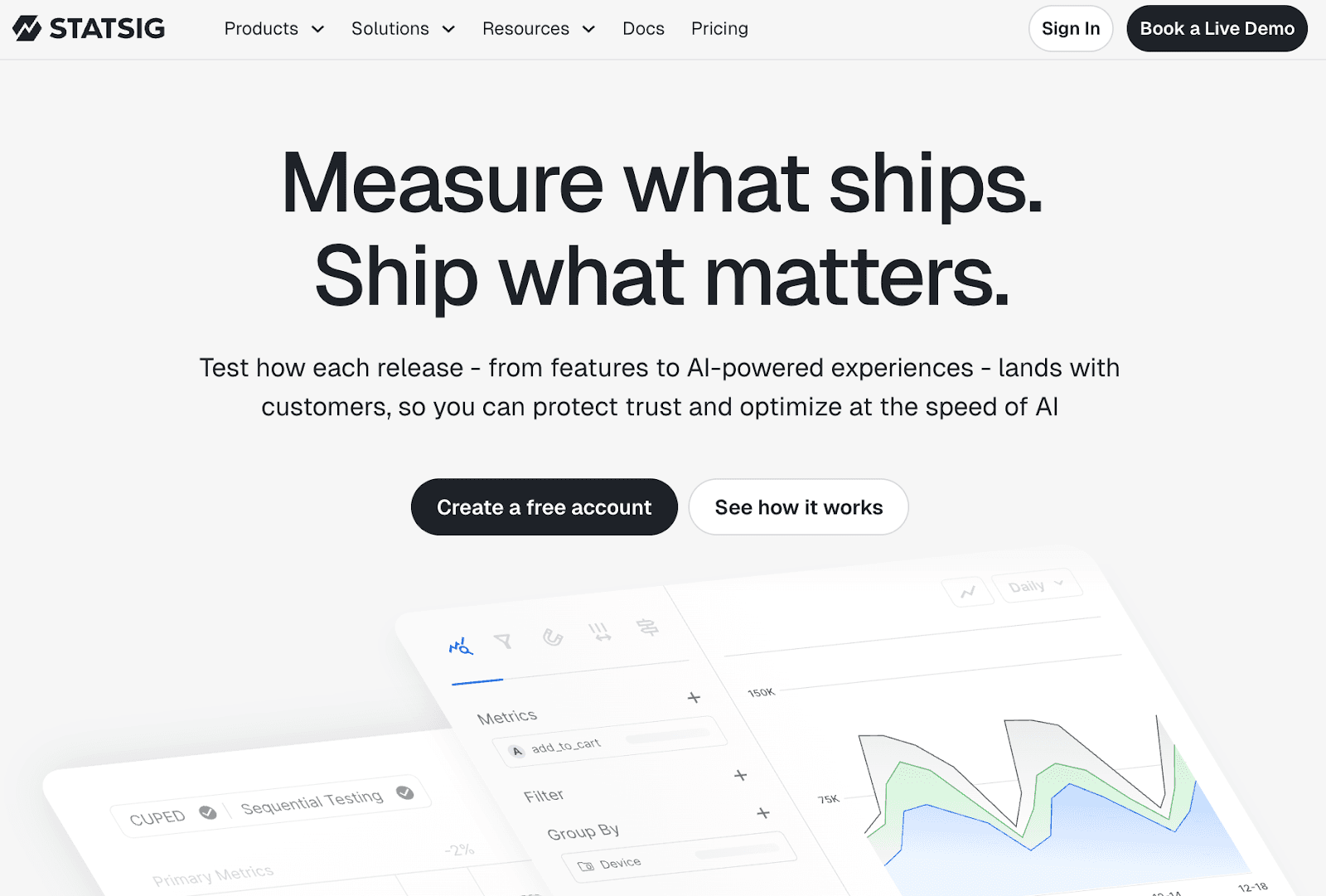
Statsig is a comprehensive platform that combines feature flags, experimentation, and product analytics into one system.
It acts as a LaunchDarkly alternative for teams that want feature flag–driven release control tied directly to measurement and outcomes.
You can use Statsig to ship features behind flags, run experiments, and analyze results in a single workflow. The platform emphasizes experimentation built on top of feature flags, with clear links between releases and data.
Product, engineering, and data teams share one interface to evaluate the impact of flagged releases, which supports coordination and faster decisions.
Statsig fits teams that use feature flags as the foundation for experimentation and want to understand how releases affect real user behavior, not just rollout status. Teams can also run warehouse native experimentation using data from their own data warehouse.
Key Features
- Feature flags linked to experiments and metrics
- A/B testing, sequential testing, and advanced experimentation workflows
- Product analytics and session replays in one tool
- Warehouse-native option with data warehouse support
- Centralized dashboards for power users and teams
Pricing Plans
- Developer (Free): A free tier with limited events, feature flags, and experiments.
- Pro ($150/month): Higher event limits and advanced analytics.
- Enterprise (Custom pricing): Warehouse-native deployment and large volume discounts.
4. Split
Source: split.io
Split by Harness is a feature management platform focused on release control, experimentation, and release monitoring at scale.
It serves as a LaunchDarkly alternative for teams that want tighter feedback loops between feature rollouts and production impact.
Engineering teams use Split to manage feature flags, run controlled rollouts, and observe how changes affect system performance and user behavior in real time.
Compared to LaunchDarkly, Split places more emphasis on release monitoring and experimentation as part of the deployment workflow, rather than only gating features.
The platform helps teams understand how users move through user paths during gradual releases and identify issues tied to specific flags.
Split fits organizations that treat feature management as part of their delivery and reliability stack. It also serves teams managing releases at enterprise scale through an interface used primarily by engineering and product teams.
Key Features
- Feature flags for controlled rollouts to release features safely
- Release monitoring tied to performance and user behavior
- Built-in experimentation for testing feature changes
- Alerting to identify problematic flags during releases
- SDK support for common backend and frontend stacks
Pricing Plans
- Custom Pricing: Pricing is not publicly listed and varies based on usage, scale, and deployment requirements.
5. Unleash
Source: getunleash.io
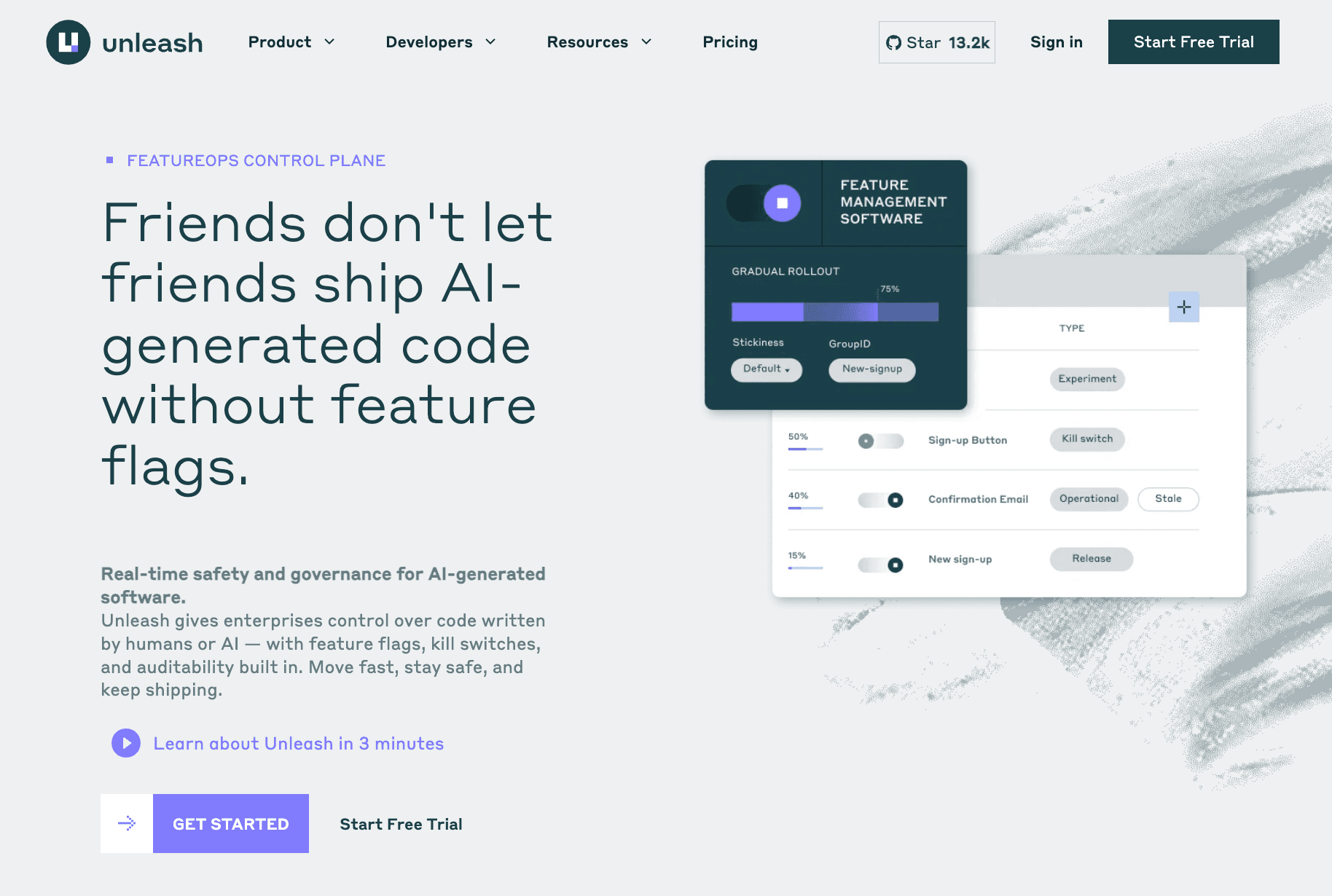
Unleash focuses on enterprise-grade feature management with an emphasis on control, governance, and deployment ownership.
Compared to LaunchDarkly’s SaaS-first model, Unleash appeals to teams that want more flexibility around where data lives and how flags operate in different environments.
Engineering teams use Unleash to manage rollouts, enable kill switches, and control exposure without tying feature decisions to deployments.
The platform supports hosted, self-hosted, and hybrid setups, which makes it relevant for organizations handling sensitive data or operating under strict compliance requirements.
Unleash emphasizes release safety, auditability, and operational reliability over experimentation depth. It fits teams that need predictable feature control at scale, especially in regulated or security-conscious environments.
Key Features
- Feature flags with progressive rollouts and instant rollback
- Kill switches for production incident response
- RBAC, audit logs, and change approvals
- Support for cloud, self-hosted, and hybrid deployments
- SDKs for common backend and frontend stacks
Pricing Plans
- Pay-As-You-Go ($75/seat/month): Hosted Unleash Enterprise with a free trial.
- Custom Enterprise (Custom pricing): Annual contracts with guided onboarding and flexible deployment options.
6. ConfigCat
Source: configcat.com
ConfigCat focuses on hosted feature flags and configuration management with unlimited seats and broad SDK coverage through web, mobile, and backend stacks.
Unlike LaunchDarkly, ConfigCat emphasizes simpler operations, fixed-tier pricing, and faster setup for teams that want feature flagging without a heavier platform footprint.
You can use the dashboard to flip flags after deployment, run percentage rollouts, and handle user targeting by region, email domain, or subscription fields. Teams can apply those flags across multiple services and client applications.
ConfigCat also integrates with multiple tools, including CI, analytics, and project management platforms, which helps teams connect feature flagging with existing release workflows.
ConfigCat fits teams that need predictable feature delivery and targeted releases without turning feature flags into an experimentation or access enforcement layer.
Key Features
- Hosted feature flags and remote configuration
- User targeting with segments and percentage rollouts
- Variations with basic A/B testing support
- Open-source SDKs across web, mobile, and backend
- CI and analytics integrations for release workflows
Pricing Plans
- Forever Free: Feature flags and configs with limited environments and resources.
- Pro ($120/month): More environments and flags with higher throughput limits.
- Smart ($360/month): Unlimited resources and higher scale allowances.
- Enterprise ($1,000/month): Custom agreements, higher SLAs, and premium support.
7. FeatBit
Source: featbit.co
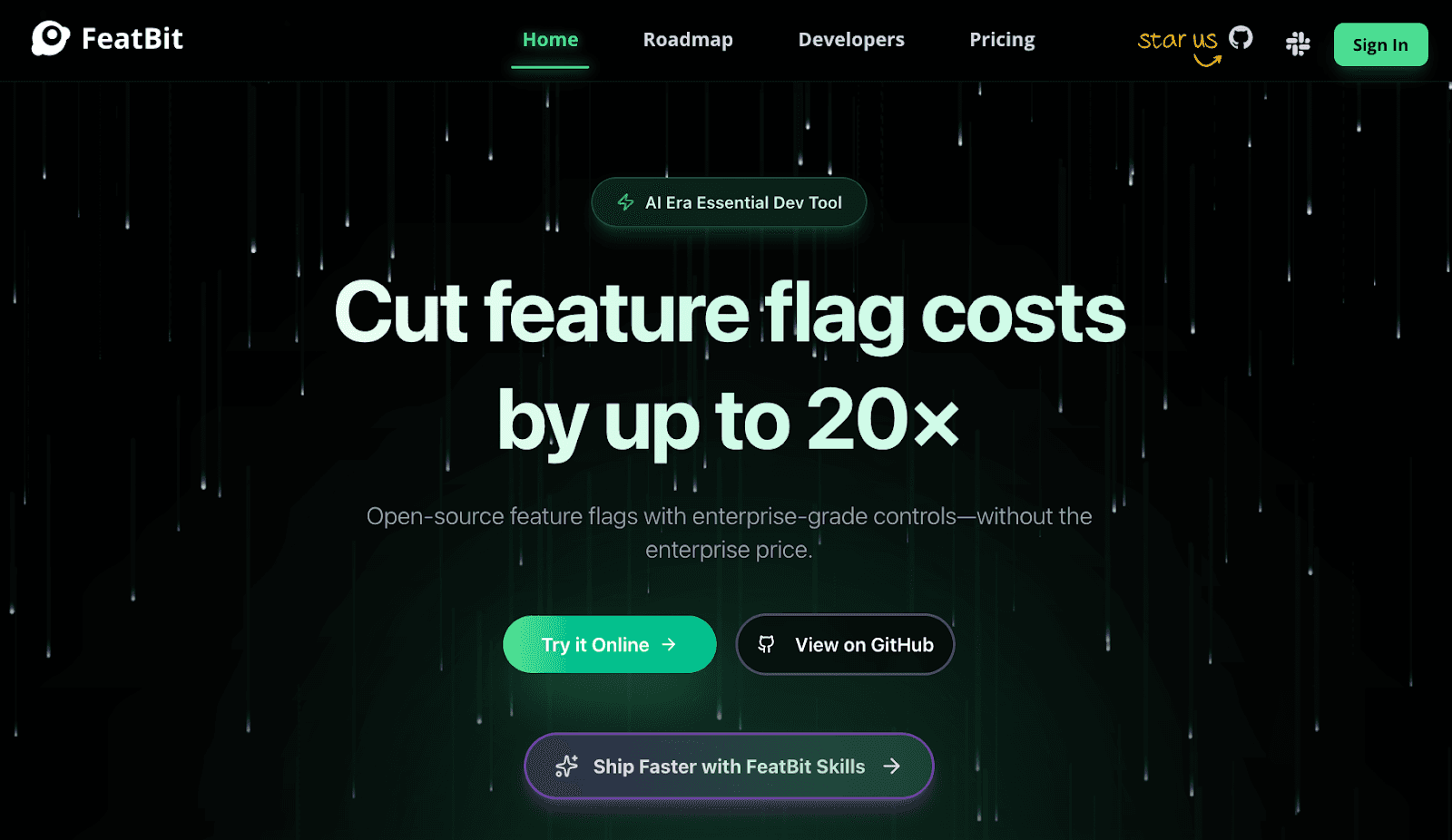
FeatBit is a self-hosted feature flag management platform focused on controlled feature delivery and gradual rollouts.
Teams use FeatBit to manage feature flags, roll out changes by percentage, and target users with rule-based conditions during deployments.
Its open-source core supports teams that want ownership over their feature flag infrastructure without vendor lock-in. Paid plans add governance, workflows, production assistance, and other advanced capabilities.
FeatBit emphasizes release safety and deployment control while also offering A/B testing, experimentation, and flag insights. Its Track Insights API can also collect exposure and outcome data for basic data collection around experiments.
The platform does not evaluate feature access based on plan, usage, or account state. Teams manage those decisions outside the feature flag system.
FeatBit fits teams that want predictable feature rollouts and full control over where feature flag data runs.
Key Features
- Manage feature flags with rule-based targeting
- Gradual rollouts and basic experimentation
- Self-hosted deployment via Docker or Kubernetes
- Open-source core features with optional enterprise controls
- SDKs for common frontend and backend frameworks
Pricing Plans
Cloud
- Free: Core feature flagging for small teams and early-stage use.
- Pro ($49/month): Higher usage limits with added team controls and support.
- Growth ($149/month): More governance and rollout management features for scaling teams.
- Enterprise ($449/month): Expanded controls, collaboration options, and enterprise assistance.
Self-Hosted
- Foundation ($0): Open-source self-hosted deployment with full data ownership.
- Enterprise ($3,999/year): Adds enterprise security, compliance, and dedicated support.
- Enterprise Premium (Custom pricing): Tailored capabilities and dedicated engineering support for larger organizations.
How Do You Choose the Right LaunchDarkly Alternative?
Start by deciding whether you need release control or access control. Some tools focus on safely shipping features. Others help you customize feature values and manage access once features depend on plan, usage, or account state.
Next, look at hosting and deployment. If your team works with sensitive data, you may need an open-source platform or support for private infrastructure instead of a shared SaaS model.
Deployment flexibility becomes important when flags need evaluation inside CI/CD workflows, during continuous integration, or throughout the entire software delivery lifecycle.
Ownership is another factor. Tools built only for engineers often slow marketing and product teams and non-technical users. A user-friendly interface with clear controls helps teams adjust behavior without code changes.
Finally, assess scale and maintainability. Large products need reliable user targeting, the ability to segment users, and enough structure as the platform includes advanced features over time.
A clean model carries more weight than a long feature list, especially when flags start shaping real user experiences and user behavior.
Where Traditional Feature Management Tools Fall Short
Traditional feature management tools like LaunchDarkly work well when feature control centers on deployments and release safety. Additional systems may become necessary once feature flags also carry pricing, usage, or account rules inside the product.
Teams can run into challenges as flags move beyond release control:
- Feature flags are not designed to model plans, software entitlements, limits, trials, credits, or add-ons. Business logic ends up embedded in flag rules.
- Usage-based access breaks down. Flags typically do not track real-time usage, thresholds, or overages at request time.
- Sales-led exceptions become brittle. Overrides, temporary access, and custom contracts require code changes or manual edits.
- Ownership friction increases. Engineering becomes the dependency for changing products, and RevOps needs to make changes quickly.
- Billing and access drift apart. Stripe updates subscriptions while in-product access lags behind billing state.
- Flag sprawl adds risk. Hundreds of flags spread across environments complicate audits, cleanup, and safe rollbacks.
These risks can become costly when configuration problems affect production. New Relic’s study of 1,700 technology professionals found that high-impact outages carry a median cost of $2 million per hour, increasing the cost of misconfigured flags and slow recovery.
Even when flags control access to all the features in a product, they do not automatically provide the metering, billing, and customer controls needed for usage-based pricing.
How Schematic Extends Feature Flags Into Runtime Access
Schematic treats feature flags as access checks instead of release switches. You can evaluate access at request time using subscription status, company context, and other custom attributes as inputs.
Access decisions stay consistent between self-serve signups and sales-led contracts. When a customer upgrades, exceeds a limit, receives an override, or tops up credits, feature access updates immediately inside the product.
Schematic separates release control from commercial access rules. You still ship code through CI pipelines, while entitlements and usage policies determine which features customers can access.
Product and RevOps own pricing changes after implementation. They can adjust limits, credits, trials, add-ons, and feature gates without another code deploy. Engineers don’t have to hardcode pricing logic and exception paths throughout the product.
Schematic is the only usage billing platform with runtime enforcement. Seats, API calls, tokens, and credits count toward limits in real time. Threshold events can trigger in-app warnings, paywalls, or upgrade prompts as customers approach their limits.
Schematic suits software and AI companies that need to sell usage-based plans, meter credits, enforce limits at runtime, and give customers full control over their usage.
Schematic Is the Only Usage Billing Platform With Runtime Access Enforcement
Choosing a LaunchDarkly alternative starts with understanding what you expect feature flags to control in your product.
If your primary goal is release safety, gradual rollouts, and experimentation, tools like Flagsmith, Statsig, Split, Unleash, and ConfigCat focus on feature delivery, targeting, and operational control during deployment.
Some also extend into areas such as warehouse native experiments and warehouse native analysis.
As products become more complex, feature flags often take on a different role. Access starts depending on plan, usage, trials, or contract terms.
Once feature flags move beyond releases, release-focused tools alone can feel stretched because they were not designed to enforce product access at runtime.
Schematic is the complete monetization platform that helps software and AI companies close enterprise accounts. It uses a single flag check to gate features and answers from the same credit ledger that bills.
Schematic provides a unified engine for price modeling, credits, and metering. It can meter events once to power entitlements, invoices, and analytics.
Meanwhile, enterprise credit wallets give enterprise customers real-time visibility into usage, spend forecasts, self-service controls, and configurable spending limits. They prevent runaway bills or unexpected access throttling, making it easier for buyers to trust usage-based pricing.
FAQs About LaunchDarkly Alternatives
What are some good alternatives to LaunchDarkly?
LaunchDarkly alternatives include Schematic, Split, Unleash, Flagsmith, Statsig, ConfigCat, and FeatBit. Some focus on feature delivery and experimentation, while others emphasize self-hosting, deployment flexibility, or usage-based billing and runtime access.
How expensive is LaunchDarkly?
LaunchDarkly ranges from $0 for Developer to usage-based Foundation pricing and custom Enterprise pricing. Foundation starts at $10 per service connection and $8.33 per 1,000 client-side MAUs per month when billed yearly.
Enterprise uses custom pricing and adds advanced user targeting and other controls.
Is LaunchDarkly worth it?
LaunchDarkly is worth it for teams that need advanced feature flagging, experimentation, and enterprise-grade controls at scale. It fits organizations with complex release processes, multiple environments, and strict governance needs.
Teams with simpler rollout requirements or those prioritizing self-hosting, lower cost, or lightweight feature control may find LaunchDarkly alternatives more practical.